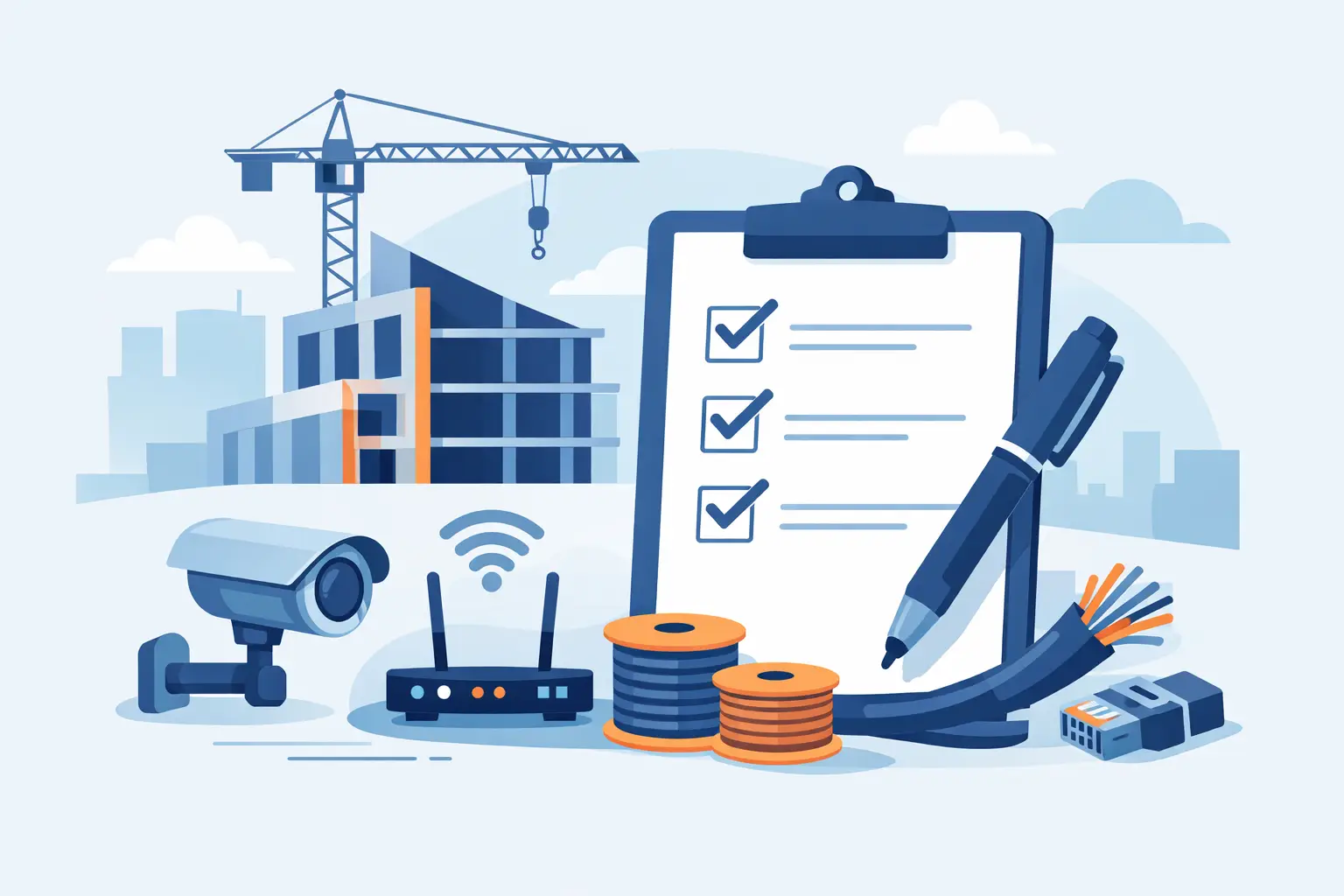
The most expensive technology decisions in a new home are often the ones made after drywall is up. A thoughtful low voltage checklist for new construction gives your builder, electrician, and technology integrator a clear plan while pathways are open, costs are controlled, and every room can be prepared for how the family will actually live.
Low-voltage planning is not about filling a house with gadgets. It is about creating a dependable foundation for strong Wi-Fi, entertainment, lighting control, motorized shades, and convenient everyday control. When the infrastructure is planned early, the finished home feels cleaner, easier to use, and ready to adapt as needs change.
Start the low voltage checklist for new construction early
The best time to begin is during architectural planning, before framing starts. At that point, it is easier to identify equipment locations, confirm wire paths, coordinate with electrical plans, and account for cabinetry, fireplaces, ceiling details, and furniture placement.
A technology walkthrough should happen before rough-in, then again before drywall. Builders benefit because fewer details are left to interpretation. Homeowners benefit because outlets, television locations, speakers, and wireless coverage are designed around real rooms rather than last-minute guesses.
It also helps to think beyond move-in day. A young family may prioritize a strong home office and flexible media spaces now, then add whole-home audio or automated shades later. Running the right wiring and conduit during construction keeps those future choices practical.
Choose a central equipment location
Every connected home needs an organized place for network equipment, wiring terminations, and control hardware. This may be a dedicated technology closet, utility room, conditioned basement area, or another accessible location away from moisture and extreme heat.
Avoid treating this space as an afterthought. A shallow wall cabinet or a crowded mechanical corner can make service difficult and restrict future expansion. Plan for power, ventilation, grounding, adequate wall space, lighting, and a clear working area in front of the equipment.
The location should be central enough to support efficient wire runs, but it does not need to be the center of the home. What matters most is that it remains accessible after move-in and has room for neatly labeled connections. A well-organized equipment area makes troubleshooting and upgrades far simpler years down the road.
Plan wired connectivity before relying on Wi-Fi
Wireless service is essential, but a home performs best when its most demanding devices have a wired path available. Hardwired connections create a stable foundation for televisions, workstations, wireless access points, streaming equipment, and other high-use devices.
For each planned wire location, consider whether the room needs one network cable or several. A home office may need connections for a computer, docking station, printer, and wireless access point. A media wall may need separate runs for a television, streaming device, and future equipment. It is usually more cost-effective to install extra cable during rough-in than to open finished walls later.
Conduit deserves equal consideration. A properly sized, accessible conduit route provides a practical path for future cable replacement or additions. It is especially valuable between the equipment location and a media room, office, attic, or upper floor where future access may be limited.
Build Wi-Fi around the floor plan
Strong Wi-Fi is not created by placing a router on a shelf and hoping for the best. Coverage depends on square footage, floor plan, building materials, outdoor areas, and where people use their devices. Brick, stone, metal, dense tile, and mechanical systems can all affect performance.
Identify ceiling or wall locations for professionally placed wireless access points during planning. These locations should be coordinated with lighting, HVAC registers, and architectural details so they work well without drawing attention. A wired connection at each access-point location gives the wireless network a dependable backbone.
For larger homes, multi-level layouts, finished basements, and outdoor living areas, more than one access point is often appropriate. The goal is not maximum hardware. It is consistent coverage where the household works, streams, calls, and relaxes.
Prepare every entertainment space
Television placement should be decided alongside furniture layouts, not after the room is finished. Confirm the viewing wall, mounting height, power location, network wiring, cable pathways, and where source equipment will live. A clean installation often depends on details as small as a recessed box or a concealed conduit behind the display.
In a dedicated theater or media room, plan speaker locations before insulation and drywall. Ceiling speakers, in-wall speakers, and subwoofer wiring each need thoughtful placement to deliver balanced sound without cluttering the room. The right design depends on room dimensions, seating, ceiling height, and how the space will be used.
Whole-home audio is also easiest to prepare at rough-in. Speaker wire can be run to key spaces such as kitchens, patios, primary bedrooms, and living areas, even if all speakers are not installed immediately. This approach preserves flexibility without forcing every decision upfront.
Include lighting control and motorized shades in the design
Lighting control and motorized window treatments can make a home more comfortable by simplifying routines and reducing the need to adjust individual switches or shades throughout the day. Their success depends on early coordination with the electrical plan, window schedule, trim details, and room design.
For lighting control, identify the rooms and scenes that would make daily life easier. An entry sequence, a relaxed evening setting, or one-touch control for entertaining can be more useful than adding controls everywhere. The design should fit the household, not ask the household to adapt to it.
Motorized shades require equally careful planning. Measure windows accurately, account for trim and recess depth, determine power needs, and consider how fabric selection affects privacy, glare, and room appearance. Prewiring power to shade locations can provide a clean, reliable result, particularly for large windows and hard-to-reach openings.
Coordinate with the builder and trades
Low-voltage work touches many parts of a build, which is why communication matters as much as cable selection. The technology plan should be shared with the builder, electrician, HVAC contractor, cabinet installer, and interior designer when relevant.
Before rough-in, confirm that wire paths will not conflict with ductwork, plumbing, structural beams, or recessed fixtures. Before drywall, verify every cable location, label each run, photograph open walls, and test the wiring. These simple steps prevent avoidable delays and make future service more efficient.
A practical checklist for the final pre-drywall walkthrough includes:
- Equipment location, power, ventilation, and clear access
- Network cables and conduit routes for offices, media walls, and wireless access points
- Television power, mounting support, and concealed cable paths
- Speaker wire locations for entertainment areas and outdoor spaces
- Lighting control coordination with switch locations and room use
- Motorized shade power and mounting preparation
- Labels, cable testing, and photographs of all completed rough-in work
Leave room for changing needs
No checklist can predict every future device or preference, and it should not try to. The goal is to install the infrastructure that gives the home options without adding unnecessary complexity. A modest home with a well-planned network and a few strategic conduit runs may be better prepared than a larger home filled with poorly coordinated technology.
Budget also matters. If priorities need to be phased, start with the central equipment area, structured wiring, Wi-Fi locations, and conduits. Those elements are difficult to add later. Speakers, displays, shades, and control upgrades can often follow when the groundwork is already in place.
For Northeast Ohio builders and homeowners, Tri-County Technology helps turn those early construction conversations into a clean, practical plan that supports the home for years. The right low-voltage preparation should disappear into the walls, leaving behind a home that simply feels more comfortable, connected, and easy to enjoy.


Comments are closed