If your Wi-Fi works perfectly in the kitchen but drops out in the upstairs bedroom or home office, placement is usually the problem – not just the internet service. The best access point placement home strategy is less about adding more hardware and more about putting the right hardware in the right places.
A lot of homeowners assume one router should cover everything. That can work in a small, open floor plan, but many homes are not built that way. Between drywall, brick, HVAC chases, plumbing, appliances, and multiple floors, Wi-Fi has a harder job than most people realize. An access point can solve that, but only if it is positioned with the home itself in mind.
What best access point placement home really means
An access point is there to extend strong Wi-Fi into the places where your main router cannot do the job consistently. The goal is not maximum signal on a speed test in one room. The goal is reliable coverage where people actually use devices – offices, bedrooms, living spaces, patios, and media rooms.
Good placement creates overlap without crowding. That matters because Wi-Fi should feel invisible when it is working well. You should be able to move through the home, stream video, join a call, use smart devices, and control connected systems without thinking about what network node you are attached to.
The best spot is usually central to the area it serves, mounted high enough to avoid furniture and obstructions, and away from materials or devices that interfere with signal. That sounds simple, but real homes add trade-offs.
Why access point placement matters more than people expect
Wi-Fi signal does not travel through every material equally. Standard interior drywall is usually manageable. Brick, concrete, tile, metal framing, mirrors, and large mechanical systems are another story. A beautiful kitchen with stainless appliances and dense walls may be one of the hardest places in the home to serve well.
Then there is how people actually live. A home office may need stable video calls all day. A basement theater may need consistent streaming. Outdoor living spaces increasingly need strong coverage for speakers, TVs, security cameras, and phones. If placement is based only on where it is easiest to install equipment, those experience gaps tend to show up quickly.
This is why professionally planned Wi-Fi often feels better even when the internet package stays the same. It is not just bandwidth. It is coverage design.
Start with the areas that matter most
Before picking a mounting spot, think about where dependable Wi-Fi matters every day. For most homes, that includes the primary living area, bedrooms, office spaces, and any zone with a concentration of smart devices. In some homes, a detached garage, finished basement, or covered patio should be treated as a priority area too.
This is where homeowners sometimes make a common mistake. They place the access point where wiring is convenient, often in a utility room or tucked into a corner. That can keep the hardware out of sight, but it also keeps the signal boxed in. Clean installation matters, but hidden should not come at the expense of performance.
A better approach is to identify the center of use, not just the center of the floor plan. In a long ranch home, that may mean one access point near the bedroom wing and another near the main living area. In a two-story home, it may mean one unit per level, placed to support the rooms with the highest daily demand.
The best places to mount an access point
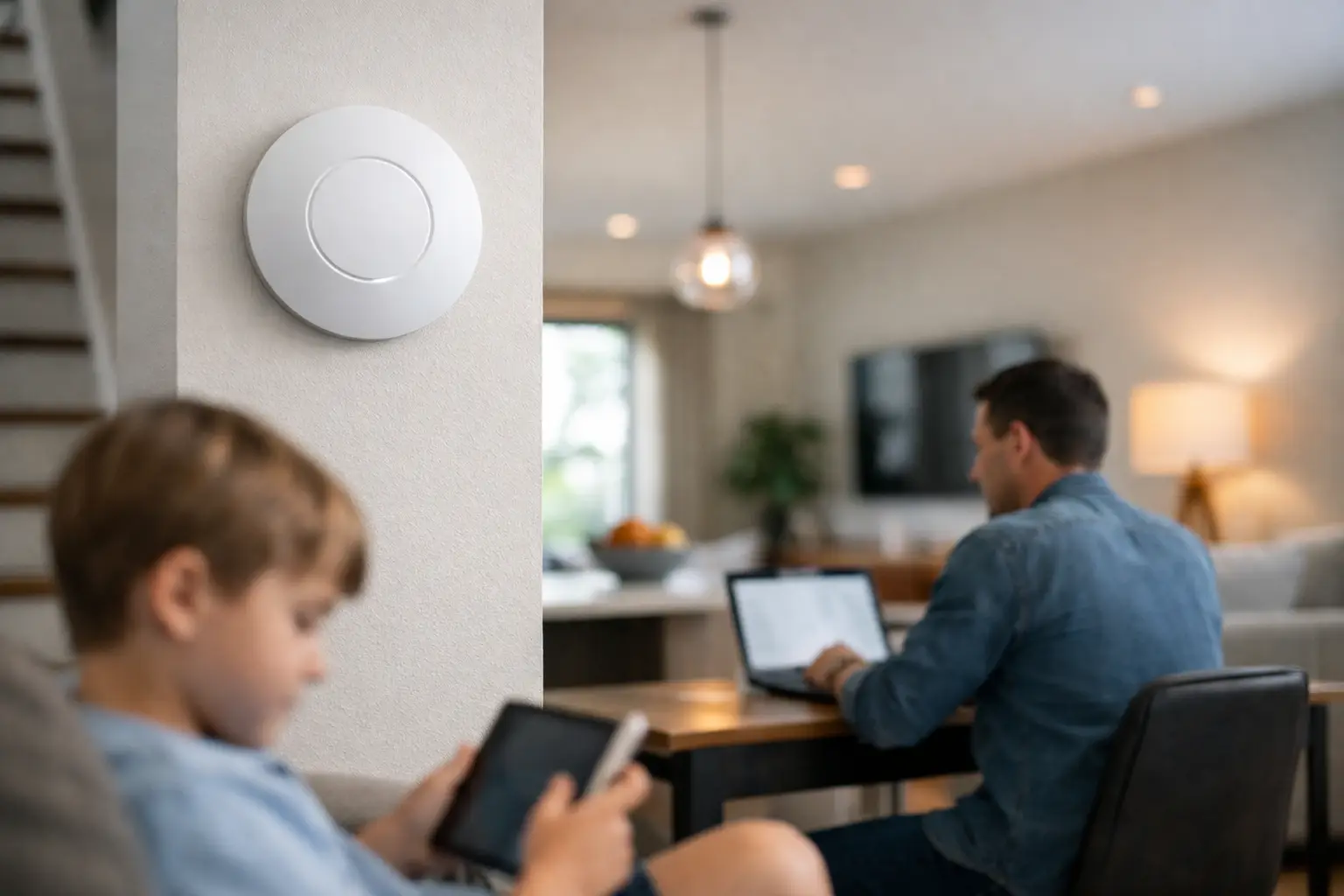
Ceilings are often the best option. Ceiling-mounted access points can broadcast more evenly across open space and stay clear of furniture, shelving, and people. They also tend to fit the clean, low-profile look many homeowners want.
High wall placement can work well too, especially in retrofit projects where ceiling access is limited. What matters is keeping the device out in the open as much as possible. Inside a cabinet, behind a television, or in a structured wiring panel is rarely ideal.
If the home has multiple floors, avoid stacking access points directly on top of each other unless the design specifically calls for it. That can create unnecessary overlap in one zone while leaving another area underserved. It is usually better to place them where each unit is responsible for a defined section of the home.
For outdoor coverage, an indoor access point pointed toward a patio sometimes works, but not always. Exterior walls, glass coatings, masonry, and metal can weaken signal more than expected. If outdoor performance matters, a properly rated outdoor access point in the right location is usually the better answer.
Where not to put an access point
Placement mistakes are surprisingly predictable. Utility closets, basements under concrete, media cabinets, and corners of the house are common examples. These spaces are convenient for installers who are thinking only about wiring, but not for homeowners who need consistent performance.
Avoid placing access points near large metal objects, microwave ovens, electrical panels, or dense plumbing walls when possible. These can interfere with or absorb signal. The same goes for spots directly next to major electronics stacks, which can create noise and reduce efficiency.
Another issue is going too low. An access point placed behind furniture or near the floor often has to fight through the room before the signal even gets started. Higher placement generally gives it a clearer path.
One access point or several?
It depends on the size and construction of the home. A modest one-story house with an open layout may only need one well-placed access point in addition to the main router. A larger home with multiple levels and denser materials will often need two or more.
More is not always better. Too many poorly placed access points can create interference and handoff problems. Too few can leave weak spots that frustrate everyone using the network. The right number depends on square footage, building materials, device count, and how each space is used.
This is especially true in newer homes filled with connected devices. Smart TVs, thermostats, cameras, speakers, tablets, gaming systems, and appliances all share airtime. The network should be designed for the way the home functions now, not just for a laptop speed test in one room.
Placement changes for new builds and retrofit homes
New construction gives you the cleanest options. Wiring can be planned before drywall, access points can be centered properly, and coverage can be designed alongside audio, security, and entertainment systems. That usually leads to the best visual result and the most dependable performance.
Retrofit homes need a little more creativity. Sometimes the ideal location is not easy to wire without opening finished walls or ceilings. In those cases, a good design balances performance, aesthetics, and installation practicality. High wall placement, strategic hallway locations, and selective use of existing pathways can all help.
Older homes in parts of Northeast Ohio can add another challenge because plaster, masonry, and additions built over time often create uneven signal behavior. On paper, a floor plan may look straightforward. In practice, one room can behave very differently than the room next to it.
Placement should match how you use your home
A strong Wi-Fi design supports daily routines quietly. That means the best access point placement home plan is not just about technical coverage maps. It should reflect where people wake up, work, stream, study, and relax.
If your family spends evenings in a great room with streaming video, music, and smart lighting scenes, that area deserves excellent coverage. If a bedroom over the garage is now a full-time office, that room should be treated like a priority workspace, not an afterthought. If you want dependable service by the pool or on the back patio, that should be part of the design from the start.
This is also why quick fixes do not always hold up. Range extenders and improvised equipment placement can help in a pinch, but they often add inconsistency, visible clutter, and extra troubleshooting. A more deliberate access point layout tends to feel simpler because it is.
When professional placement makes sense
If you are dealing with dead zones, buffering, dropped calls, or smart devices that randomly go offline, placement deserves a closer look. The issue may not be your provider. It may be that the Wi-Fi has never been distributed properly throughout the house.
A professionally planned system takes into account floor plan, materials, device density, and the way people move through the home. It also avoids the common trap of overbuilding one area while leaving another untouched. For homeowners who want technology to work quietly in the background, that kind of planning saves time and frustration.
The best setup is the one you do not have to think about. When access points are placed correctly, the network feels steady, simple, and ready for everyday life – which is exactly how home technology should feel.


Comments are closed