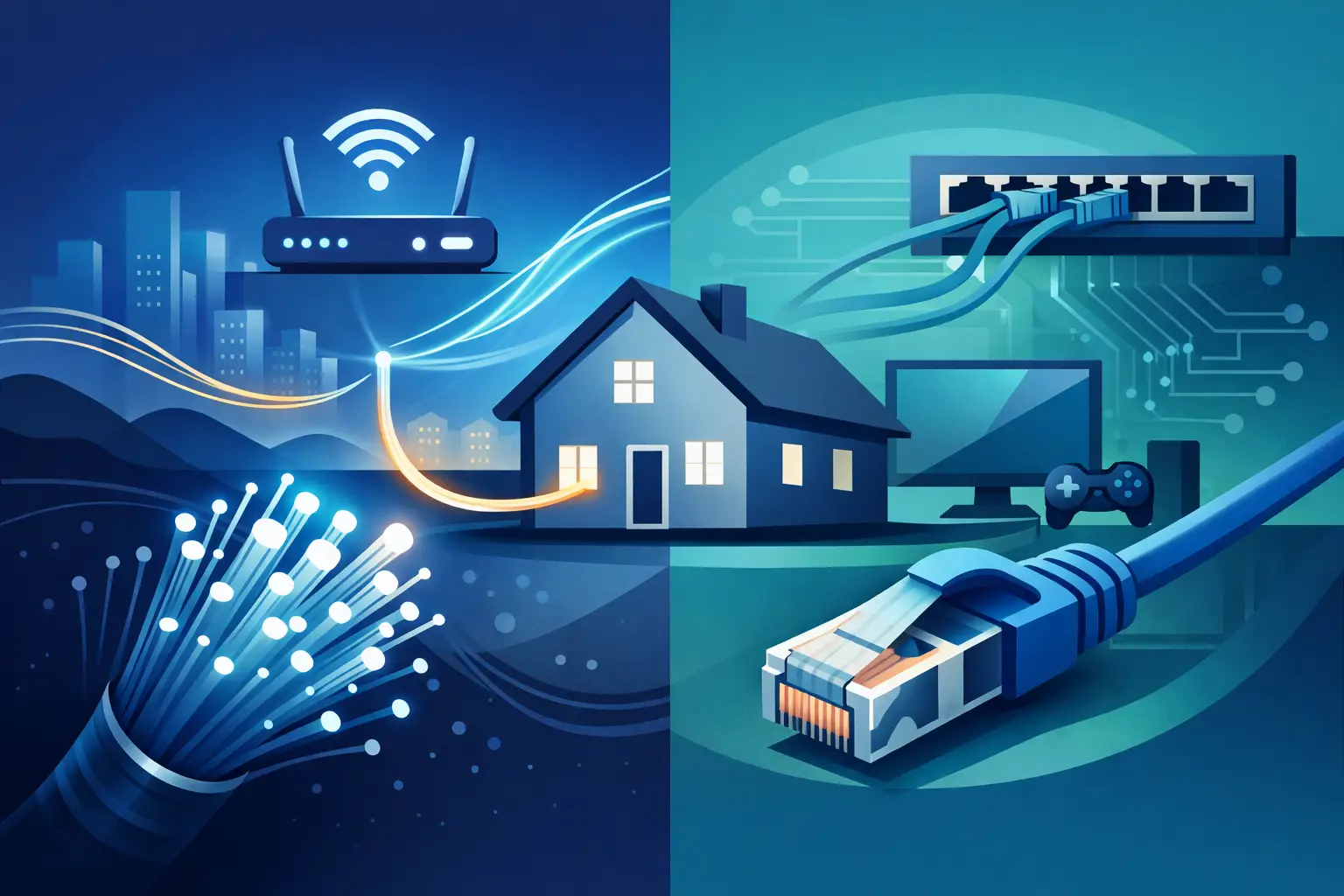
A fast fiber plan can bring impressive speed to the house, yet a video call may still freeze in the upstairs office or a smart TV may buffer in the basement. That is why fiber internet vs ethernet wiring is not an either-or decision for most homes. Fiber delivers the connection from your internet provider. Ethernet wiring distributes that connection reliably to the places where your family lives, works, and relaxes.
For a new build or a major renovation, understanding the distinction before drywall goes up can prevent years of Wi-Fi workarounds, visible cables, and frustrating dead zones. The best network feels simple from the homeowner’s point of view because the infrastructure behind it was planned with care.
Fiber Internet vs Ethernet Wiring: The Core Difference
Fiber internet is the service entering your property from an internet service provider. It sends data as pulses of light through fiber-optic cable. Depending on the available plan, fiber can provide very high download and upload speeds, low latency, and the capacity to support many connected devices at once.
Ethernet is the wired network inside the building. It typically uses Category cable, such as Cat6 or Cat6A, to carry data from a router or network switch to wall locations throughout the home. Those runs may serve computers, TVs, wireless access points, streaming equipment, gaming systems, and other fixed devices.
Think of fiber as the main road that reaches your driveway. Ethernet wiring is the well-designed network of streets inside the neighborhood. A faster road to the property cannot solve a traffic problem caused by a missing street inside it.
The two technologies work together. Fiber service usually terminates at an optical network terminal, often called an ONT. From there, an Ethernet connection feeds the router and network switch. The switch then sends that connection over dedicated cable runs to the rooms and systems that need it.
Why Fast Internet Alone Does Not Guarantee a Better Experience
Many homes depend almost entirely on Wi-Fi. Wireless service is convenient and essential, but it has physical limits. Walls, floors, metal ductwork, stone, appliances, and distance all affect signal quality. The more devices sharing the same wireless space, the more carefully the network must be designed.
This is especially noticeable in larger homes, renovated homes with dense building materials, and properties where the internet equipment is tucked into a utility room at one end of the house. Even with excellent fiber service, a single consumer router may not provide consistent coverage everywhere it matters.
Ethernet wiring creates dependable connection points where they are most useful. A wired connection to a TV can reduce buffering and free up wireless capacity. A wired connection to a desktop computer provides more consistent performance for remote work. Most importantly, Ethernet can feed properly placed wireless access points, giving phones, tablets, and laptops stronger Wi-Fi without relying on a string of plug-in extenders.
This approach keeps Wi-Fi convenient while giving it a solid wired foundation.
What Fiber Is Best For
Fiber is an excellent choice when it is available at your address and the household needs substantial bandwidth. It is particularly valuable for homes with multiple people working remotely, frequent video calls, high-resolution streaming, online gaming, cloud backups, and a growing number of connected devices.
Upload speed is one of fiber’s practical advantages. Cable internet plans often offer much faster downloads than uploads, while many fiber plans provide similar speeds in both directions. That difference can be meaningful when someone is sending large files, participating in video meetings, or backing up photos and documents to the cloud.
Still, purchasing the fastest available plan is not always the answer. A small household with modest streaming and browsing needs may see little daily benefit from a premium multi-gigabit service. The right plan depends on usage, the number of people in the home, and whether the rest of the network can support those speeds.
A multi-gig fiber connection connected to older equipment or limited Wi-Fi coverage will not deliver its full value. The service at the curb and the network inside the walls should be considered as one system.
What Ethernet Wiring Is Best For
Ethernet is the right choice for devices and locations where consistency matters more than mobility. It is also the preferred backbone for a thoughtfully designed whole-home Wi-Fi system.
A structured wiring plan usually brings home-run cables from key rooms back to a central equipment location. This organized layout makes troubleshooting easier, simplifies future upgrades, and avoids the clutter of networking gear scattered around the house.
For most homes, Cat6 cable is a practical, capable choice. It supports gigabit networking and can support higher speeds over appropriate distances. Cat6A may be worthwhile in larger projects, homes expected to use multi-gigabit equipment, or locations where long-term flexibility is a priority. The best choice is not simply the highest category cable available. Cable type, run length, installation quality, termination, equipment, and the home’s future plans all matter.
Ethernet can also provide power along with data through Power over Ethernet, or PoE. That can simplify the placement of wireless access points and certain connected devices because they may need only one low-voltage cable rather than a nearby electrical outlet. Clean planning allows technology to stay out of sight while remaining easy to service.
Rooms That Commonly Benefit From Ethernet
A wired jack is especially useful at a home office, media room, TV location, gaming area, and any place where a wireless access point may be installed. Builders should also consider flexible locations that may change use over time. Today’s sitting room may become tomorrow’s office, study space, or entertainment area.
It is often wise to run cable to the ceiling or a high wall location for access points rather than placing all networking equipment behind furniture. Proper placement improves coverage and helps the network blend naturally into the home.
When Wi-Fi Is Enough and When It Is Not
Not every device needs an Ethernet cable. Phones, tablets, watches, and many portable devices are designed to move with you, so Wi-Fi is the natural choice. A well-planned wireless network can serve those devices very well.
The question is whether Wi-Fi is being asked to carry every task in the home with no support. If the network is only reliable when everyone stays close to one router, the issue is usually coverage design, not the fiber plan.
Wireless mesh kits can be helpful in some existing homes, particularly when running cable is not practical. However, mesh units that communicate wirelessly with one another must share airspace with the devices they serve. Their performance can vary by layout and construction. Wiring the access points back to the network switch, sometimes called a wired backhaul, is generally the more dependable approach.
For a retrofit, the right answer may be a blend of new Ethernet runs in high-priority areas and carefully placed Wi-Fi equipment elsewhere. A professional site review can identify where wiring will produce the greatest day-to-day improvement without turning a renovation into a larger project than necessary.
Planning Ethernet Wiring in a New Build
New construction is the best time to install low-voltage wiring because walls and ceilings are open. The incremental cost of running cable during this stage is usually far lower than opening finished surfaces later.
Start with lifestyle, not just a device list. Consider where people will work, watch, play, and gather. Think about where the internet service enters the home and choose a central, accessible location for the network equipment. That location needs adequate space, ventilation, power, and a clean path for incoming service and future cable runs.
A useful plan also leaves room for change. Technology moves quickly, but well-installed cable has a long service life. Extra conduit or pull strings to difficult areas can make later upgrades much easier. Additional cable runs to a few strategic locations may cost little during construction and provide welcome flexibility years later.
Avoid placing the central network equipment in a cramped closet with no ventilation or in a remote corner that makes service difficult. A clean structured wiring enclosure or dedicated equipment area makes it easier to label connections, manage cables, and support the system over time.
The Equipment Between Fiber and Your Devices
The network hardware matters as much as the cabling. After the fiber provider’s ONT, a home may use a router, a managed network switch, and one or more wireless access points. Each component has a different job.
The router manages the connection between the home network and the internet. The switch expands the number of wired connections. Wireless access points provide Wi-Fi in the places people actually use it. In a larger home, relying on a single all-in-one router to do every job can create limitations in both coverage and performance.
Equipment should be selected for the home’s size, internet plan, number of devices, and expected use. If a homeowner pays for multi-gig fiber, the router, switch, access points, and Ethernet ports must be capable of handling those speeds. Otherwise, a slower component becomes the bottleneck.
Professional installation also brings practical benefits that are easy to overlook: clear labeling, clean cable management, thoughtful equipment placement, and support when something changes. Those details turn a collection of devices into a network that is easier to live with.
Choose the Connection Plan That Fits the Home
Fiber internet and Ethernet wiring solve different problems, and a strong home network usually needs both. Fiber gives the property capacity to connect to the outside world. Ethernet gives that capacity a reliable path to the rooms, access points, and devices that depend on it.
Before the walls close or the next renovation begins, plan for where life will happen in the home, not just where equipment sits today. A few well-chosen wired connections can make everyday technology feel quieter, more dependable, and far less demanding of your attention.


Comments are closed