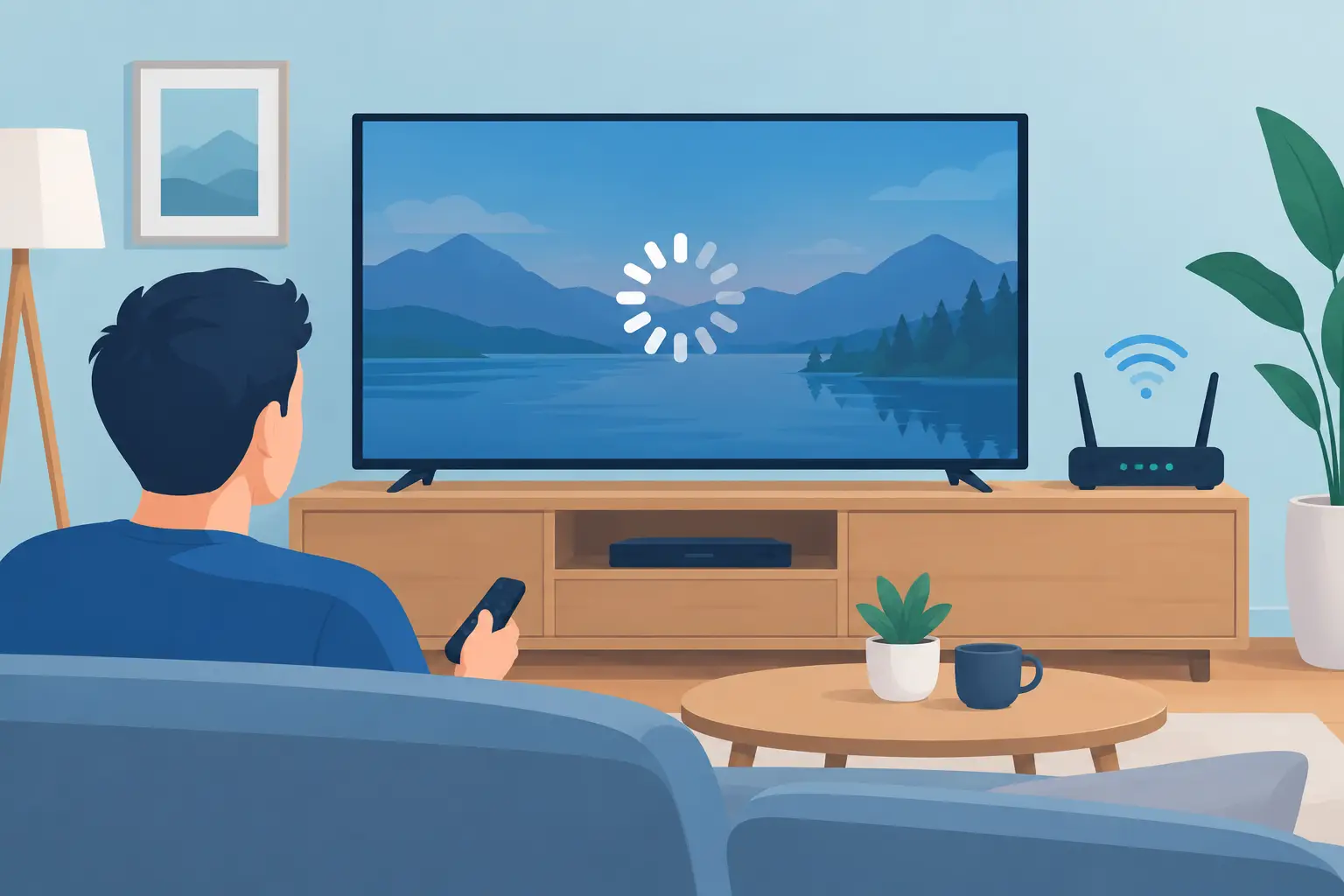
A movie pauses at the best part, the spinning circle appears, and the room goes quiet while everyone waits for the picture to return. If you have asked, why does TV buffering occur, the answer is usually not the TV alone. Buffering happens when your streaming device receives video data more slowly than it can play it. The real cause may be your internet connection, Wi-Fi coverage, home network equipment, the streaming service, or a combination of all four.
The good news is that buffering is often solvable. The key is to identify where the delay begins rather than replacing equipment at random.
What Buffering Actually Means
Streaming video does not arrive all at once. Your TV, streaming box, or media player downloads a small amount of the program ahead of what you are watching. That stored video is called a buffer. It gives your system a cushion when internet speeds vary slightly.
When that cushion runs out, playback stops until more video arrives. A brief pause once in a while may simply reflect a momentary change in network traffic. Repeated pauses, blurry picture quality, or programs that fail to start point to a larger issue.
Modern services adjust video quality automatically to keep a show playing. That is why a program may look soft or blocky before it stops entirely. The service is lowering the amount of data it needs in an effort to avoid buffering.
Why Does TV Buffering Occur in a Well-Connected Home?
A speed test can show excellent results while one television still buffers. That is because internet speed and in-home Wi-Fi performance are related, but they are not the same thing.
Your internet provider delivers a connection to your home. From there, your modem, router, switches, wiring, and wireless access points distribute it to every device. A weak point anywhere along that path can affect the viewing experience in a particular room.
The Internet Plan Is Not Keeping Up
Video resolution matters. Standard-definition streaming uses relatively little bandwidth, while 4K programming can require 15 to 25 Mbps per stream, sometimes more. If several people are watching video, gaming, participating in video calls, downloading large files, or backing up photos at the same time, a modest internet plan can become crowded.
It also depends on the quality of service delivered at your home. A plan advertised at a certain speed may perform differently during peak evening hours, after a weather-related outage, or when the connection itself has a problem. Testing speed near the router and then testing again at the buffering TV can help separate a provider issue from a home-network issue.
Wi-Fi Signal Is Weak or Interrupted
Wi-Fi is radio communication, and walls, floors, brick, metal, mirrors, appliances, and even water can weaken it. A television in a basement, over a garage, at the far end of a large home, or behind dense materials may receive an inconsistent signal even when a phone works reasonably well nearby.
Distance is only part of the story. Wireless networks can also compete with neighboring Wi-Fi signals, cordless devices, and other electronics. Older routers may struggle to manage many connected devices at once. In a home with smart thermostats, speakers, tablets, laptops, cameras, and streaming displays, that traffic adds up.
A mesh system can improve coverage in some homes, but placement is critical. Adding nodes without a plan can create another layer of wireless traffic rather than a stronger connection. For high-use entertainment spaces, a wired network connection is often the most dependable option.
The Router or Streaming Device Is Overworked
A router is the traffic manager for your home network. Equipment that is outdated, poorly located, or overloaded can create slowdowns even when the internet service is adequate. A router tucked inside a cabinet, placed in a mechanical room, or installed at one end of the house may not serve the home evenly.
Streaming devices can also cause trouble. An older smart TV may have limited processing power or aging Wi-Fi hardware. Its software may need an update, or the streaming app may need to be restarted. A dedicated streaming device connected to the TV can sometimes perform better, but it will not correct a weak network by itself.
Before buying anything new, restart the modem, router, and streaming device. This simple step can clear temporary issues. If the problem returns regularly, the system needs a closer look.
The Streaming Service Has a Problem
Not every buffering issue starts inside the home. A streaming platform can experience a regional outage, heavy demand during a major live event, or a problem with a particular program. If every device in the house works well except one service, the provider may be the source.
Try another app or a different title. If the second service plays normally, check for service notices, update the original app, and sign out and back in if needed. If all services struggle on the same television, focus on that device’s connection instead.
A Practical Way to Find the Cause
Start with the pattern. Does buffering happen on one TV or every screen? Is it worse at a certain time of day? Does it occur only with live sports, only in 4K, or only when several people are home? Those details narrow the diagnosis quickly.
Then try a wired connection if one is available. Connect the TV or streaming device directly to the network with an Ethernet cable and test the same content again. If buffering stops, the internet service is likely fine and the wireless connection in that area needs improvement.
Next, test another device in the same room. If a phone, tablet, and TV all struggle there, coverage is the likely concern. If only the TV struggles, look at its app, software, Wi-Fi settings, or hardware. Move the router only as a temporary test. A better result from a more central, open location is useful evidence that placement matters.
Avoid judging performance from a single speed test. Run several tests at different times, particularly when the problem is happening. More useful than the highest result is consistency. A connection that briefly reaches a high number but repeatedly drops can still make streaming frustrating.
Fixes That Deliver More Reliable Viewing
Some solutions are simple. Update your router firmware, TV software, and streaming apps. Restart equipment occasionally, especially after an outage. Make sure the TV is connected to the preferred network rather than an old guest network or a weaker 2.4 GHz band when 5 GHz coverage is strong enough.
For a longer-term improvement, consider how the home is used. A small home with one or two streaming displays may benefit from a well-placed current-generation router. A larger home, a new build, or a renovation with several entertainment zones often benefits from professionally planned Wi-Fi coverage and structured wiring.
Hardwired connections are especially worthwhile for stationary equipment such as televisions, media players, game consoles, and theater components. They reduce the variability of wireless communication and leave more Wi-Fi capacity for mobile devices. This approach also keeps the installation clean, with equipment placed where it performs best rather than where it is easiest to plug in.
It is also worth checking your internet plan against real household demand. Upgrading speed can help when the service is genuinely undersized. But paying for a faster plan will not fix a weak signal on the other side of the house, an aging router, or poor equipment placement.
When a Professional Network Assessment Makes Sense
If buffering persists after basic troubleshooting, especially in a larger or recently renovated home, the issue may be in the network design rather than one device. Dead zones, inconsistent handoffs between access points, crowded wireless channels, and insufficient wiring can be difficult to identify from a consumer app.
A professional assessment looks at the whole path: incoming service, network equipment, Wi-Fi coverage, wired connections, and the way entertainment systems are installed. The goal is not to fill the house with more gadgets. It is to create a network that supports the way people actually live, whether that means a quiet weeknight show or a busy house full of connected devices.
A television should fade into the background once the program starts. When buffering becomes routine, a measured diagnosis can replace trial and error with a viewing experience that simply works when the family settles in.


No responses yet