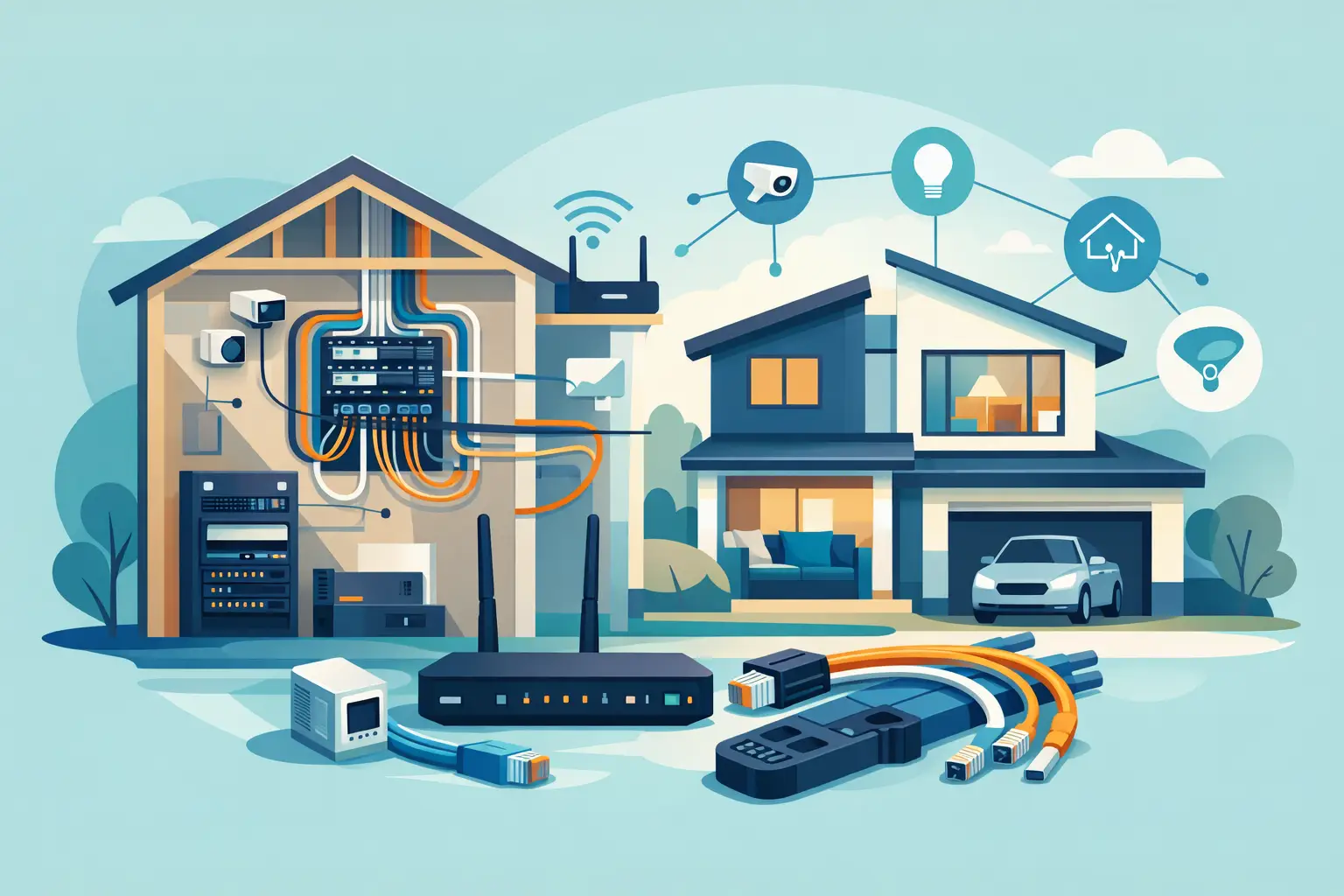
A well-planned home can still feel frustrating if the Wi-Fi fades in bedrooms, televisions rely on visible cables, or a future upgrade means cutting into finished drywall. This structured wiring new build example shows how a modest amount of planning during construction can create a cleaner, more dependable technology foundation for years to come.
The goal is not to fill a house with gear. It is to place the right pathways and connections behind the walls while they are open, so the finished home stays comfortable, uncluttered, and easy to use.
What Structured Wiring Does in a New Home
Structured wiring is the organized network of low-voltage cabling that supports a home’s connected systems. It typically begins in one central equipment location and runs to the places where technology will live: television walls, Wi-Fi access point locations, offices, bedrooms, audio zones, window treatments, and exterior areas.
Think of it as the home’s technology infrastructure. A wireless device may be convenient, but it still depends on a solid wired backbone. Proper cabling gives Wi-Fi equipment a better connection, provides dependable hardwired options for fixed devices, and leaves room to add features without major disruption later.
For custom builders, the value is coordination. When low-voltage planning happens before insulation and drywall, cable routes can be clean, equipment can have a proper home, and the homeowner receives a finished space that looks intentional rather than patched together.
A Structured Wiring New Build Example
Consider a 3,200-square-foot two-story home with a finished basement, a home office, an open kitchen and great room, four bedrooms, and a covered patio. The homeowners want strong Wi-Fi, several television locations, whole-home audio in the main living areas, motorized shades in selected rooms, and the flexibility to expand later.
The structured wiring plan begins with a dedicated technology closet near the center of the home. It is not a tiny space under the stairs packed with electrical panels and cleaning supplies. It is a ventilated, accessible location with power, lighting, a grounded equipment rack or wall-mount enclosure, and enough working room for service. This is where the internet connection, network equipment, audio components, and cable terminations can be organized.
From that central point, Cat6 cable runs to each planned television location. A great room TV wall receives multiple runs, not just one. One cable can support the television connection, while another provides flexibility for a streaming device, audio component, or future equipment. The primary bedroom, basement media area, office, and patio TV location receive the same consideration based on how the family expects to use each space.
The plan also includes ceiling-mounted Wi-Fi access point locations on both floors and in the basement. Each location gets a dedicated Cat6 run back to the technology closet. This allows professional-grade Wi-Fi equipment to be placed where coverage is needed instead of relying on a router hidden in a corner of the house.
In the home office, two Cat6 lines serve the desk area. One can be used for a computer or docking station, and the other is available for a printer, phone system, or changing work needs. Bedrooms receive at least one Cat6 line at the most likely TV or desk wall. The builder and homeowner may decide not to activate every connection on day one, but installing the cable during construction is far less costly than adding it after move-in.
The great room, kitchen, primary suite, basement, and patio receive speaker wiring for whole-home audio. The homeowner may start with only the great room and patio active. The other zones remain ready when the timing or budget makes sense. This is a practical example of planning for flexibility without requiring every feature to be installed immediately.
Motorized window treatment wiring is run to selected windows before trim and finishes are complete. In rooms with tall, hard-to-reach windows or frequent sunlight exposure, prewiring avoids the need to depend solely on batteries later. The result is cleaner installation and more consistent day-to-day operation.
Finally, conduit is added from the technology closet to the attic and basement, with a route toward the exterior service entry. Conduit is inexpensive during framing and valuable when new cable types, service changes, or future technology needs arise. It is the quiet insurance policy of a well-designed new build.
Why More Than One Cable Run Matters
A common mistake is treating every room the same. A guest bedroom with one possible TV location may need only a basic connection. A great room wall that will anchor entertainment, audio, and family gatherings deserves more planning.
Multiple cable runs do not mean the homeowner must buy more equipment. They provide options. If a television moves, a cabinet is added, or the family changes how it uses the room, the infrastructure is already there. The extra cable cost during construction is usually small compared with opening walls later.
The same principle applies to conduit. Not every wall needs it. It is most useful at difficult routes, major TV locations, the office, and any area likely to change over time. Good design is not about adding cable everywhere without purpose. It is about knowing where adaptability will matter.
The Equipment Closet Deserves Real Planning
The central technology location can determine whether the system stays easy to support or becomes a tangled source of frustration. It should have reliable power, ventilation, and a clear path for incoming service. It should also be accessible without requiring someone to move furniture or climb into an unfinished crawl space.
Avoid placing network equipment in a crowded laundry room, a hot mechanical space, or inside a small metal enclosure with no room for growth. These locations can create heat issues, weak wireless performance, and difficult service calls.
A properly planned closet keeps cables labeled, equipment protected, and updates straightforward. It also supports a cleaner finished home because modems, network switches, and power supplies do not need to sit in open view behind a television or on a desk.
Work From the Floor Plan, Not a Generic Package
The best wiring plan starts with how the house will actually be lived in. During the design conversation, identify where people will work, watch television, listen to music, charge devices, and spend time outdoors. Ask whether the basement will be finished now or later, whether a guest room may become an office, and whether the homeowners expect to age in place.
A generic package can be a useful starting point, but it should not replace a room-by-room review. A family that streams in every bedroom has different needs from a homeowner who primarily uses one media space. A large home with stone, concrete, or dense insulation may need more intentional Wi-Fi placement than a smaller open-concept layout.
For builders, early coordination also prevents conflicts with HVAC, plumbing, framing, and electrical work. Low-voltage wiring should be routed carefully, protected from damage, and documented before the walls are closed. Clear labeling and photographs of cable paths can make future service much easier.
A Practical Budget Approach
If the budget needs to be phased, prioritize the infrastructure first. Run the network cable, speaker wire, shade wire, and conduit while access is easy. Equipment such as additional audio components, upgraded Wi-Fi hardware, or extra television connections can often be added later.
The choices depend on the home, but a sensible first phase usually includes the equipment location, wired Wi-Fi access point locations, key television walls, office connections, and pathways for future expansion. These decisions protect the home from expensive retrofit work and give the homeowner control over when to add features.
Tri-County Technology helps builders and homeowners translate these choices into a clear plan that fits the home rather than forcing the home to fit the technology. The finished experience should feel simple: strong connectivity where it is needed, clean walls, and systems that work quietly in the background.
Before framing moves too far ahead, walk the home on paper and picture an ordinary Saturday morning. Where will the laptop go, where will the family gather, and which rooms should be ready for whatever comes next? Those answers are the best place to start.


Comments are closed