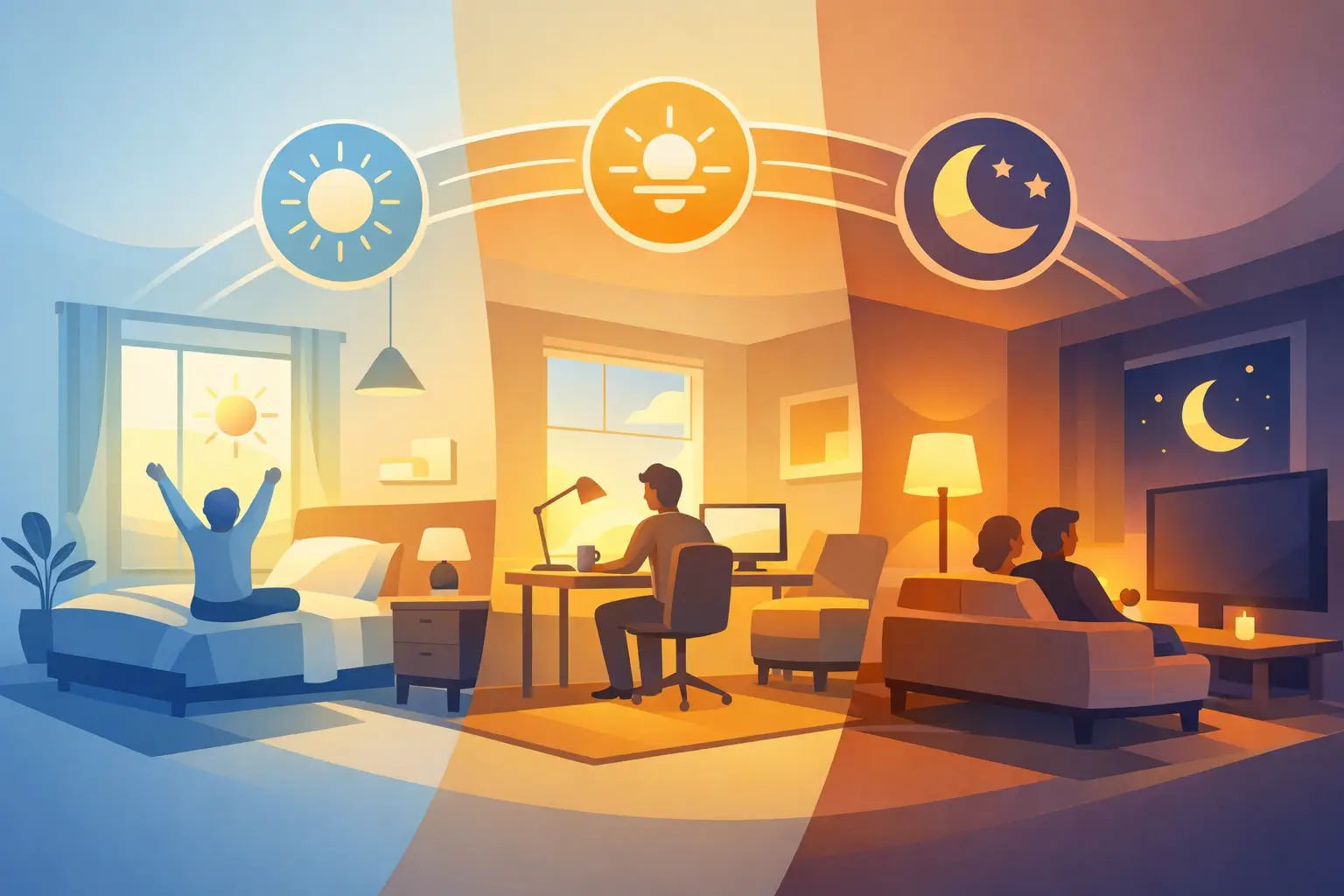
A well-programmed lighting scene does more than turn lights on. It sets the right level of light for the moment, whether you are making coffee before sunrise, hosting friends for dinner, or winding down with a book. Learning how to program lighting scenes starts with a simple shift in thinking: plan around the way your household actually lives, not around individual switches.
A scene combines several lights into one purposeful setting. One button, keypad command, app selection, or voice command can adjust brightness throughout a room or across the home. The result is less time walking from switch to switch and more comfortable, consistent lighting where it matters.
Start With Moments, Not Rooms
Many homeowners begin by naming scenes after rooms: Kitchen, Living Room, Hallway. Those labels can be useful, but they do not explain what the lighting should do. A better approach is to identify the activities that happen in those spaces.
Think about the repeated moments in your day. The kitchen may need bright, clear light for breakfast and meal preparation, softer light for a late-night glass of water, and a warm setting for entertaining. The same fixtures can support all three experiences without anyone needing to adjust multiple dimmers.
Before programming anything, walk through your home at different times of day. Notice where light feels harsh, where it feels too dim, and which lights get turned on together. This small amount of observation prevents a common mistake: creating scenes that look impressive in theory but never get used.
For most homes, the first useful scenes are tied to routines such as:
- Morning, for a gentle start with enough light to get ready
- Cooking, for bright task lighting at counters and islands
- Dining or Entertain, for a warmer, more relaxed atmosphere
- Evening, for comfortable light without the full brightness of the day
- Bedtime, for low-level paths through bedrooms, bathrooms, and hallways
You do not need every possible variation on day one. A handful of scenes used every day is more valuable than a long menu of options no one remembers.
How to Program Lighting Scenes Step by Step
The exact programming process depends on the lighting control equipment in your home. Some systems use wall keypads, while others use an app, a touchscreen, or a connected home control platform. The principles remain the same.
1. Choose the lights each scene should control
Start by deciding which fixtures belong together. In an open kitchen and family room, for example, recessed lights, pendants, under-cabinet lighting, and decorative lamps may all be part of one scene. That does not mean every fixture should be at the same level.
A good scene gives each light a job. Recessed fixtures may provide general light, pendants may define the island, and under-cabinet fixtures may create a softer evening glow. Grouping them under one command makes the room easy to use while retaining the layered look that makes it feel finished.
2. Set levels based on real use
Turn on the selected lights and adjust each one until the room feels right for the activity. Brightness percentages are helpful, but they are not universal rules. A 70 percent setting may be perfect in one room and overly bright in another, depending on fixture type, bulb output, wall colors, window light, and ceiling height.
For a cooking scene, counter lighting may be near full brightness while decorative lighting sits lower. For a movie or evening scene, the overhead lights may be off or very low, with accent and pathway lighting left on. The goal is not to make every source visible. It is to make the room feel useful and comfortable.
If your fixtures support adjustable color temperature, keep daily scenes natural and consistent. Cooler white light can feel alert and practical in the morning or at work areas. Warmer light is usually more comfortable for meals and nighttime routines. Avoid extreme color changes unless there is a specific reason for them. The best scenes should feel intentional, not theatrical.
3. Add a sensible fade time
A scene should not always snap instantly from one level to another. A short fade makes the change feel calmer and easier on the eyes. For most everyday scenes, a fade of one to three seconds works well.
Longer fades can be useful for an evening or bedtime scene, when the household is settling in. Shorter changes may make more sense in a utility area where immediate visibility is the priority. It depends on the room and the purpose of the scene.
4. Give the scene a clear name
Name scenes by what they do. “Dinner,” “Goodnight,” and “Clean Up” are easier to understand than vague labels such as “Scene 2” or “Preset B.” Clear names make the system approachable for family members, guests, and anyone helping manage the property.
Keep names short enough to read quickly on a keypad or app. If a command needs a long explanation, it may be trying to do too much.
5. Save, test, and live with it
Once the scene is saved, use it for several days. Test it in the morning, after dark, and during the activity it was designed for. A scene that seems right during programming may need a small adjustment once it becomes part of a real routine.
This is where professional planning makes a difference. Tri-County Technology designs lighting control around fixture placement, natural light, room use, and the controls people will reach for every day. Programming is not simply a technical task. It is the final step that helps the lighting feel natural in the home.
Build Scenes Around the Whole Home
Room-based scenes are useful, but some of the most practical scenes involve several spaces at once. These whole-home commands reduce small daily frustrations and bring a sense of order to routines.
A “Good Morning” scene might raise kitchen and bathroom lighting to comfortable levels while leaving bedrooms soft. An “Away” scene can turn off lights that were left on, while keeping selected exterior lighting on a schedule if desired. A “Goodnight” scene can lower common-area lighting and leave only the gentle light needed for moving through the house.
The key is restraint. A whole-home scene should handle a routine that happens often. If it tries to anticipate every possibility, it can become confusing. Keep the controls predictable, then allow individual room adjustments when life does not follow the usual schedule.
Place Controls Where Decisions Happen
Even the best scene is less useful if the control is hard to find. Put scene keypads at natural decision points: near the main entry, beside the bed, at the transition between kitchen and living areas, or near a patio door. In those locations, a single command can replace several separate actions.
An app is valuable when you are away from the wall control or want to make an adjustment from the sofa. Still, physical keypads remain one of the most dependable ways to use common scenes. They are immediate, visible, and easy for everyone in the household to understand.
It also helps to keep button layouts consistent. If the top button is “Morning” in one main area, avoid giving that same position an unrelated purpose elsewhere. Small details like this make a connected home easier to live with over time.
Common Lighting Scene Mistakes to Avoid
The most common problem is programming scenes before the room is fully furnished. Furniture, window treatments, rugs, and paint colors change how light reflects and where it is needed. If possible, fine-tune scenes after the space is in regular use.
Another issue is relying on one bright setting for everything. Full brightness has a place, especially for cleaning or detailed tasks, but it is rarely the most comfortable choice for every hour of the day. Layered scenes give a room more range without adding clutter or complexity.
Finally, avoid treating scene programming as permanent. Your routines change with the seasons, work schedules, children, guests, and renovations. A lighting system should be flexible enough to adjust with your life. Revisiting a few settings once or twice a year can make the system feel newly useful without changing any hardware.
The best lighting scenes are almost unnoticed. They quietly provide the right light at the right time, leaving your home feeling more comfortable and your routines a little easier.


Comments are closed