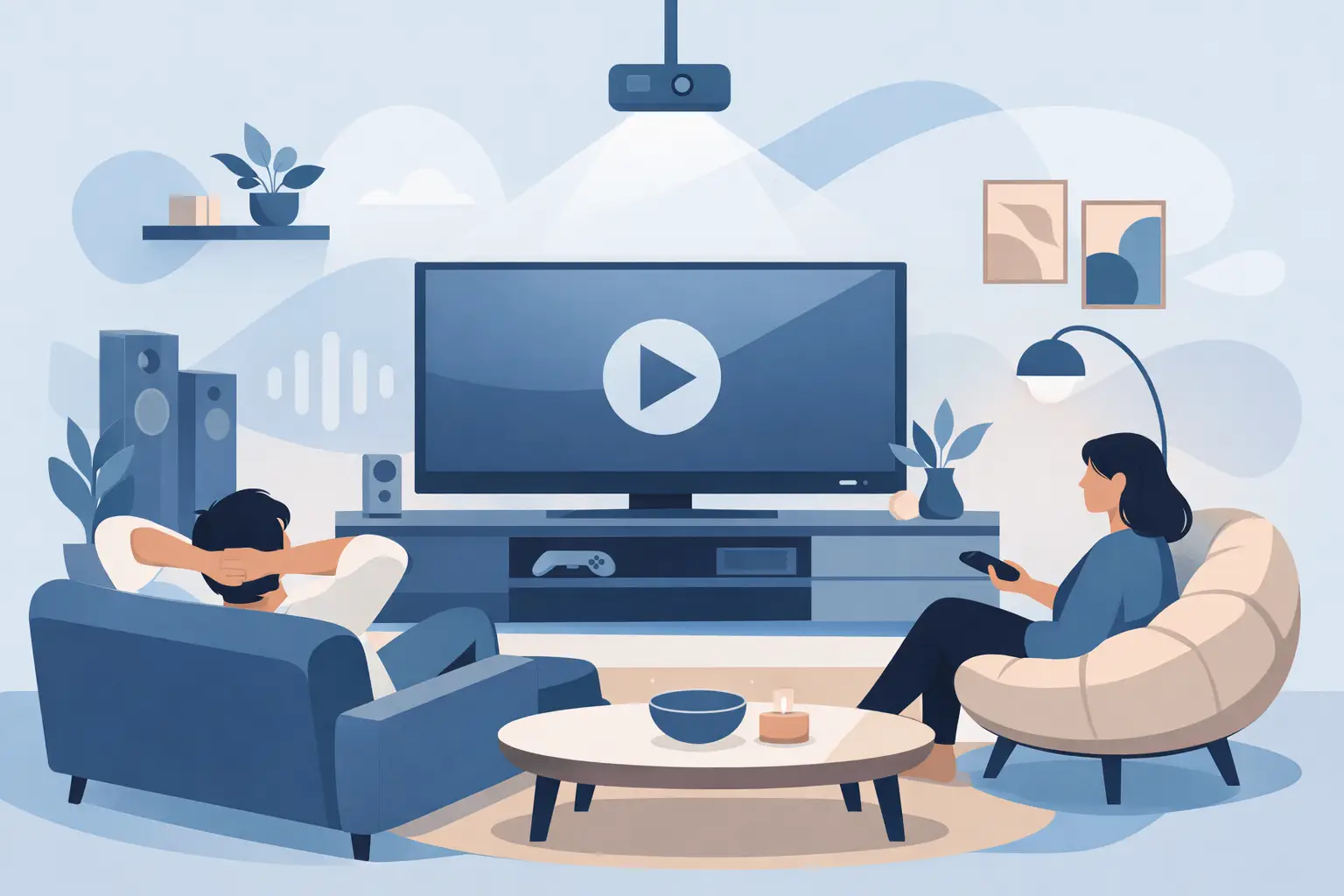
A great media room does not announce itself with a wall of remotes, visible cables, or a complicated startup routine. It simply makes movie night, game day, and casual streaming feel better. Knowing how to design a media room starts with the experience you want when you sit down: comfortable seating, a clear picture, balanced sound, and controls that work the first time.
Unlike a dedicated theater, a media room often serves more than one purpose. It may be a finished basement where the family watches movies, a bonus room used for gaming and sports, or a living space that needs to look polished when the screen is off. That flexibility makes early planning especially valuable.
Start with the room, not the equipment
The room sets the limits and the opportunities for every decision that follows. Before choosing a television, projector, speakers, or furniture, measure the width, depth, and ceiling height. Note where doors open, where windows bring in daylight, and whether there are existing outlets, vents, or built-in features that affect placement.
Room shape matters more than many homeowners expect. A long, narrow room can make seating distance easy to manage but may create uneven sound. A wide room can accommodate several seating zones, though side seating may sit too far off center. An open-concept space can work well for everyday viewing, but it usually needs a brighter display and more thoughtful speaker placement than an enclosed room.
If this is part of a new build or major renovation, decide on the media room before drywall goes up. That is the ideal time to plan low-voltage wiring, equipment locations, speaker positions, and power. Retrofit projects can still look clean and perform well, but early coordination gives you more options and fewer visible compromises.
Choose the right screen for how you watch
A large television is often the practical choice for a multipurpose room. Modern TVs deliver bright, detailed images that hold up well when windows are uncovered or lights are on. They are also simple to use for daily streaming, gaming, and sports.
A projector and screen can create a more cinematic scale, particularly in a room with controlled light. The trade-off is that projection needs more planning. Ambient light, screen material, mounting location, and projector throw distance all affect the result. A projector is not automatically better because it creates the biggest image. In a bright room used throughout the day, a high-quality TV may offer the more consistently enjoyable picture.
Screen size should match viewing distance rather than chase the largest number that fits on the wall. Sit too close to an oversized screen and fast action can feel tiring. Sit too far away and the room loses its immersive quality. Plan seating and display size together, then confirm that the primary seats have a comfortable, centered view.
Plan the viewing wall carefully
The viewing wall should feel intentional even when the system is off. Mounting the screen at a comfortable height is usually more important than making it the visual centerpiece of the room. Avoid placing a TV so high that viewers must look upward for an entire movie.
Consider where source devices and network equipment will live. A nearby cabinet may work for a simple system, while a ventilated closet or dedicated equipment area can keep components, cords, and status lights out of sight. Wherever equipment is located, allow for airflow and future service access.
Treat sound as part of the room design
Picture gets attention first, but sound often determines whether a media room feels engaging or merely functional. Dialogue should be clear at normal volume. Music should have depth without overwhelming the room. Action scenes should feel full without forcing everyone to reach for the volume control.
Speaker placement should be designed around the main seating positions, not around whichever wall is easiest to use. The center channel deserves special attention because it carries much of the dialogue in movies and shows. Left and right speakers create the front soundstage, while surround speakers add a sense of space and movement.
Subwoofers bring impact, but more bass is not always better bass. Their location can create strong or weak areas across the room, so placement and calibration matter. In homes with bedrooms above or beside the media room, thoughtful setup can also help keep low-frequency energy more controlled.
The room itself affects audio. Hard floors, bare walls, and large windows reflect sound, which can make dialogue feel less distinct. Area rugs, upholstered seating, drapery, and select acoustic treatments can improve the experience without turning the space into a recording studio. The goal is a room that sounds natural and comfortable, not overly treated.
Design lighting around the screen and the mood
Lighting should support the picture without making the room hard to use. Bright overhead fixtures alone tend to create glare and a flat atmosphere. A layered approach gives the room more flexibility: general light for cleaning and conversation, softer accent light for viewing, and task light where someone may read or use a snack counter.
Dimmable fixtures are especially useful because the right level changes throughout the day. Window treatments can reduce harsh daylight and reflections while still allowing the room to feel open when no one is watching. In Northeast Ohio, where daylight can vary dramatically by season, this flexibility helps a media room work well year-round.
Keep light sources out of the direct line of sight from the screen. Avoid placing bright lamps behind the viewer where they can reflect across the display. Small, indirect lighting around the room can create a relaxed setting without competing with the image.
Build the invisible foundation: wiring and Wi-Fi
The best media room technology is easy to enjoy because much of the work is hidden. Prewiring supports that experience. Run the right cables for the display, speakers, network connections, and future upgrades before walls are closed whenever possible. Include conduit or accessible pathways so new cable can be added later without opening finished surfaces.
A wired network connection is valuable for fixed devices such as streaming players, televisions, game consoles, and audio-video equipment. Wi-Fi remains essential for phones, tablets, and flexible use, but a strong wireless signal does not eliminate the benefits of hardwired connections. When the room is designed for high-bandwidth streaming and multiple connected devices, both should be considered.
Do not overlook power. Media rooms often need more outlets than expected, especially near the display, seating, equipment cabinet, and possible projector location. Planning these details early helps prevent extension cords, overcrowded power strips, and clutter that undermines an otherwise finished room.
Keep control simple for everyone
A media room should not require a tutorial before guests can watch something. The most successful systems reduce several actions into a few clear choices: watch TV, stream a movie, play a game, or listen to music. One intuitive remote, touch interface, or familiar app can bring the room together without making control feel technical.
Automation can also set the right conditions for viewing. A single command might turn on the display, select the correct source, adjust the audio, lower shades, and dim the lights. The value is not the number of features. It is removing the small frustrations that interrupt the experience.
Reliability should guide every choice. A simpler system with clearly labeled equipment, solid network performance, and professional programming will usually serve a household better than a complicated setup with more features than anyone uses. Tri-County Technology designs connected spaces around that principle: technology should fit naturally into the way you already live.
Make room for real life
A media room is not only a place to watch a screen. Leave clear paths around seating, provide convenient surfaces for drinks, and think about where blankets, controllers, and charging cables will go. Recliners can be comfortable, but they need more clearance than a standard sofa. Theater-style seating can create a focused experience, while a sectional may better suit a room used for conversation and family time.
If the room will host groups, plan sightlines from every likely seat. A raised second row may be worthwhile in a dedicated space, but it adds construction complexity and needs careful attention to ceiling height. For many homes, a well-arranged single row with flexible side seating is the better fit.
The best design is not necessarily the one with the biggest screen or the most equipment. It is the one that makes people want to stay for one more episode, one more quarter, or one more conversation after the credits roll.


Comments are closed