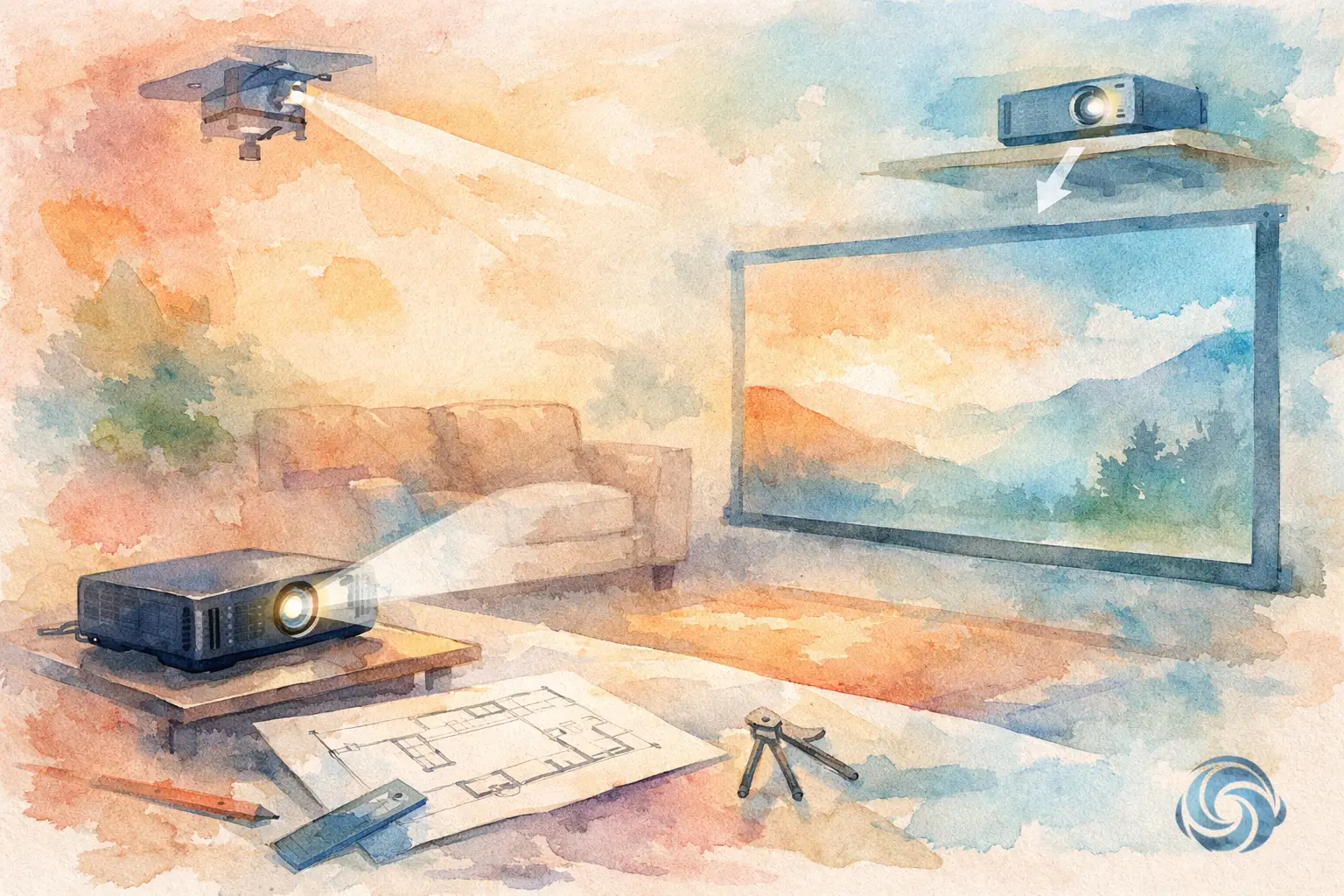
A projector can look incredible one night and disappointing the next, even with the same model, if the placement was guessed instead of planned. If you’re figuring out how to plan projector placement, the goal is not just getting a picture on the wall. It is getting the right image size, clean sightlines, comfortable viewing, and an installation that fits the room without creating noise, glare, or clutter.
For most homeowners and business owners, projector planning starts with a simple question: where should it go? The better question is what the room needs first. A family media room, a dedicated home theater, and a conference space all ask for something different. The projector should support the way the room will actually be used, not force the room to work around it.
How to Plan Projector Placement Around the Room
The screen should come first. Many people pick a projector, then try to make it work on an open wall. That often leads to awkward image sizes, poor seating distance, or a unit mounted in the wrong spot. Start by deciding where the image belongs and how large it should be from the seats that matter most.
In a living room, that may mean balancing screen size with windows, furniture, and traffic flow. In a dedicated theater, you usually have more control over light and seating, so placement can be optimized more precisely. In a small business setting, readability matters more than cinematic scale, so the screen height and viewing angle may take priority over maximum image size.
Once the screen size is set, projector placement becomes far easier to calculate. Every projector has a throw ratio, which tells you how far it needs to be from the screen to create a certain image width. Some models are short throw and can sit close to the screen. Others need significantly more depth. This is one of the most common planning mistakes – assuming any projector can work in any room.
A room may be beautiful, finished, and fully furnished, but if the depth does not match the projector’s throw range, compromises start quickly. You may end up with an image that is too small, too large, or cropped in ways that reduce picture quality.
Start with screen size and viewing distance
A larger screen is not always better. If viewers sit too close, the image can feel overwhelming. If they sit too far, the detail gets lost and the experience feels flat. The right balance depends on content and room type. Movies usually benefit from a more immersive image, while sports, streaming, and presentations may be more comfortable at a slightly more moderate size.
Screen height matters too. The center of the image should feel natural from the primary seats. If the image sits too high, neck strain becomes part of the experience. That is especially common when a projector is added above a fireplace wall without enough planning around screen position.
Match the projector to the room depth
This is where product specs meet real life. Once you know the screen width, you can determine the projector’s approximate mounting distance. That measurement should include practical installation conditions, not just the empty room. Ceiling beams, soffits, fans, and lighting fixtures can all affect the final position.
If the projector lands directly above a seating row, sound may become a concern. If it lands too far back, cable routing may become more invasive. In retrofit spaces, placement often involves a trade-off between ideal geometry and a clean, unobtrusive installation. Good planning keeps that trade-off small.
Ceiling height, lens position, and image alignment
Projectors do not simply point at a screen like a flashlight. Lens position, vertical offset, and lens shift all affect how the image lands. This is where many DIY installations drift off course.
Some projectors are designed to mount above the top edge of the image when ceiling mounted. Others offer more flexibility with lens shift, allowing the image to move without tilting the projector. Lens shift is helpful because it preserves image quality. Keystone correction can fix shape problems digitally, but relying on it too heavily usually softens the image and reduces the clean, professional look people expect.
A flat, square image starts with a level mount and correct lens alignment. The projector should face the screen directly whenever possible. Off-center placement can sometimes be corrected, but every correction tool has limits. The more the image is forced into place, the more likely you are to lose sharpness or symmetry.
Avoid planning around keystone correction
Keystone adjustment sounds convenient, and it can help in a pinch, but it should not be your placement strategy. If the projector is too high, too low, or too far off to one side, digital correction becomes a bandage rather than a solution. The better approach is to mount the projector where the optics naturally support the screen position.
That usually means measuring carefully from the finished screen location, checking the projector’s offset specs, and confirming enough ceiling space for the mount and service access.
Light, windows, and what the room does during the day
Projector performance is never just about the projector. Ambient light shapes the result every time you turn it on. A room with large windows, pale wall colors, and reflective surfaces may need a different projector or screen strategy than a darker dedicated media room.
When planning projector placement, think about when the room is used most. If movie nights happen after dark, you have more flexibility. If the projector will be used for daytime sports, family TV, or business presentations, the room’s light control matters much more. Window treatments, screen material, and projector brightness all work together here.
Placement should also account for glare sources. A projector aimed across a room with uncontrolled side light may still produce a visible image, but contrast can suffer enough to make the setup feel underwhelming. Sometimes moving the screen wall or adjusting seating creates a better result than simply buying a brighter projector.
Don’t forget the practical side of installation
A projector should feel integrated into the room, not tacked onto it. That means planning for power, signal cabling, mount stability, ventilation, and future service before the hardware goes up.
Ceiling mounting is often the cleanest option because it keeps the projector secure and out of the way. But the ceiling location has to work with framing, wiring paths, and viewing geometry. Shelf mounting can work well in some rooms, especially when access is easier and fan noise will not bother viewers, but it still needs correct height and depth.
Ventilation matters more than many people expect. Projectors generate heat, and cramped placement can shorten equipment life or create performance issues. If the projector is going into a soffit, hush box, or tight built-in location, airflow cannot be an afterthought.
Noise is another factor that sounds minor until the room is quiet. A projector mounted directly over the main seats may be technically correct but less comfortable to live with. In rooms built for regular movie watching, a few feet of difference can improve the experience substantially.
Plan cable paths before finishes are complete
If the room is new construction or being renovated, this is the right time to think ahead. Running power and low-voltage wiring before drywall and finish work can make projector placement cleaner, simpler, and less visible. In existing spaces, the same result is still possible, but it usually takes more creativity to avoid surface-mounted clutter.
This is one reason professional planning often saves frustration later. A projector system may look simple from the couch, but behind that clean finish is a lot of coordination between measurements, structure, wiring, and equipment specs.
How to plan projector placement for everyday use
A good projector setup should be easy to live with. That sounds obvious, but it is where many installations miss the mark. If startup is fussy, if the screen blocks a walkway, if the image only looks good with every light off, or if maintenance requires moving furniture, the system gets used less.
Think about how the room transitions between activities. In a multi-use family room, the projector should work without making the space feel dominated by equipment. In a business setting, it should support quick, reliable use without constant adjustment. Placement decisions should protect that simplicity.
That includes sightlines, too. Nobody wants to walk through the beam path or have a fan shadow crossing the picture. Small layout decisions can make the difference between a setup that feels polished and one that always feels slightly off.
For homeowners in Northeast Ohio planning a theater room, media wall, or projector upgrade, local installation conditions can matter as well. Ceiling types, older home construction, finished basements, and retrofit wiring challenges often affect where a projector can go cleanly. That is why careful planning upfront tends to produce the best long-term result.
The best projector placement is not just the one that works on paper. It is the one that gives you the right image, fits the room naturally, and feels dependable every time you use it. When those pieces come together, the technology fades into the background and the room simply does its job.


Comments are closed