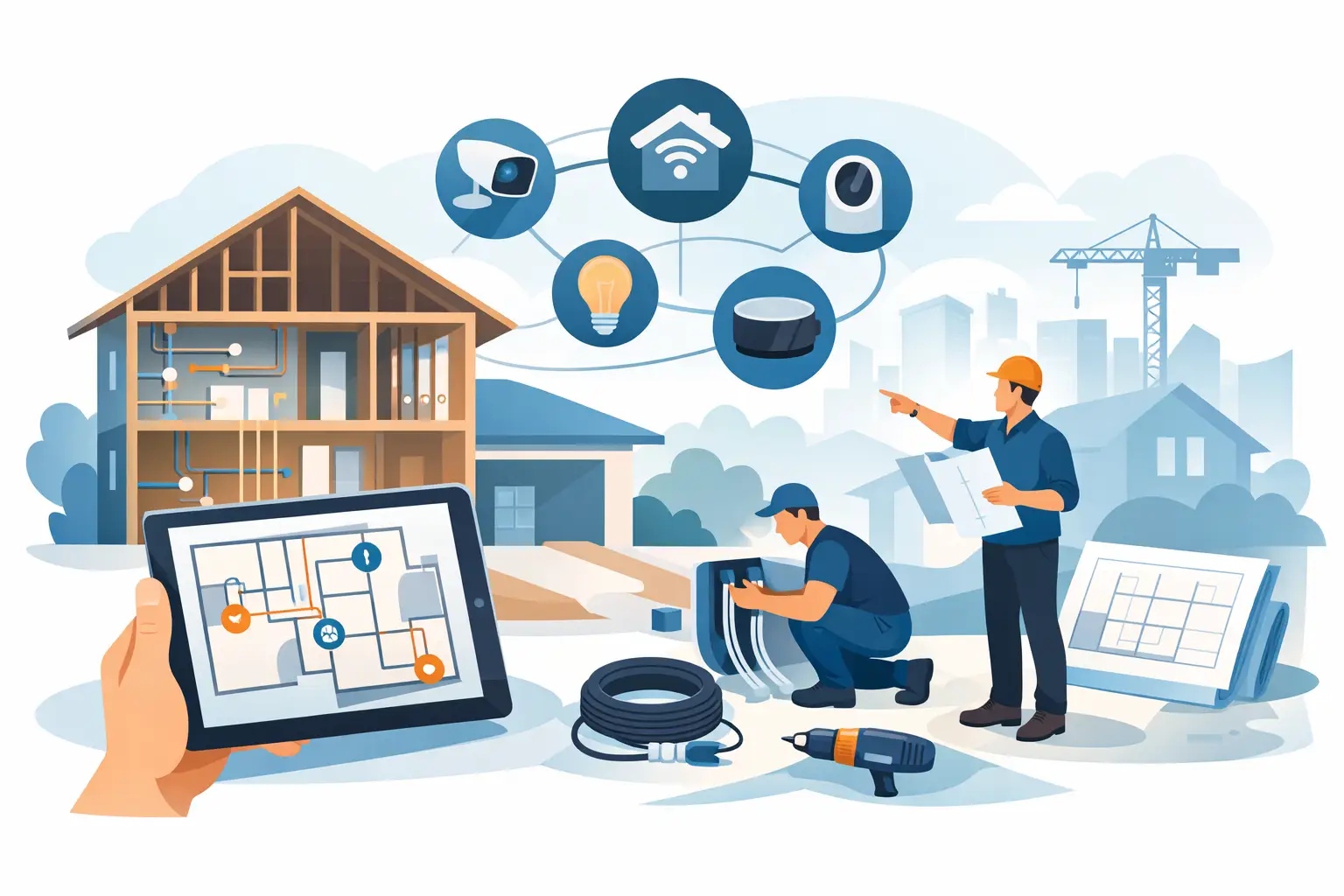
The most valuable technology decision in a new home often happens when there is no drywall, flooring, or furniture in sight. A thoughtful smart home prewire new construction plan gives your home the pathways it needs for dependable Wi-Fi, clean entertainment setups, convenient lighting, and future upgrades – without opening finished walls later.
For builders and homeowners, this is not about filling a house with gadgets. It is about building a low-voltage foundation that supports daily life quietly: strong coverage where people actually use their devices, TVs without visible wires, music that feels built in, and controls that are easy to live with. The best time to make these choices is early, while changes are simple and affordable.
Start Planning Before the Framing Is Complete
Prewire planning should begin alongside electrical, HVAC, and plumbing discussions. By the time insulation and drywall are scheduled, many of the easiest cable routes are gone. A few early conversations can prevent the familiar frustrations of a beautiful new room with weak Wi-Fi, a TV mounted where there is no practical way to hide equipment, or a desired shade that has no power available.
The goal is not to predict every product you will own over the next 15 years. Technology changes. The goal is to create flexible infrastructure: quality cable, sensible routes, accessible equipment locations, and empty conduit where future needs are difficult to predict.
Wiring Is the Foundation, Not the Finished System
A prewire is different from choosing final devices. You may know you want whole-home audio and motorized shades now, or you may simply want the ability to add them later. Either approach can work when the home is planned around intentional wiring routes.
For example, a homeowner may defer speakers in secondary bedrooms but still run speaker wire during construction. Another may install a basic TV in the family room while preparing the space for a future projection system. The wire is inexpensive compared with reopening walls, repainting, and working around finished cabinetry later.
What a Smart Home Prewire for New Construction Should Include
Every home needs a different design, but a few categories deserve attention in nearly every new build. The right mix depends on the size of the home, construction materials, room use, and the homeowner’s priorities.
A practical prewire plan commonly considers:
- Category cable runs for wired network connections, wireless access points, TVs, offices, and media equipment
- Conduit from key rooms to an organized central equipment location for future cable pulls
- Speaker wire for rooms where music will add value, including patios or outdoor living spaces
- Video and control wiring for television locations, media rooms, and projectors
- Low-voltage and power preparation for motorized window treatments
Category cable is especially useful because it provides flexibility. It can support a wired device connection today and serve a different purpose later as technology evolves. Wired connections are also valuable for fixed equipment such as televisions, desktop computers, streaming equipment, and wireless access points. They reduce dependence on wireless signals for the devices that do not move.
Conduit is equally worth discussing. Think of it as an empty pathway for the future. It is particularly helpful for fireplace TV locations, difficult-to-reach rooms, detached structures, and places where a future upgrade would otherwise require wall work. Not every wall needs conduit, but the right routes can save significant time and expense.
Plan Around How Each Room Will Be Used
A floor plan shows dimensions. A technology plan should show routines.
In the kitchen, that may mean reliable Wi-Fi, a clean place for a small display, music while cooking, and shades that reduce afternoon glare. In a home office, it may mean a hardwired connection, strong wireless coverage for calls, and a TV location that can double as a presentation screen. In a great room, it may mean hidden TV wiring, sound that fills the space without large speakers taking over the room, and simple lighting scenes for entertaining or winding down.
Ask room-by-room questions early: Where will furniture sit? Where is the likely TV wall? Will there be a desk, treadmill, or reading nook? Which windows receive direct sun? Is the patio used for quiet mornings, larger gatherings, or both?
These details affect cable locations and equipment choices. A television prewire placed perfectly on a plan can become inconvenient if it lands behind a tall cabinet or opposite the actual seating area. An experienced integrator helps translate lifestyle choices into placement decisions before they become permanent.
Wi-Fi Requires More Than a Router in a Closet
Many new homes still receive a single internet connection and a basic wireless router placed wherever the provider’s line enters the building. That approach may be enough for a small, open home, but it often falls short in larger layouts, multilevel homes, brick construction, and spaces far from the equipment location.
A planned Wi-Fi system uses wired access point locations placed for coverage rather than convenience. Ceiling-mounted access points can provide consistent service while remaining visually discreet. The prewire should account for the main living areas, bedrooms, offices, outdoor spaces, basements, and any location where connected devices are regularly used.
The trade-off is simple: more coverage points are not automatically better. Too many can be unnecessary in a compact home. Too few can leave frustrating dead zones. Proper placement is more valuable than simply adding hardware.
Give Equipment a Proper Home
Low-voltage wiring needs a central place to terminate, organize, and support the systems in the house. This may be a dedicated technology closet, a conditioned storage area, or a thoughtfully planned utility room. It should be accessible, ventilated, and large enough for current equipment plus reasonable growth.
Avoid treating this space as an afterthought. A small structured wiring enclosure can work for a modest system, but it may not accommodate network equipment, audio components, video distribution, backup power, and future additions. A clean, serviceable equipment location makes troubleshooting and upgrades far easier over time.
It also helps to keep this location separate from areas prone to excess heat, moisture, dust, or limited access. A technology system should not require moving boxes, climbing over stored items, or working around mechanical equipment just to perform routine service.
Think Carefully About TVs, Audio, and Window Treatments
Television locations deserve precise planning. A good setup considers screen height, viewing angle, nearby outlets, cable pathways, sound equipment, and where source devices will live. In some rooms, equipment can sit behind the TV. In others, placing it centrally creates a cleaner result and makes future changes easier.
For audio, decide where sound genuinely improves the experience. Kitchens, great rooms, primary suites, patios, and recreation spaces are common choices. Prewiring every room may be useful for some households, while others prefer to focus on the areas where they spend most of their time. Quality placement matters more than quantity.
Motorized window treatments also benefit from early coordination. Power must be available at the window, and the treatment style can affect trim, pocket dimensions, and mounting details. Bringing these decisions into the design phase protects the finished look while making daily comfort easier to manage.
Coordinate the Prewire With the Entire Build Team
A strong prewire design is coordinated with the builder, electrician, HVAC contractor, cabinet installer, and finish trades. This helps avoid conflicts with ductwork, plumbing, framing, recessed lights, and built-ins.
It is also wise to document every run before drywall. Photos, labeled cables, and a clear wiring plan make future service much more efficient. Documentation is easy to overlook during a busy build, yet it becomes extremely valuable years later when a homeowner wants to add equipment or change a room’s purpose.
For custom builders in Northeast Ohio, this coordination can also account for the practical realities of local construction schedules and the way a home will be used through changing seasons. A well-planned system should support the home year-round without becoming another item for the homeowner to manage.
Avoid the Costly “While We’re Here” Additions
The most common prewire regret is waiting until the walls are closed to decide that a room needs better connectivity, a hidden TV setup, or music. Another is installing cable without a plan for where it terminates or how the system will be supported.
There is a balance to strike. It does not make sense to wire every possible feature simply because it can be done. But it often makes sense to prepare the pathways that would be difficult or disruptive to add later. A consultation with a professional integrator can help separate worthwhile preparation from unnecessary expense.
Tri-County Technology approaches new construction prewiring as a practical design decision, not a pile of specifications. The focus is on systems that fit the home, work reliably, and remain approachable long after move-in day.
A finished home should feel calm, comfortable, and ready for the way life changes. Plan the wires while the walls are open, and let the technology stay quietly in the background where it belongs.


Comments are closed