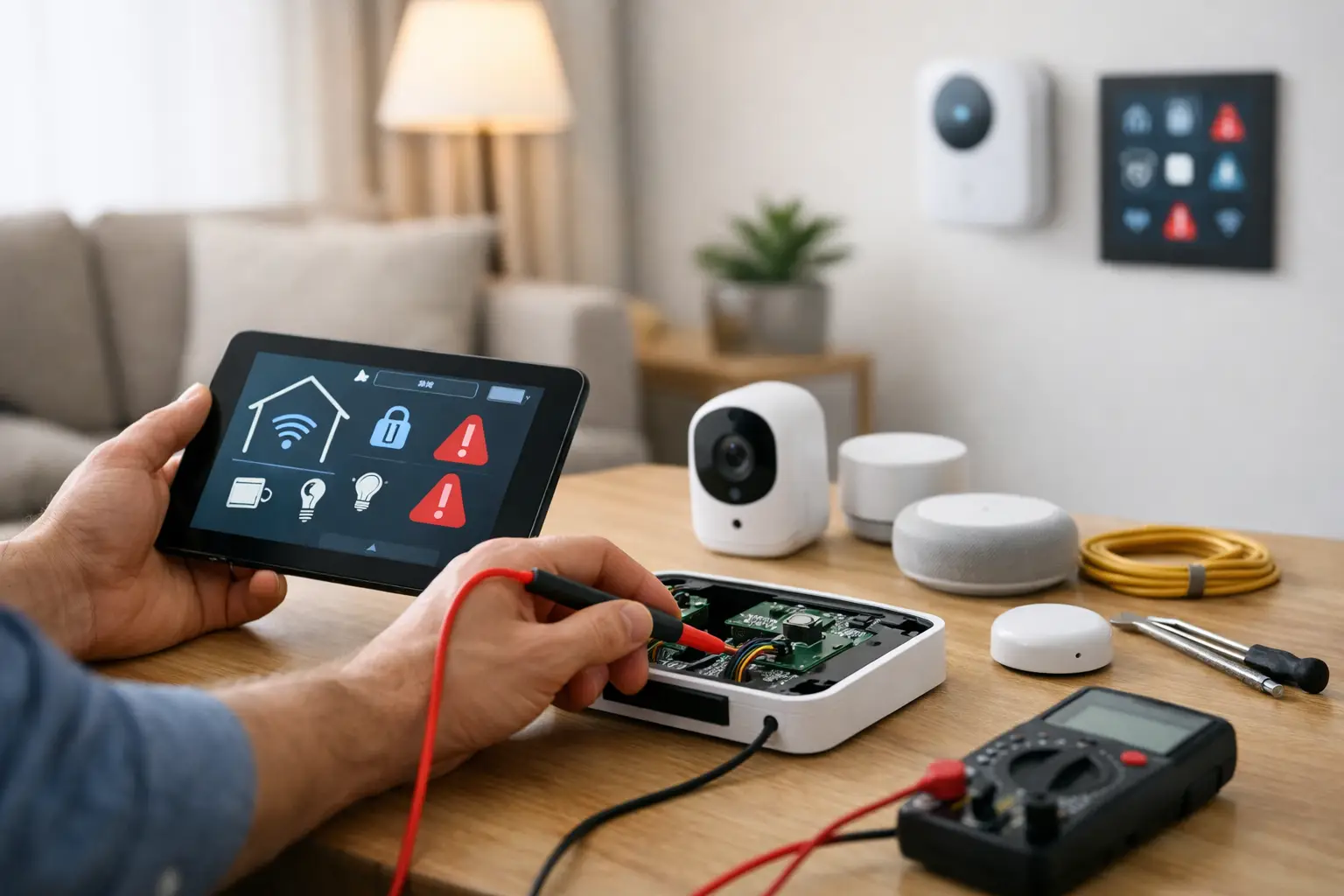
When a smart home works well, you barely notice it. Lights respond on cue, music starts where you left it, cameras stay online, and your thermostat does its job quietly in the background. When something slips, home automation system troubleshooting quickly becomes less about gadgets and more about daily frustration.
The good news is that most smart home issues are not random. They usually trace back to a few predictable causes – network instability, power interruptions, device conflicts, outdated settings, or installation shortcuts that only show up later. If you know where to look first, you can often narrow the problem down without wasting time resetting everything in sight.
Start home automation system troubleshooting with the symptom
The fastest way to solve a smart home problem is to describe it clearly. Is the issue affecting one device, one room, or the whole property? Did it start after a power outage, internet change, remodel, or equipment upgrade? Does the system fail all the time, or only at certain hours?
These details matter because the symptom usually points to the category of problem. If one smart switch stops responding but everything else is fine, the issue may be local to that device or circuit. If voice commands, cameras, and app control all become unreliable at once, the network is a more likely suspect. If problems appear after sunset when more devices come online, bandwidth or wireless interference may be in play.
That simple pause can save a lot of guesswork. Smart homes are connected systems, which means one weak point can ripple outward and look bigger than it is.
Check the network before you check the devices
In most homes, the network is the foundation. If Wi-Fi coverage is uneven, routers are overloaded, or devices are clinging to weak signals, automation reliability suffers. This is especially common in larger homes, remodels, and properties where smart devices were added over time rather than planned as one coordinated system.
Start by noticing whether the issue is tied to app control delays, devices showing offline, cameras dropping video, or voice assistants missing commands. Those are strong signs that connectivity is involved. Restarting networking equipment may help in the moment, but if the same problem keeps returning, that points to a deeper design issue rather than a one-time glitch.
Placement matters more than many homeowners realize. A router tucked into a utility closet, basement corner, or behind electronics may leave dead zones in the rooms where devices actually live. Construction materials matter too. Brick, plaster, tile, stone, and metal can weaken wireless performance, especially for doorbells, outdoor cameras, and motorized shades installed near exterior walls.
There is also a trade-off between convenience and stability. Wi-Fi is flexible and easy to add, but some systems perform better when key components are hardwired. Streaming gear, network switches, AV racks, and central control hardware often benefit from a physical connection. If your smart home includes security, entertainment, and lighting scenes all sharing the same wireless environment, a stronger network design can make everything feel more dependable.
Power issues often look like software problems
A device that goes offline now and then is not always suffering from a bad app or failed update. Sometimes it is simply losing stable power. Smart devices are sensitive to interruptions, especially after storms, breaker trips, seasonal electrical demand, or work done by other trades.
Start with the basics. Is the device receiving consistent power? Has a switch been turned off manually? Did a GFCI outlet trip nearby? Are there batteries that need replacement? This is common with sensors, thermostats, remotes, door contacts, and certain shades or locks.
Power quality can also affect performance in less obvious ways. If a device reboots unexpectedly, loses settings, or takes a long time to reconnect after an outage, it may need more than a simple restart. In some homes, surge protection and proper power conditioning help prevent recurring issues, especially for centralized equipment or entertainment systems.
One bad device can create bigger system behavior
Not every problem starts at the hub or network. A single device with outdated firmware, failed pairing, or weak communication can interrupt scenes and routines that depend on it. For example, a lighting scene may fail not because the app is broken, but because one switch or keypad is no longer reporting correctly.
This is where it helps to test manually. If a routine fails, try each involved device one by one. If a voice command does nothing, check whether the same function works from the app or local control. If the app works but automation does not, the problem may live in the programming rather than the hardware.
Smart homes built over several years can also suffer from compatibility drift. A new thermostat, speaker, or camera platform may not behave the same way as the older system around it. Devices from different manufacturers can coexist, but that does not always mean they coordinate well. The more mixed the ecosystem, the more careful the setup needs to be.
Home automation system troubleshooting after an internet or equipment change
One of the most common triggers for system trouble is a seemingly simple change at the modem, router, or service provider. New equipment often means new settings, even if the network name and password appear unchanged. Devices that once connected normally may lose their path back to the system.
This often happens after internet upgrades, service outages, or moving equipment to a different part of the home. It can also happen when homeowners replace hardware themselves without realizing how many connected devices rely on those original settings.
If your problems began after a change like that, retrace the timeline. Were devices renamed in the app? Did IP addresses shift? Was a controller disconnected temporarily and never fully rejoined? Did someone combine or split wireless bands? These are fixable issues, but they are easier to solve when the system is viewed as a whole rather than a pile of individual devices.
When the issue is really programming
Sometimes all the hardware is fine, but the logic no longer matches daily life. Routines may be stacked on top of each other. Schedules can conflict. Presence settings may depend on a phone that is not always sharing location correctly. A scene created for winter may now be fighting with summer daylight conditions.
This kind of issue is easy to misread because the devices still work, just not in a way that feels consistent. If lights trigger at odd times, music starts in the wrong room, or shades move unexpectedly, the answer may be in the programming rather than the equipment.
A well-designed system should feel intuitive, not busy. If your setup has become unpredictable, it may need simplification. Fewer, better routines often create a more reliable experience than dozens of overlapping automations.
When to stop troubleshooting and call a professional
There is a point where do-it-yourself troubleshooting costs more in time and frustration than the repair itself. That is especially true if your system includes multiple apps, mixed brands, hidden wiring, rack equipment, outdoor devices, or changes made by previous owners or installers.
Professional support is especially valuable when problems keep returning, even after resets and updates. Repeated disconnects, poor Wi-Fi performance, failed integration between systems, and unreliable control usually point to an underlying design or installation issue. In those cases, the goal is not just to get things working again for today. It is to make the system dependable going forward.
For homeowners in Northeast Ohio, that can be particularly helpful after renovations, new construction handoffs, or seasonal weather events that expose weak points in power and connectivity. A calm, methodical review often reveals that the problem is less dramatic than it feels.
How to prevent future smart home issues
The best fix is often prevention. Smart homes perform better when the network is designed for coverage and capacity, devices are selected to work well together, and programming reflects how the household actually lives. Clean installation matters too. Proper labeling, organized wiring, and documented settings make future service faster and far less disruptive.
It also helps to treat the system as something worth maintaining. Firmware updates, battery checks, and occasional reviews of automation logic can prevent many avoidable problems. That does not mean your home should require constant attention. Quite the opposite. The right setup should fade into the background and stay there.
If your technology has become more frustrating than helpful, home automation system troubleshooting is not really about chasing every symptom. It is about restoring confidence in the way your home works, so comfort, security, entertainment, and control feel simple again.


Comments are closed