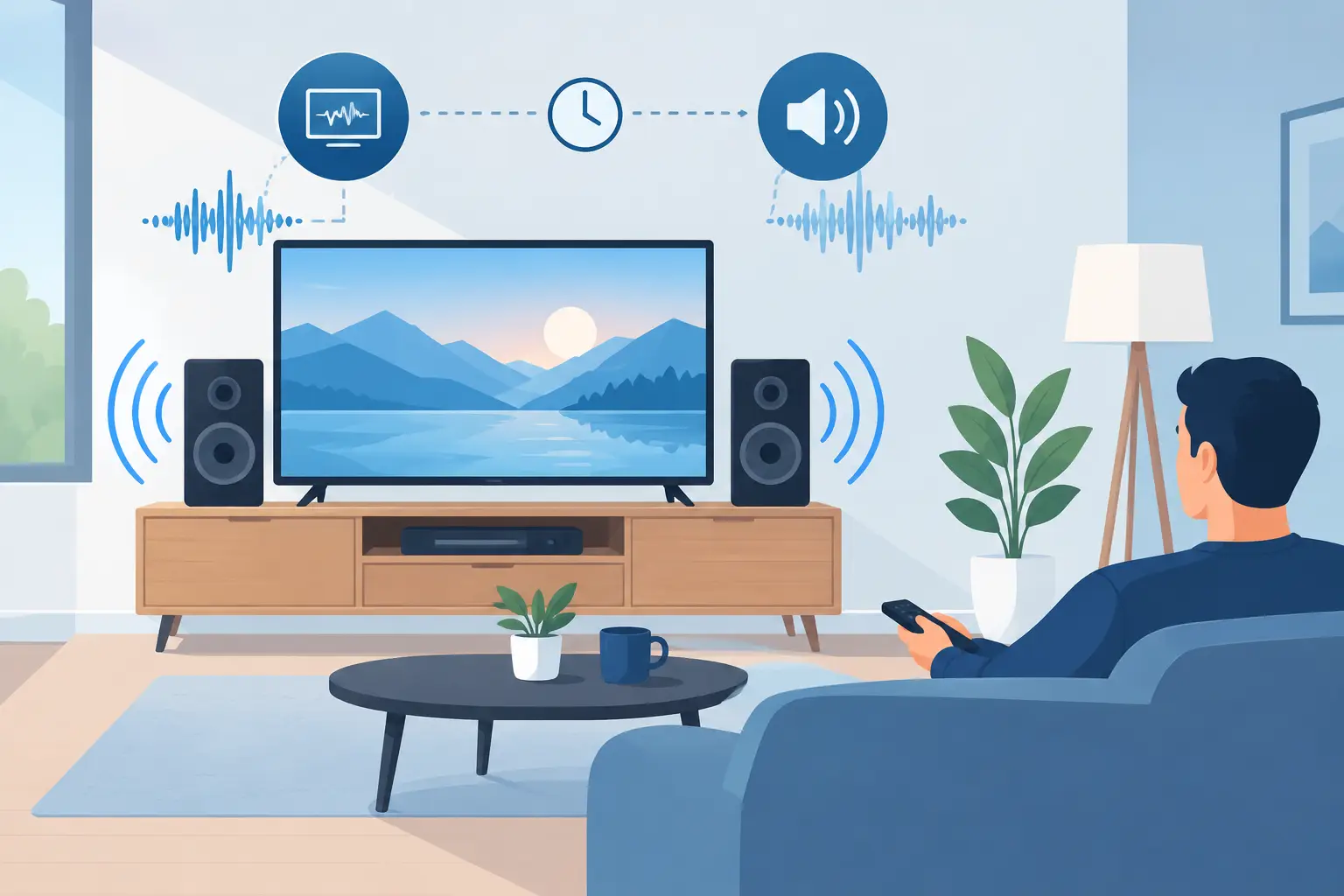
A movie should not make you notice the technology. When dialogue arrives a fraction of a second after an actor’s lips move, or music in one room trails behind another, the experience feels off immediately. So, what causes audio delays? Usually, it is not one failed component. It is a timing mismatch somewhere between the source, display, audio equipment, network, and settings that process the signal.
The good news is that most audio delay issues can be traced to a specific part of the system. Once that point is identified, the fix may be as simple as changing a setting. In other homes, the issue reveals that the system needs better wiring, a more capable network, or a properly designed connection path.
What Causes Audio Delays in a Home System?
Audio and video do not always take the same route or require the same amount of processing. A streaming device may send video to a TV, while audio is sent to a soundbar, receiver, or distributed audio system. Each device needs a small amount of time to decode, adjust, and pass along that information.
A delay becomes noticeable when one path takes longer than the other. Most often, video processing is the slower path, which makes the sound seem early. In other cases, wireless buffering or audio processing holds the sound back, making dialogue appear late. The direction of the problem matters because it determines which adjustment will actually help.
Small delays can also be intentional. Audio systems use buffering to prevent dropouts, especially over wireless connections. A well-designed system manages that timing so it is not distracting. The problem begins when devices cannot agree on the same clock, format, or processing pace.
The Most Common Sources of Lip-Sync Problems
TV picture processing
Modern TVs do far more than display an image. They may upscale lower-resolution video, smooth motion, reduce noise, enhance contrast, or apply picture modes designed for sports and movies. Those enhancements can add processing time before the picture reaches the screen.
If the sound is routed through a soundbar or receiver that processes audio more quickly than the TV handles video, voices can appear to come before the image. This is especially common when a TV’s advanced picture settings are active. Game mode often reduces the issue because it limits picture processing, although the best setting depends on how the room is used.
Soundbar, receiver, and speaker processing
Audio equipment can add its own delay. Surround processing, room correction, virtual sound modes, and format conversion all require a brief pause while the device analyzes the signal. That is not inherently a problem. In fact, these features can make a room sound substantially better.
Trouble can arise when an audio device receives a format it must convert before playing. For example, a source may send an audio format the TV cannot pass through cleanly, causing the TV or soundbar to convert it. A simpler audio setting may improve timing, but it can also reduce the available surround options. The right choice depends on the equipment and the homeowner’s priorities.
HDMI connections and communication settings
HDMI carries a remarkable amount of information, including video, audio, control commands, and format instructions. When it works properly, it keeps a theater system simple to use. When devices have different capabilities or settings, it can create frustrating timing behavior.
Audio Return Channel and enhanced Audio Return Channel settings are frequent areas to check. These features let the TV send sound from built-in apps or connected sources back to an audio system through one HDMI cable. A mismatch in cable capability, port selection, firmware, or audio output settings can lead to delay, intermittent sound, or a system that behaves differently from one app to another.
Not every HDMI cable is the cause, but older or damaged cables can struggle with newer high-bandwidth formats. Replacing a questionable cable is often worthwhile. Still, simply buying the most expensive cable is not a diagnosis. The full signal path needs to be evaluated.
Streaming devices and individual apps
If the delay happens only with one streaming app, the television and sound system may be working correctly. The app’s stream, audio format, or temporary cache may be responsible. Restarting the streaming device, updating the app, and checking whether the same program has the issue on another source can narrow it down quickly.
A delay that follows one streaming device across every app points more strongly to that device’s settings or connection. A delay that occurs with every source, including cable TV, a game console, and streaming, is more likely related to the TV or audio system.
Wireless audio and Bluetooth buffering
Wireless audio is convenient, but it is not instantaneous. Speakers need to receive, organize, and buffer data before they play it. That short buffer protects against stutters when the network gets busy, but it can be noticeable when wireless speakers are paired with a TV.
Bluetooth introduces even more latency than most dedicated whole-home audio platforms. It can be fine for casual music listening, but it is rarely the best choice for television sound where lip-sync matters. If a homeowner wants sound from a TV distributed into nearby spaces, the system should be designed for that purpose rather than assembled from unrelated wireless devices.
Wi-Fi congestion and inconsistent network coverage
A weak or crowded Wi-Fi connection does not always create a steady delay. More often, it creates timing that changes during use: sound may briefly lag, speakers may fall out of sync, or a grouped music system may pause and reconnect.
This is common in larger homes, renovated properties with dense building materials, and homes where the router is expected to cover every room from one location. A strong network is not just about speed. It is about reliable coverage, thoughtful equipment placement, and enough capacity for streaming, work, entertainment, and connected devices operating at the same time.
For fixed equipment such as TVs, streaming players, and audio racks, a wired network connection is often the most dependable option. It reduces traffic on Wi-Fi and gives time-sensitive media equipment a more consistent path.
Audio Delay Between Rooms Is a Different Problem
Whole-home audio creates a separate type of delay. If the same song plays in the kitchen and family room, even a small mismatch can sound like an echo when you walk between spaces. Systems built for multi-room audio use synchronized clocks and buffering to keep speakers aligned.
Mixing products from different brands, routing one room through an extra device, or using a weak wireless connection can break that alignment. An older speaker added to a newer system may also have different processing characteristics. In these cases, adjusting a TV lip-sync control will not solve the issue because the problem is speaker-to-speaker timing.
A Practical Way to Find the Cause
Start by observing the pattern instead of changing every setting at once. Test the system with more than one source. Try the TV’s built-in streaming app, a streaming device, and another connected component. Then notice whether the audio is early or late and whether the issue occurs in one room or throughout the home.
Next, simplify the signal path temporarily. Turn off special sound modes, set the TV picture mode to a lower-processing option, and test with the audio system connected directly through its intended HDMI port. If the timing improves, add features back one at a time. This helps identify whether a particular mode or connection is creating the delay.
Many TVs, soundbars, and receivers include an audio delay or lip-sync setting. Use it carefully. It is useful for fine-tuning a stable system, but it cannot correct a problem that changes from app to app or appears only when Wi-Fi is under strain. A large adjustment may also mask an underlying configuration issue.
Firmware updates are worth checking after the basic settings are verified. Manufacturers regularly improve compatibility between TVs, audio devices, and streaming platforms. Before updating, note the current settings so that a reset or update does not create a new issue.
When Professional Help Makes Sense
If a delay returns after resets and basic adjustments, or if the system includes multiple rooms, a receiver, wall-mounted displays, hidden equipment, or structured wiring, professional troubleshooting can save considerable time. The goal is not just to make the sound match for one source. It is to build a dependable signal path that works the same way for everyday viewing, guests, and future upgrades.
Tri-County Technology approaches audio issues by looking at the complete system: device settings, HDMI routing, network performance, wiring, and how the home is actually used. The best result is technology that fades into the background, leaving movies, music, and conversation exactly where they belong.


No responses yet