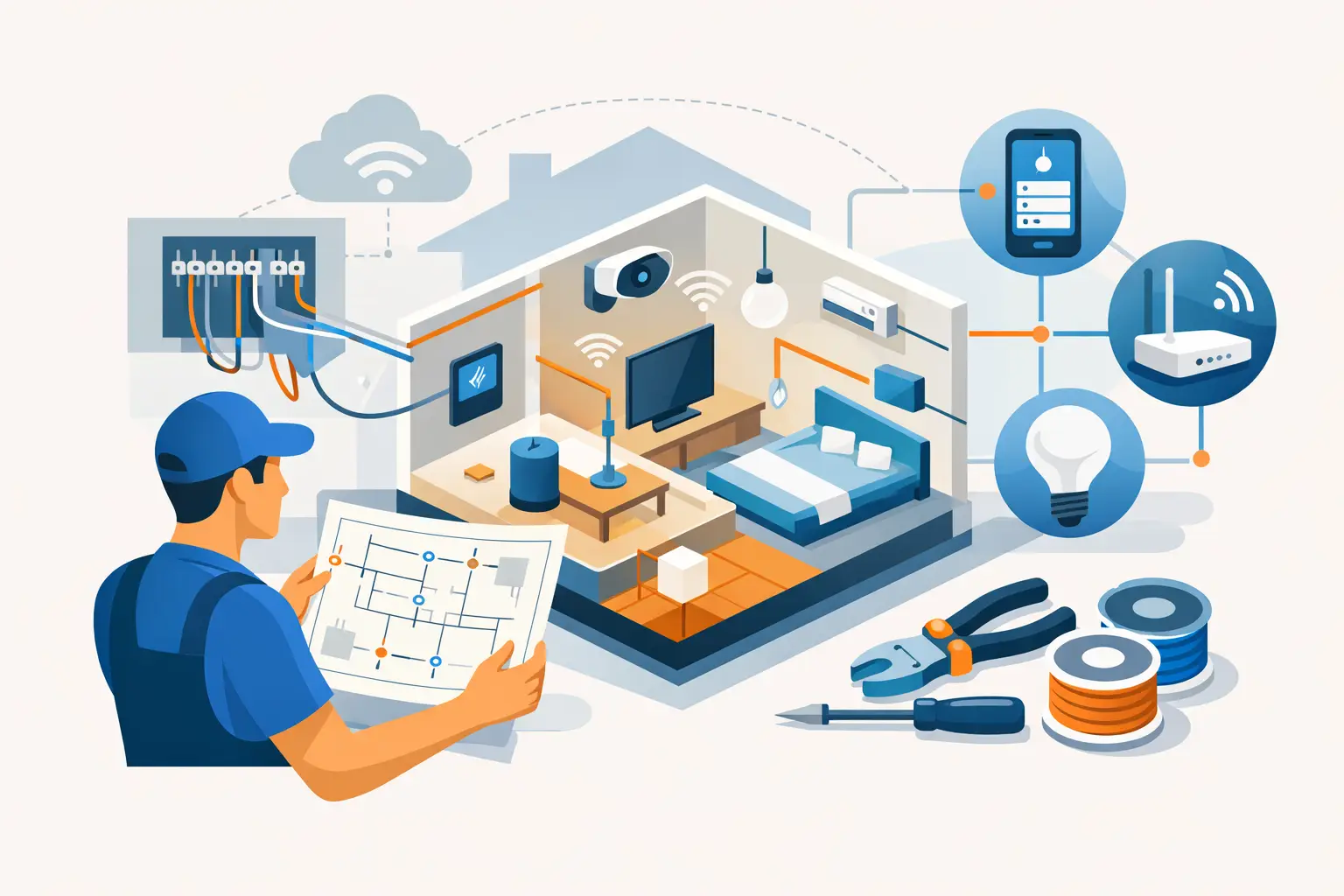
A home can have premium internet service and still feel frustrating if the wiring plan was an afterthought. Video calls drop in the upstairs office, streaming slows down when everyone is home, and TVs end up relying on visible cords and temporary fixes. Knowing how to plan home wiring before walls are closed gives your home a quieter, cleaner foundation for the technology you use every day.
For new construction and major renovations, this is one of the few decisions that becomes far more expensive to change later. A thoughtful low-voltage plan does not mean filling every room with gadgets. It means putting the right connections in the right places, leaving room for change, and making daily technology feel simple.
Start with how the home will actually be used
The best wiring plan begins with lifestyle, not a box of cables. Walk through the floor plan and think about where people will work, relax, watch, charge devices, and spend time together. A room that is a nursery today may become an office later. A bonus room may eventually need a TV, surround sound, or a stronger wireless connection.
Ask practical questions early. Will anyone work from home? Where will the primary TV live? Is there a patio, basement, or garage where Wi-Fi matters? Would you like music in the kitchen, primary suite, or outdoor living area? Are motorized shades part of the design? The answers determine where wiring should go before drywall makes access difficult.
Builders and homeowners benefit from making these decisions alongside electrical, HVAC, cabinetry, and lighting discussions. For example, a TV location affects outlet placement, wall blocking for mounting, cable paths, and whether equipment will be visible or tucked away elsewhere.
Separate power wiring from low-voltage wiring
Home wiring usually involves two distinct systems. Line-voltage electrical wiring powers outlets, fixtures, appliances, and equipment. Low-voltage wiring carries data, audio, video, control signals, and other connected-home functions.
Your electrician handles the power plan, while a low-voltage integrator designs the pathways and cabling for connected systems. Both plans need to work together. A network access point needs both a network cable and appropriate power. A wall-mounted TV needs power where it will be mounted, but it also benefits from concealed data and video cabling.
Keeping these systems properly separated is not just a matter of neatness. It supports dependable performance, simplifies service, and helps preserve a clean finished look. Coordinate the trades before rough-in, rather than asking one contractor to work around decisions made by another.
Build the plan around a central wiring location
Every well-planned connected home needs a central home for its technology. This may be a structured wiring enclosure, a dedicated equipment rack, or a ventilated closet in a utility area. It is where internet service enters the home and where network, audio, and distribution equipment can be organized and maintained.
Avoid placing this equipment in a cramped, hot, or inaccessible location. A center in a finished living room may be convenient during construction but can create noise, clutter, and service headaches later. Instead, choose a dry, accessible space with enough room for growth, ventilation, and dedicated power.
From this location, run individual cables outward in a star pattern. In other words, each cable has its own direct path back to the central point. This approach is easier to label, diagnose, replace, and expand than daisy-chaining rooms together.
Plan for the network first
Reliable Wi-Fi depends on more than the router supplied by an internet provider. Modern homes need carefully located wired access points that distribute strong wireless coverage where people actually use devices. The access points themselves may be discreet, but they need a data cable run back to the central wiring location.
Plan coverage for more than bedrooms and the living room. Consider offices, kitchens, finished basements, garages, patios, and areas where phones or tablets are commonly used. Dense construction materials, stone fireplaces, radiant barriers, and larger floor plans can all affect wireless performance. The right number and placement of access points depends on the home, not a one-size-fits-all rule.
Hardwired network connections are also valuable in places where consistent speed matters. Home offices, desktop computers, media rooms, TVs, game consoles, and streaming devices are common examples. Even when a device can connect wirelessly, a wired connection can reduce congestion and improve consistency.
Give television locations room to evolve
A television wall may need more than one outlet and a single cable. Run data wiring to each planned TV location, including bedrooms, family rooms, media spaces, exercise rooms, and outdoor viewing areas where appropriate. Add conduit behind major TV locations when possible. A conduit is an empty pathway that makes it easier to pull a new cable later without opening the wall.
For a polished installation, coordinate the height of outlets, data plates, and mounting locations with furniture and wall finishes. If the television will be mounted above a fireplace, discuss the plan carefully. Heat, viewing height, cable routing, and access for maintenance all deserve consideration before the finish work is complete.
Include audio, shades, and lighting control early
Some features are difficult to add neatly after construction, especially built-in audio and hardwired shade locations. If you want music that feels present but unobtrusive, speaker wiring should be installed before ceilings are closed. Think beyond the main living room. Kitchens, primary bathrooms, patios, and entertaining areas are often where whole-home audio adds the most everyday value.
Motorized window treatments also benefit from early coordination. Some products use rechargeable batteries, while others can be powered through low-voltage wiring. Prewiring provides a cleaner result and reduces the need to periodically manage batteries, particularly for tall, hard-to-reach, or numerous windows.
Lighting control should be planned with daily routines in mind. Consider scenes such as morning, entertaining, movie time, and bedtime. The goal is not to add unnecessary controls. It is to make the lights people already use easier to manage in a way that feels natural.
Leave capacity for what comes next
A wiring plan should serve the home you are building now and the one you may live in years from now. Technology changes, rooms change purpose, and households add devices. The most cost-effective future-proofing is usually not guessing every future product. It is providing accessible pathways, extra cabling where it is inexpensive to install, and space at the central equipment location.
Conduit is particularly useful between floors, from the equipment location to an attic or basement, and to major television walls. Empty conduit with a pull string can save substantial labor during a future upgrade. Extra network runs to an office, media room, or ceiling access point location are also modest investments during framing compared with retrofitting a finished home.
Do not assume every cable type is equally suited to every purpose. Fiber can be useful for longer runs or specialized needs, while category cable remains a flexible choice for many data, audio, control, and access point applications. A professional design considers distance, performance needs, construction details, and equipment compatibility rather than choosing cable based on marketing claims.
Document and label everything
The wiring itself is only part of the job. Every cable should be labeled at both ends, and the homeowner should receive clear documentation of what was installed and where it runs. A labeled, organized equipment area makes support faster and prevents small changes from becoming guesswork.
Keep photos of open walls before drywall, along with the final floor plan and equipment layout. These records are useful when adding a shelf, replacing a TV, renovating a room, or troubleshooting years later. Clean installation is not simply about appearance. It makes the system easier to live with and easier to service.
Bring in your technology partner before rough-in
The right time to involve a low-voltage professional is after the floor plan is stable but before wiring begins. That allows the design to account for framing, cabinetry, ceiling details, furniture layouts, and the other systems already planned for the house.
Tri-County Technology helps homeowners and builders turn these choices into a practical, organized system that supports strong connectivity, entertainment, lighting, and comfort without adding unnecessary complexity. The finished result should not demand attention. It should simply work, day after day.
A good home wiring plan is rarely noticed once the home is complete. That is exactly the point: the connections are there when you need them, the technology stays out of sight, and your home is ready to support the way life changes over time.


Comments are closed