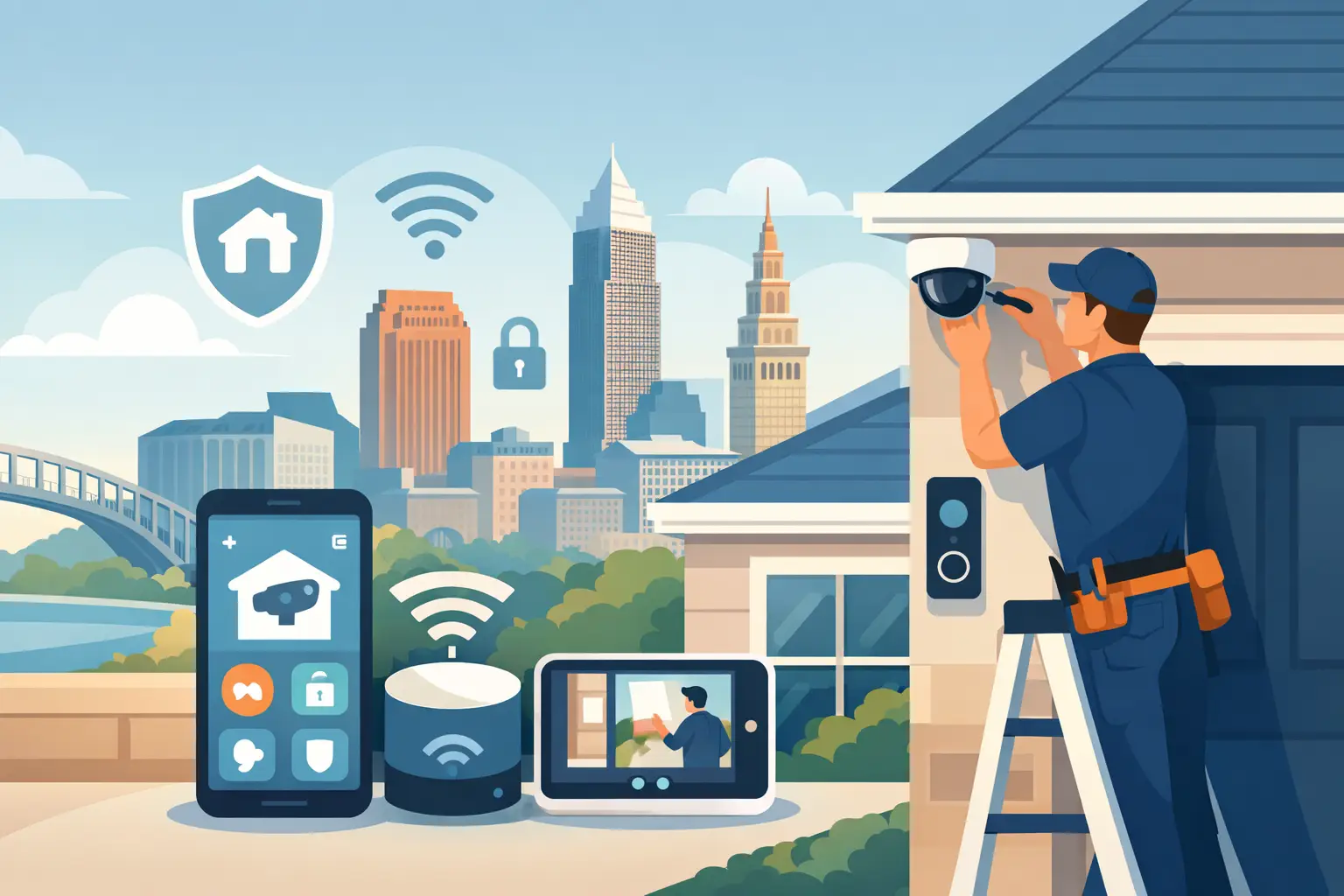
A driveway camera that goes offline during a storm, a doorbell alert that arrives too late, or an app that takes three screens to find what you need does not bring much peace of mind. Smart security installation Cleveland homeowners choose should feel dependable from the first alert to the last check before bed. The goal is not more technology to manage. It is a well-planned system that helps your home feel watched over without demanding constant attention.
For homes across Northeast Ohio, that usually begins with a conversation about routines. Who comes and goes during the day? Which exterior areas are difficult to see from inside? Is the home being renovated, built from the ground up, or updated one room at a time? The answers shape a system that fits the property and the people who live there.
What a Thoughtful Smart Security Installation Includes
A smart security system is more than a collection of devices placed around the house. Its value comes from how the pieces work together: cameras provide useful visibility, doorbell video helps you see visitors, sensors can notify you of unexpected activity, and a simple control experience keeps everything approachable.
The best designs focus on the areas that matter most rather than covering every wall with hardware. A front entry may need a clear view of visitors and deliveries. A rear patio, detached garage, side gate, or long driveway may call for coverage that reduces blind spots. Indoors, discreet monitoring can be useful for a vacation home, a pet area, or a room containing valuable equipment.
Placement matters as much as product selection. A camera mounted too high may miss faces. One pointed directly toward bright windows or headlights can produce poor footage at the exact moment you need clarity. Professional planning accounts for sightlines, nighttime conditions, mounting surfaces, and the practical routes for clean wiring.
Start With Daily Life, Not a Device List
Homeowners often begin by asking which camera is best. It is a reasonable question, but the better first question is how you want the system to support your day.
For a busy family, the priority may be knowing when children arrive home or when a package is delivered. For a homeowner who travels frequently, remote viewing and dependable alerts may matter most. A custom builder may need a clean, future-ready plan that gives buyers useful protection without cluttering the exterior or complicating the finished home.
Those needs affect the design. More notifications are not always better. If every passing car, moving tree branch, or neighborhood pet triggers an alert, people quickly stop paying attention. Careful setup helps separate meaningful activity from everyday motion, so notifications remain useful rather than disruptive.
It also helps to decide who needs access to the system and what they should be able to do. A homeowner may want full visibility and settings, while a family member may only need to view a doorbell event. Clear roles and simple controls make the technology easier to use with confidence.
Wired, Wireless, or a Combination?
A major decision in smart security installation is how each component connects. Wireless devices can be a practical option for finished homes where opening walls is not desirable. They are often fast to add and can work well in the right location. Their trade-off is that they depend on battery maintenance, wireless signal strength, and the conditions around the installation site.
Hardwired equipment is often the stronger long-term choice for new construction, major renovations, and key outdoor locations. It can provide consistent power, a stable connection, and a cleaner finished appearance. It also avoids the routine task of changing batteries in hard-to-reach locations.
Many homes benefit from a combination. A wired camera may make sense at the front entry and driveway, while a wireless device can serve a less critical area where running cable would be intrusive. The right answer depends on the home, the construction, the desired coverage, and how much ongoing maintenance you are comfortable handling.
Why the Home Network Matters
Even high-quality cameras and smart devices can feel unreliable on an overloaded or poorly designed Wi-Fi network. Video uses bandwidth. Multiple streaming devices, work-from-home calls, gaming, and connected home equipment all compete for capacity.
That is why a smart security project should consider the network from the beginning. Wi-Fi coverage should be measured where devices will actually operate, including garages, porches, patios, and detached structures. In some homes, better access point placement or structured wiring provides a more dependable foundation than adding another consumer extender.
A strong network does not mean every device must be wireless. It means each device has the connection method that makes the most sense for its location and purpose.
Clean Installation Protects the Look of Your Home
A useful system should not make a beautiful home look unfinished. Visible power cords, exposed cable runs, mismatched mounts, and poorly placed equipment can undermine both appearance and performance.
Professional installation begins with details that are easy to overlook during a do-it-yourself project. Cable routes are planned before holes are made. Exterior devices are positioned to suit the architecture. Connections are protected from weather. Equipment is installed securely, and the final view is checked from the app rather than assumed to be correct from a ladder.
For builders and remodelers, early coordination is especially valuable. Low-voltage wiring is much easier to place before drywall is installed. Planning ahead can preserve clean lines, allow for hidden equipment locations, and leave room for future additions without reopening finished walls.
Tri-County Technology approaches these decisions with the larger home in mind, helping clients avoid a patchwork of disconnected products and visible compromises.
Choose Features You Will Actually Use
Smart home technology can offer an overwhelming number of features. The useful ones are the features that fit naturally into everyday routines.
Clear live video and recorded event history can help homeowners understand what happened around the property. Two-way communication at the front door can be convenient when a visitor arrives unexpectedly. Activity zones can focus notifications on a walkway, entrance, or driveway instead of a busy street. Remote access can be reassuring when you are away for a weekend or checking on a second property.
Storage is another decision worth discussing. Some systems keep video locally, while others use cloud-based storage plans. Local storage can reduce recurring fees and give the homeowner more direct control over recordings. Cloud storage can offer convenient remote access and easier recovery if equipment is damaged. Neither approach is automatically right for every household, so it is worth weighing cost, retention time, internet reliability, and how often you expect to review footage.
Avoid paying for features that add complexity without solving a real problem. A system should be easy enough that every adult in the household knows how to check a camera, review an event, and adjust a basic setting when needed.
Plan for Northeast Ohio Conditions
Cleveland-area weather asks a lot of outdoor technology. Snow, rain, wind, heat, freezing temperatures, and changing daylight can all affect placement and performance. Outdoor equipment should be selected and installed for the environment it will face, not simply for its appearance on a shelf.
Night visibility deserves particular attention. A camera may look excellent during the afternoon but struggle with glare from porch lights, reflective snow, or headlights. Testing the real view after dark helps identify adjustments before the installation is considered complete.
Power outages are another practical consideration. Depending on the system, backup power can help key networking equipment continue operating for a period of time. This is not a substitute for a broader household backup plan, but it can add useful continuity during short interruptions.
Support Makes the System Easier to Live With
The installation day is only one part of the experience. Homes change. A family may add a vehicle, finish a basement, build a garage, change internet providers, or want better coverage in a new outdoor space. The system should be designed so these updates are manageable.
Professional support is also valuable when something stops working as expected. Instead of spending an evening trying to determine whether the issue is a device, a setting, a Wi-Fi problem, or a power concern, homeowners can work with someone who understands how the complete system was designed.
A well-planned smart security installation is quiet proof that technology can be useful without becoming another household chore. When the views are clear, alerts are meaningful, and controls are simple, the system earns its place in the home by letting you spend less time managing it and more time living there.


Comments are closed