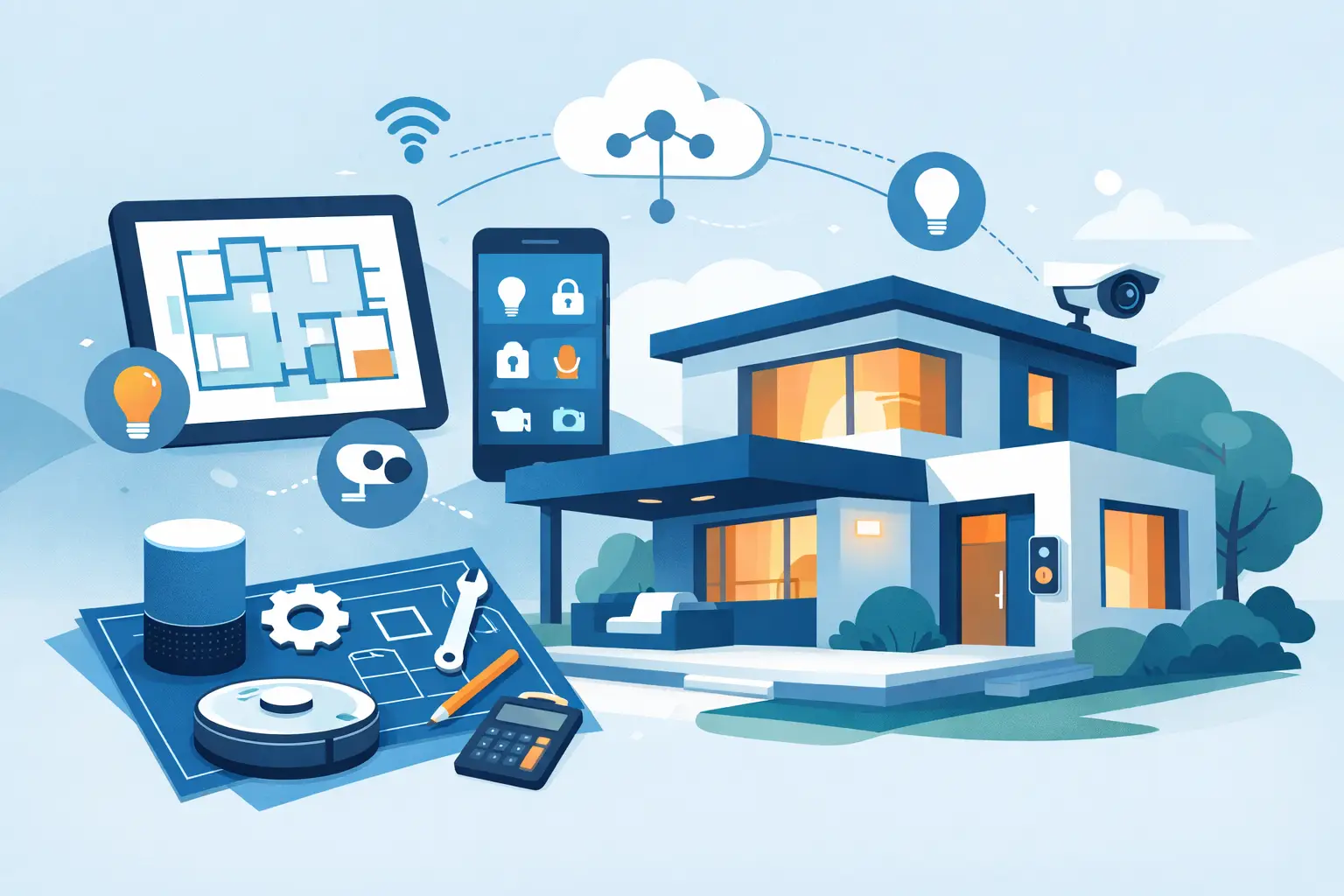
A smart home should not feel like a collection of apps, remotes, and blinking boxes. It should make ordinary moments easier: stronger Wi-Fi where you work, lights that match the room, music where you gather, and shades that respond without becoming another chore. This smart home upgrade planning guide helps homeowners make decisions in the right order, so each improvement supports the next instead of creating expensive rework.
Start With the Life You Want at Home
The best plans begin with routines, not products. Before choosing equipment, think about the moments that cause friction in your home. Maybe video calls drop in the upstairs office. Maybe the family room has a great television but an awkward tangle of cables and remotes. Maybe the kitchen, patio, and living room would be more enjoyable with music that is easy to control.
Walk through the house room by room and consider how each space is actually used. A guest room may only need dependable Wi-Fi and a simple television setup. A primary suite might benefit from quiet motorized window treatments, better bedside lighting control, and audio that does not take up nightstand space. The goal is not to automate every possible task. It is to improve the few things you use every day.
This approach also keeps budgets grounded. A well-designed system focused on real routines is usually more satisfying than a larger collection of devices that work independently and rarely get used.
Build the Foundation Before Adding Features
Most frustrating smart-home experiences begin with an overlooked foundation. If the network is inconsistent, adding more connected devices only makes daily use less dependable. If wiring is not planned before a renovation closes up the walls, future upgrades become more difficult and more costly.
Make Wi-Fi a priority
Reliable Wi-Fi is the backbone of connected living. Coverage should be evaluated throughout the property, not just near the internet provider’s router. Test the places where people actually use devices: bedrooms, home offices, the garage, patio, basement, and any detached workspace.
A professional Wi-Fi design considers square footage, building materials, device count, and usage patterns. Plaster, masonry, radiant floors, and dense insulation can affect coverage. A home with streaming televisions, phones, tablets, speakers, cameras, and remote work needs more thoughtful planning than a basic router placed in a utility room can provide.
The right solution may involve professionally placed wireless access points, hardwired connections where they matter most, and organized equipment located where it can be serviced cleanly. It depends on the home, but the principle is consistent: give every connected feature a dependable place to operate.
Plan structured wiring while walls are open
New construction and major renovations offer the best opportunity to install low-voltage wiring. Even if a feature is not needed on day one, running cable to key locations creates options later without opening finished walls.
Consider wiring for televisions, wireless access points, audio zones, projection systems, outdoor entertainment areas, and future window treatments. A small amount of planning now can preserve flexibility for years. It also supports a cleaner finished look, with fewer visible cords, adapters, and improvised equipment placements.
For builders and remodelers, early coordination matters. Technology planning works best when it is discussed alongside electrical, HVAC, cabinetry, and finish selections. That makes it easier to position screens, speakers, network equipment, and shade power where they belong.
Choose Upgrades by Daily Impact
Once the foundation is in place, prioritize the upgrades that will be noticed most often. The right order varies by household, but these categories tend to deliver practical value without adding unnecessary complexity.
Lighting that fits the room
Lighting control is about more than turning lights on and off from a phone. It can simplify the transitions that happen repeatedly: arriving home, preparing dinner, settling in for a movie, or winding down at night. Thoughtful scenes can adjust several lights at once while keeping wall controls familiar and easy for guests to use.
Focus on rooms with multiple light sources first. Kitchens, great rooms, primary bedrooms, and media spaces often benefit most because they serve different purposes throughout the day. A bright setting may work for cooking or cleaning, while a softer setting makes the same room more comfortable for conversation.
Entertainment without remote clutter
A television or projector setup should be easy for every member of the household to use. That means planning the display location, speaker placement, source equipment, cable paths, and control experience as one system rather than as separate purchases.
For some homes, a well-mounted television with a soundbar and hidden wiring is exactly right. Other spaces may call for surround sound, distributed audio, or a projection system designed around seating, viewing distance, and room light. More equipment is not automatically better. The best setup is the one that delivers clear sound, a comfortable viewing experience, and simple operation.
Whole-home audio is another upgrade with a high everyday return. Music can follow the household from the kitchen to the patio, or different rooms can play different selections. When speakers are carefully placed and controls are intuitive, the system becomes part of the home rather than a feature that needs explaining.
Motorized window treatments for comfort and privacy
Motorized shades and drapery can make rooms more comfortable while protecting furnishings from harsh sunlight. They are especially useful for hard-to-reach windows, tall glass walls, bedrooms, and media rooms where glare affects viewing.
Planning matters here, too. Window dimensions, fabric choice, privacy needs, power availability, and the direction of sunlight all influence the result. Battery-powered treatments can be a practical retrofit option in some spaces, while wired power is often preferable for large projects or new construction. The best choice depends on the window, the desired appearance, and how often the treatment will be used.
Keep Control Simple and Familiar
A successful smart home does not require everyone to remember a voice command or hunt through several apps. The most comfortable systems combine familiar controls with useful automation. Wall keypads, handheld remotes, touchscreens, and mobile access can all have a role, but each should serve a clear purpose.
Think about who will use the system. A homeowner may appreciate mobile control while traveling, but a guest should still be able to turn on lights or start the television without instruction. Consistency matters. Controls should look and behave similarly from one room to the next whenever possible.
It is also wise to avoid building a home around one trendy device or a long list of unrelated brands. Products change, apps get redesigned, and cloud-dependent features can evolve. A professionally designed system focuses on dependable components, clean integration, and support when adjustments are needed.
Set a Budget in Phases, Not Pieces
Smart home upgrades do not have to happen all at once. In fact, phased planning is often the most practical route. The key is to phase by infrastructure and priorities, not by whatever gadget happens to be on sale.
A common approach is to address connectivity and wiring first, then complete high-impact spaces such as the family room, kitchen, primary suite, or home office. Additional audio zones, window treatments, and specialty spaces can follow as the budget and timeline allow. Because the foundation was considered early, later phases feel intentional rather than patched together.
When comparing proposals, look beyond the equipment list. Ask how the system will be installed, where components will live, how cables will be concealed, what daily control will feel like, and what support is available after installation. The lowest initial price may not account for design time, clean finish work, programming, documentation, or follow-up service.
Work With a Plan That Can Adapt
A good plan leaves room for changing needs. A nursery can become an office. A basement can become a media room. A patio may become a favorite gathering place after a few years. Documenting cable routes, equipment locations, and system settings makes future changes far easier.
For Northeast Ohio homeowners, that long-view approach can be especially useful during renovations and new builds, when a coordinated technology plan prevents last-minute decisions after finishes are already in place. Tri-County Technology helps translate those decisions into systems that are comfortable to use and professionally installed.
The right upgrade is not the one with the most features. It is the one that quietly removes friction from your day, works when you expect it to, and gives your home room to grow with you.


Comments are closed