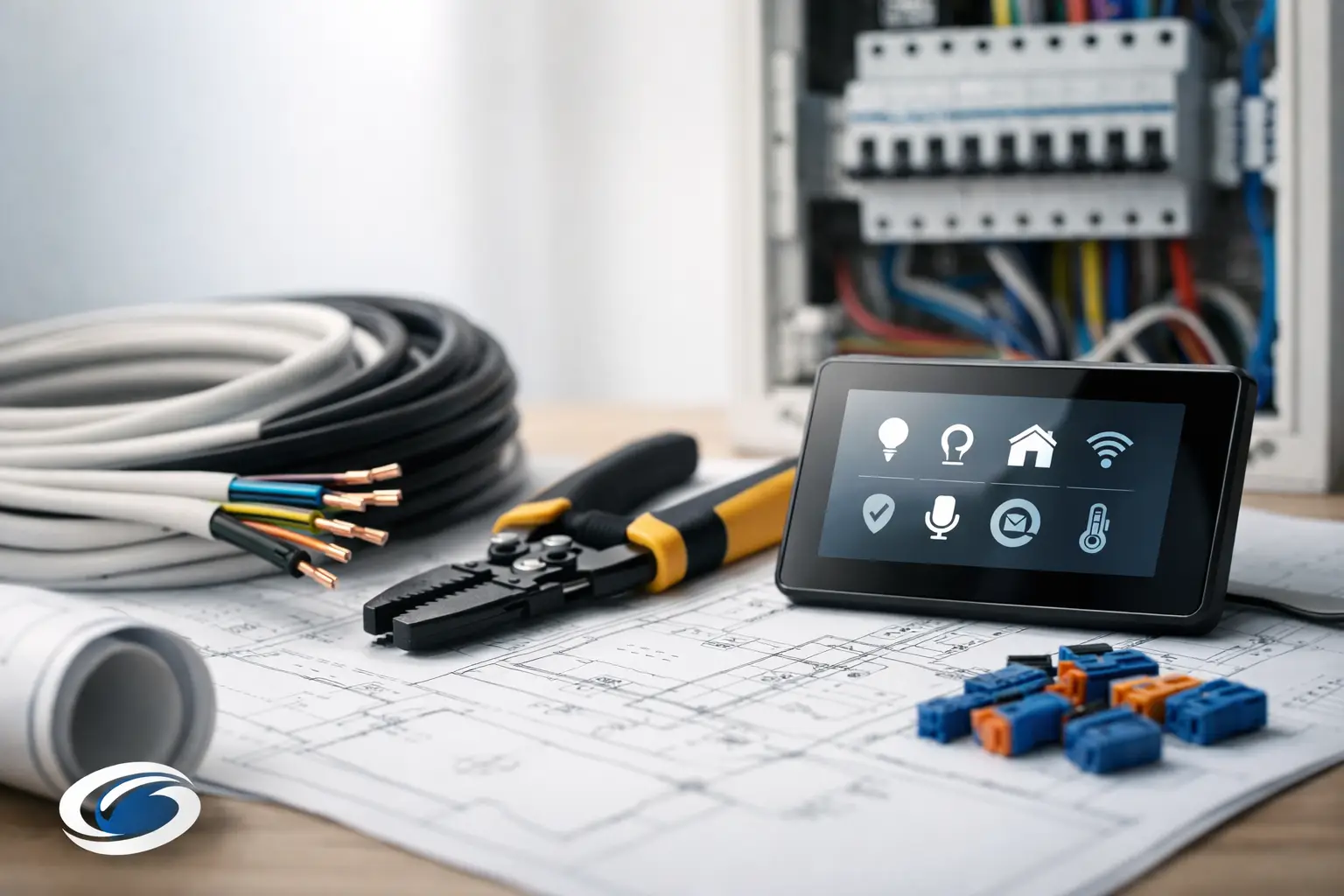
A smart home rarely feels smart when the wiring was treated like an afterthought. You notice it when Wi-Fi drops in the back bedroom, when the TV wall has visible cords, or when a camera ends up installed where power was easy instead of where coverage made sense. If you want to know how to plan smart wiring, the best time is before drywall goes up, when small decisions can protect comfort, performance, and flexibility for years.
Smart wiring is not about filling walls with every cable you have heard of. It is about giving your home or small business the right low-voltage backbone for the systems you are most likely to use. That may include strong Wi-Fi, whole-home audio, surveillance, TV placement, lighting control, motorized shades, and clean structured wiring for internet and networking equipment. The goal is simple – technology should work quietly in the background and feel easy to live with.
Why smart wiring matters more than most people expect
Many property owners focus on finishes first. They pick countertops, flooring, and fixtures while technology planning gets pushed to the end. The problem is that low-voltage infrastructure affects daily life in ways you feel long after move-in.
A well-planned wiring layout helps devices perform better, keeps equipment organized, and reduces the need for visible workarounds later. It also gives you options. Even if you are not installing every smart feature on day one, the right prewire can make future upgrades far less disruptive and far more cost-effective.
There is also a practical resale and longevity angle. Buyers increasingly expect dependable connectivity, clean TV installations, and basic readiness for modern security and automation. Good wiring does not lock you into one setup. It creates a clean foundation that can adapt as your needs change.
How to plan smart wiring around the way you live
The most useful wiring plan starts with behavior, not hardware. Think about how each room will actually be used. A family room may need hardwired networking behind a TV, locations for speakers or a soundbar, and nearby support for streaming devices or a gaming console. A home office may need stronger wired connectivity than almost any other space. Bedrooms may benefit from better Wi-Fi coverage and prewire for TVs, while outdoor spaces might need support for audio, cameras, and reliable wireless access.
This is where many people either overbuild or underbuild. If you wire for every possible feature without a clear use case, you can spend money in the wrong places. If you only plan for what you need this month, you may miss simple opportunities that would have been easy to include during construction or renovation.
A good approach is to divide your priorities into three groups: what you know you want now, what you are likely to want later, and what would be nice but is uncertain. That makes it easier to decide where prewiring is worth the investment.
Start with the core systems first
When people ask how to plan smart wiring, they often jump straight to gadgets. The smarter move is to begin with infrastructure.
Internet and network distribution
Reliable smart technology starts with reliable networking. If your home depends on one wireless router stuffed in a closet, performance will usually suffer. Larger homes, multi-story layouts, and homes with dense materials often need planned access point locations and properly distributed network cabling.
That means thinking through where your internet service enters the building, where the main networking equipment will live, and how cables will reach access points, TVs, offices, and other high-demand areas. A dedicated equipment location can make a big difference. It keeps networking gear organized, easier to service, and out of sight.
TV and media locations
TV placement affects more than aesthetics. It influences power, data, audio connections, and the appearance of the whole room. Planning these locations early helps you avoid extension cords, exposed wires, and awkward device placement.
In some rooms, a single network drop behind the TV may be enough. In others, especially media-heavy spaces, it makes sense to plan for additional cabling and a cleaner path to centralized equipment. The right answer depends on how simple or customized you want the space to be.
Security and surveillance
Cameras, video doorbells, and related security devices work best when their locations are chosen for coverage, not just convenience. That means planning sight lines, entry points, driveway views, and perimeter awareness before trim and siding make changes harder.
Wiring for surveillance early often results in cleaner placement and more dependable performance. It also avoids the look of improvised installs, which matters if you want technology to blend into the property rather than call attention to itself.
Audio and entertainment
Whole-home audio can be as subtle or as expansive as you want. Some homeowners want music in a few key spaces. Others want coordinated coverage across main living areas, patios, and primary suites. Either way, prewiring gives you cleaner speaker placement and more flexibility in how the system is built out later.
The same applies to media rooms and projection setups. These spaces benefit from careful planning because wiring paths, equipment locations, and speaker positions all shape the final experience.
Plan for future upgrades without guessing wildly
Future-proofing is a useful idea, but it gets misused. You do not need to wire for every trend. You do want to preserve options where the cost of adding wiring later would be high.
That usually means planning pathways and cabling in strategic places, such as offices, main TV walls, wireless access point locations, camera points, and outdoor entertainment areas. It can also mean allowing room in your equipment area for expansion. A tidy, well-planned head-end space is one of the least glamorous parts of a project, but it pays off every time a system needs service or an upgrade.
There is always a trade-off. More prewire now means more upfront cost. Less prewire means lower initial spending but a higher chance of opening walls later. The right balance depends on the age of the property, the scope of the project, and how long you expect to stay there.
New construction and retrofit require different decisions
In new construction, the advantage is access. You can wire more cleanly, place equipment more intentionally, and create a system that feels integrated from the beginning. This is the ideal time to think broadly about network distribution, entertainment zones, surveillance, and control locations.
In a retrofit, the planning becomes more selective. You may need to work around finished surfaces, existing infrastructure, and the realities of what can be added cleanly. That does not mean your options are limited. It means every wiring decision should be tied closely to value. In many existing homes, the biggest wins come from improved Wi-Fi coverage, cleaner TV installations, better camera placement, and organized structured wiring.
For many homeowners in Northeast Ohio, this comes up during a renovation, basement finish, home office update, or media room refresh. If walls are already opening, it is worth asking what else should be addressed while access is available.
Common mistakes that create frustration later
The most common mistake is assuming wireless means wiring no longer matters. Wireless devices still depend on a strong wired backbone somewhere. Without that foundation, convenience often turns into inconsistency.
Another issue is poor equipment placement. Networking gear hidden in a cramped cabinet, behind a TV, or in an unfinished corner can lead to heat, clutter, and service headaches. Clean organization is not just cosmetic. It helps systems perform better and makes support easier.
It is also common to plan room by room without considering the whole property. That can leave gaps between systems. A camera may be installed without thinking about network load. A patio may be wired for audio but not for dependable Wi-Fi. A home office may get a strong connection while the upstairs bedrooms struggle. Smart wiring works best when it is designed as one coordinated system, not a collection of isolated upgrades.
Work from a real plan, not a rough idea
If you are building or remodeling, your low-voltage plan should be documented just like lighting, plumbing, or cabinetry. It does not need to be overly complicated, but it should clearly define locations, intended uses, equipment spaces, and future allowances.
That planning stage is where experienced guidance matters. A professional integrator can spot issues a homeowner or builder may not think about, such as line-of-sight concerns for cameras, ideal access point placement, cable pathways, rack space, ventilation, and how daily routines shape control needs. Just as important, they can help you avoid overengineering the project.
The best smart wiring plans are not the most complex. They are the ones that support the home naturally, stay dependable over time, and leave room for change without creating clutter or confusion.
How to plan smart wiring with the end user in mind
The final test is not how impressive the wiring diagram looks. It is how the space feels once everything is installed. Can someone stream in every room without frustration? Does the office stay connected during important calls? Do the cameras cover the right areas? Does the family room look finished instead of patched together?
That is why good planning always comes back to user experience. The right wiring should make control easier, installations cleaner, and technology less noticeable. It should support comfort, safety, entertainment, and connectivity without turning your home or business into a project you are constantly managing.
When you plan early and plan thoughtfully, smart technology stops feeling like a collection of devices. It becomes part of the property itself, ready when you need it and quiet when you do not.


Comments are closed