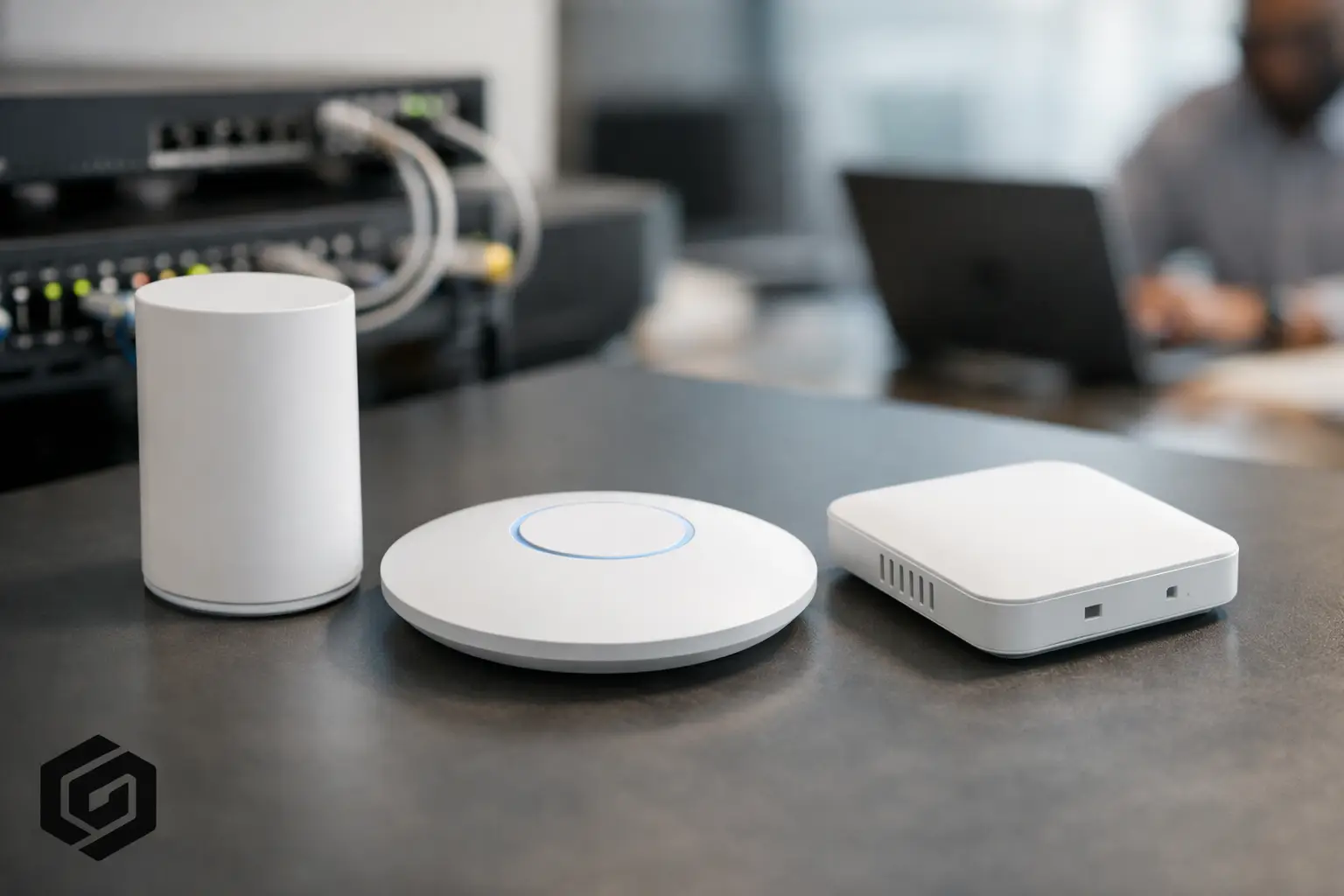
A fast internet plan does not fix weak Wi-Fi. If video calls drop in the back office, streaming buffers in the family room, or smart devices lose connection at the worst time, the issue is often the wireless design inside the property. That is why knowing how to choose WiFi access points matters – not just for speed, but for daily comfort, consistency, and fewer technology headaches.
For most homes and small businesses, the goal is not to buy the most expensive hardware on the market. The goal is to build a wireless network that fits the space, the number of devices, and the way people actually live and work. A good access point should disappear into the background. It should keep the connection steady while you stream, work, browse, control smart devices, and move from room to room without thinking about it.
What a WiFi access point actually does
A WiFi access point is the device that broadcasts wireless signal into a space. In some smaller setups, that function is built into a router. In larger or more demanding environments, dedicated access points are installed in key areas and connected back to the network with cabling.
That distinction matters. A router handles traffic between your local network and the internet. An access point extends wireless coverage inside the building. If your property has multiple floors, dense construction materials, or a high number of connected devices, dedicated access points usually provide better performance than relying on a single all-in-one device.
This is where many people get frustrated. They assume poor Wi-Fi means they need faster internet service, when the real problem is signal quality and placement inside the home or office.
How to choose WiFi access points for your space
The right starting point is the building itself. Square footage matters, but layout matters more. Open floor plans are easier to cover than homes with thick plaster walls, brick, stone fireplaces, metal framing, or finished basements. A small house with heavy construction can be harder to cover than a larger home with an open design.
Think about where connection quality matters most. In some properties, that is a home office, media room, kitchen, patio, or upstairs bedrooms. In a small business, it may be workstations, conference rooms, reception areas, or storage spaces with connected equipment. Access points should be chosen and placed based on priority zones, not just total size.
Capacity is the next piece. A couple checking email and watching occasional TV has very different needs than a household with remote work, gaming, security cameras, whole-home audio, streaming boxes, tablets, phones, and dozens of smart home devices. The same goes for businesses with staff devices, guest traffic, printers, TVs, and cloud-based systems all sharing the network.
A common mistake is buying for peak speed instead of real-world demand. Marketing numbers on the box can look impressive, but they do not tell you how the system will perform with walls, interference, and multiple active users. It is better to choose equipment known for stable performance, good roaming, and strong device management than to chase theoretical top speeds.
Coverage is not the same as performance
Many people shop by advertised coverage area, but those numbers are best-case estimates. Real properties are rarely best-case environments. Materials in the walls, ceiling heights, mirror placement, appliances, ductwork, and neighboring networks can all reduce signal quality.
Strong Wi-Fi in one room does not guarantee strong Wi-Fi everywhere else. That is especially true if the signal has to pass through several walls or floors. One oversized access point in the center of the house is not always better than two or three properly placed units. In fact, spreading coverage strategically often gives a better result, because devices can connect to a nearby access point instead of hanging onto a weak signal from far away.
Placement also affects how natural the experience feels. Good Wi-Fi should support movement. You should be able to walk through the house or office while your phone, tablet, or laptop stays connected without interruption. That kind of smooth roaming depends on both the quality of the access points and the way the system is designed.
Placement matters as much as the hardware
Even excellent equipment can underperform if it is installed in the wrong spot. Access points hidden in utility closets, tucked behind TVs, or mounted near heavy mechanical equipment often struggle to deliver clean coverage. Wireless signal wants a clear path. The more obstructions it faces, the less reliable the connection becomes.
Professional placement usually aims for central locations relative to the areas being served, with attention to ceiling height, floor transitions, and major obstacles. This is one reason wired backhaul is so valuable. When access points are connected with network cable, they can be placed where they perform best rather than where power or furniture happens to allow.
Features worth paying attention to
When deciding how to choose WiFi access points, focus on a few practical features. Dual-band or tri-band support is useful because it helps balance compatibility and performance. Wi-Fi 6 or newer standards are also worth considering for most installations, especially if you have many connected devices. These newer standards are designed to handle busy networks more efficiently.
Security matters too. Strong encryption, regular firmware updates, and proper network segmentation can help protect both performance and privacy. For small businesses, guest network support is often important. For homes, easy device management and parental controls may be more relevant.
Another key feature is centralized management. If you have multiple access points, it helps when the system can be monitored and adjusted from one interface. That makes updates, troubleshooting, and optimization much simpler over time. It also supports a cleaner ownership experience, which is often more valuable than a long spec sheet.
Don’t overlook wired infrastructure
Wireless performance depends heavily on the wired network behind it. If the cabling is outdated, poorly terminated, or missing in the right locations, even premium access points may not deliver the results you expect. Power over Ethernet can also simplify installation by allowing the same cable to provide both data and power.
In new construction and renovation projects, planning for access point locations early can make a major difference. In retrofit projects, there are still often clean ways to improve coverage without disrupting the look and feel of the space. The best solution depends on the property and how much reliability matters in daily use.
When one access point is enough – and when it isn’t
In a compact apartment or small single-story office, one well-placed access point may be enough. If the layout is simple and the number of devices is modest, adding more hardware can actually create overlap and confusion rather than improvement.
But once you move into a larger home, a multi-level property, or a space with outdoor living areas and detached rooms, one access point usually starts to show its limits. Dead zones, inconsistent speeds, and sticky roaming become more common. In those cases, multiple properly coordinated access points often provide a far better experience than one stronger unit.
This is also where mesh systems enter the conversation. Mesh products can work well in some homes, especially when cabling is not available, but they are not always the best fit for performance-focused environments. Wireless links between nodes can reduce throughput and create variability. A wired access point system is generally the more dependable option when stability matters.
Choosing for reliability, not just today’s needs
It helps to think one step ahead. If you are adding cameras, smart lighting, entertainment systems, or dedicated workspaces later, your network should be ready for that growth. Choosing access points with some room for expansion can save time and expense down the road.
The same goes for service and support. Hardware quality matters, but so does ongoing maintenance. Networks benefit from updates, occasional tuning, and thoughtful troubleshooting when the environment changes. New devices, new furniture layouts, and even neighboring wireless activity can affect performance over time.
For homeowners and business owners in Northeast Ohio, this often comes up in renovations, additions, and property upgrades. A network that was fine a few years ago may no longer match the way the space is used now.
A better question than “Which model is best?”
There is rarely one best access point for every property. The better question is which system fits your layout, usage, performance expectations, and long-term plans. That answer depends on coverage goals, building materials, number of users, and whether the network needs to quietly support work, entertainment, security, and smart technology all at once.
A strong wireless network should feel simple. You should not have to reset devices constantly, switch between networks manually, or avoid certain rooms because the signal falls apart. When the right access points are chosen and installed well, the technology stays out of the way and daily life gets easier.
If you are deciding how to choose WiFi access points, start with the experience you want in the space, not just the product label. The right system is the one that gives you reliable coverage where you need it most and keeps up without asking for attention.


Comments are closed