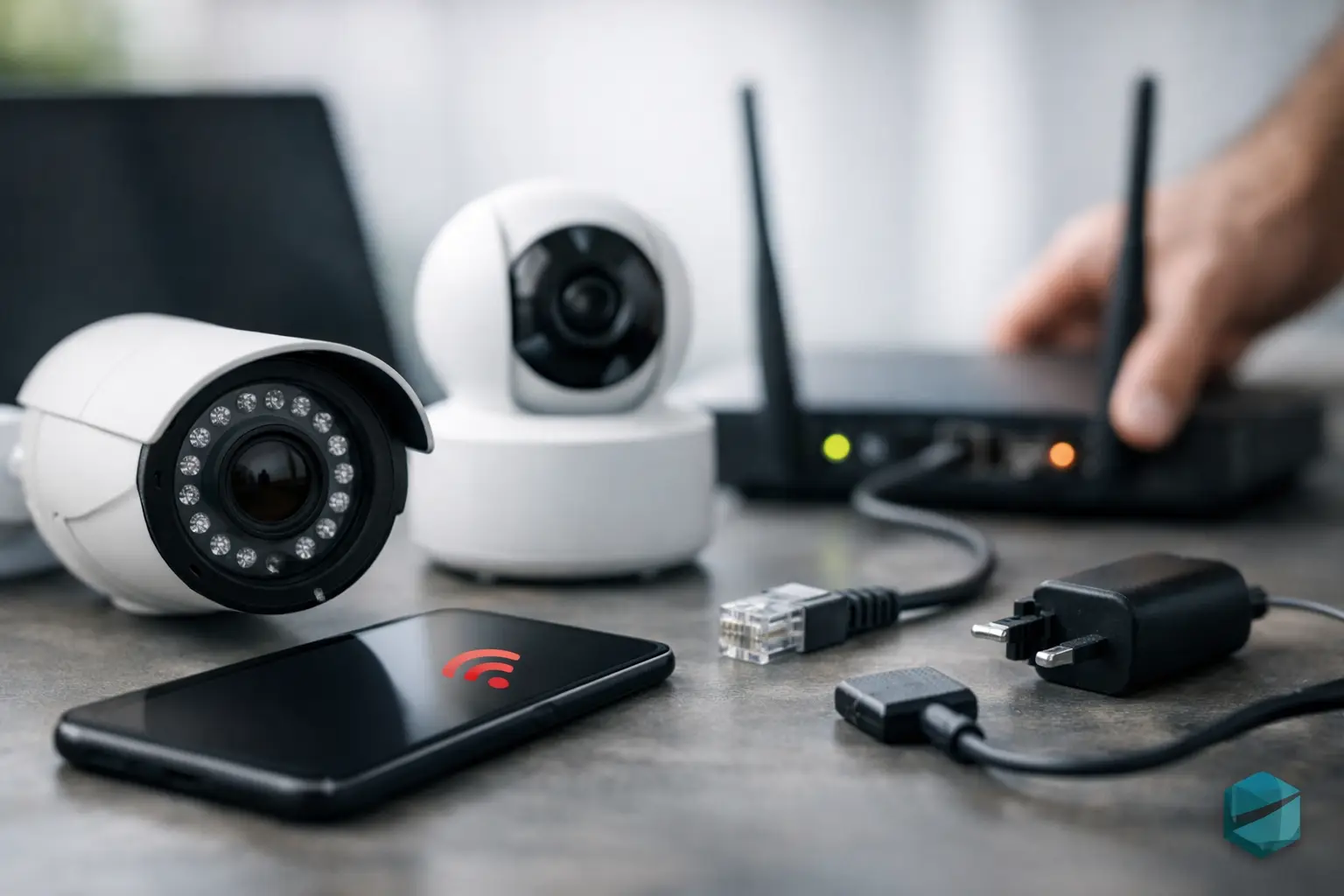
You open your app to check a driveway, front door, or office entry and instead see the same frustrating message: why are my cameras offline? It usually happens at the worst time, and it can make a security system feel unreliable fast. The good news is that an offline camera is often tied to a small number of issues, and most of them can be narrowed down without turning your day into a tech project.
Why are my cameras offline all at once?
When multiple cameras go offline together, the problem is usually not with the cameras themselves. It is more often a network issue, a power problem, or a problem with the recorder or gateway they depend on.
If your cameras are Wi-Fi based, start by looking at the broader network. If your internet is down, your app may not be able to reach the cameras remotely even if some of them still have power at home or at the office. If your router has restarted, updated, or lost connection to the modem, every wireless camera can disappear at the same time.
For wired systems, a switch, power supply, or network video recorder can be the central point of failure. One device with a power issue can make an entire group of cameras appear offline. This is especially common in systems that have grown over time, where original equipment is still in place but the demands on the network have increased.
There is also a simpler explanation that gets missed often: someone unplugged the wrong piece of equipment. Cleaning crews, contractors, holiday decorating, and office rearrangements all create opportunities for a small accidental change that takes a whole system down.
The most common reason cameras go offline
In day-to-day service calls, the most common answer to why are my cameras offline is weak or unstable connectivity. A camera may not need much bandwidth to sit quietly in the background, but it does need a consistent path back to the app or recorder. If that path drops in and out, the camera may appear offline even though it has power.
Wi-Fi cameras are convenient, but convenience has trade-offs. Distance from the router, dense building materials, interference from nearby devices, and crowded networks can all reduce signal quality. A camera mounted near brick, stone, metal, or exterior walls may work fine for months and then become unreliable after a router change, a provider equipment swap, or even seasonal shifts in the environment.
That does not mean Wi-Fi cameras are a bad choice. It means placement and network design matter more than many people expect. A camera installed for convenience rather than signal strength may be the first one to drop when conditions are less than ideal.
Power problems are more common than most people think
A camera that is truly offline may simply not be getting power. This sounds obvious, but it is easy to miss because many people check the app first and assume the problem is software-related.
Battery-powered cameras can go offline when a battery is low, aging, or not charging properly. Hardwired cameras can lose power because of a tripped outlet, a failed adapter, a bad connection, or a power supply issue upstream. PoE cameras, which receive power through an Ethernet cable, can go offline if a network switch fails or if the cable itself is damaged.
This is one reason professionally planned systems tend to hold up better over time. Clean power, correct hardware, and thoughtful cable routing do not just make an installation look better. They reduce the small points of failure that cause recurring outages.
Why one camera is offline but the others still work
When only one camera is offline, the issue is usually local to that camera. That narrows the field quickly.
The camera may be too far from the Wi-Fi source, especially if it is mounted outdoors or at the edge of the property. It may have a damaged cable, a loose connector, or a failed power adapter. In some cases, the camera itself may need a reboot or firmware update. In others, the camera has simply reached the end of its service life.
Environmental wear matters too. Outdoor cameras live through heat, cold, moisture, wind, and insects. Over time, seals degrade, mounts shift slightly, and cable connections take more stress than they would indoors. A camera that works intermittently in summer but drops offline in winter may be revealing a hardware issue rather than a network problem.
App issues versus real offline issues
Sometimes the cameras are not truly offline. The app is.
If your mobile app has not updated correctly, if permissions changed on your phone, or if the cloud service tied to your system is having trouble, the cameras can appear unavailable even when they are recording normally. This is why it helps to check whether footage is still being stored locally on a recorder or SD card. If recording continues, the problem may be with access rather than the camera itself.
This distinction matters because it changes the fix. Restarting hardware may not help if the real issue is account authentication, app caching, or a service outage. On the other hand, assuming it is just an app glitch can delay attention to a camera that has actually lost power or connection.
A practical way to troubleshoot without overcomplicating it
A calm, simple process usually works best. First, check whether the issue affects one camera or all cameras. Then confirm whether your internet is working normally on other devices. After that, look for obvious power problems such as unplugged equipment, a dead battery, or a switch that is not lit up.
If the system uses Wi-Fi, consider whether anything changed recently. A new router, internet provider equipment, furniture moved near the router, added smart devices, or construction work can all affect performance. If the system is wired, think about whether there was a recent outage, surge, remodel, or equipment move.
Rebooting can help, but it should be done in the right order. Network gear first, then recording equipment, then cameras if applicable. Randomly power-cycling everything at once can create more confusion, especially if devices take time to reconnect.
If one camera keeps going offline while others remain stable, avoid assuming it is just a temporary bug. Intermittent problems usually become permanent ones. That is often the right moment to have the camera location, cabling, and signal quality evaluated before you lose coverage entirely.
When the real issue is system design
Some offline camera problems are not really outages. They are signs that the original setup was stretched too far.
This happens in homes and small businesses where devices have been added little by little over time. Maybe the Wi-Fi was good enough for phones and streaming, then cameras were added later. Maybe an older recorder was kept in place while higher-resolution cameras were introduced. Maybe a builder-grade network was never designed for dependable remote monitoring.
In those cases, the fix is not always a reset or replacement camera. Sometimes the better answer is to improve the foundation – stronger Wi-Fi coverage, better equipment placement, updated switching hardware, cleaner power, or a more appropriate mix of wired and wireless devices. Good surveillance depends on the network behind it.
For property owners in Northeast Ohio, weather also plays a role. Temperature swings, storms, and power fluctuations can expose weak points in outdoor equipment and home networks faster than many people realize. A system that looks fine on paper can still struggle if it was not installed with long-term reliability in mind.
When to call a professional
If your cameras go offline repeatedly, if multiple fixes have only worked temporarily, or if you are unsure which device is causing the problem, professional support can save time and frustration. The goal is not just to get the picture back today. It is to make sure the system stays dependable next week and next season.
A proper service visit should look beyond the symptom. It should confirm signal strength, verify power delivery, check recorder health, inspect cable quality, review equipment placement, and identify whether the issue is hardware, network, or configuration. That kind of troubleshooting is especially valuable in larger homes, outdoor installations, and small business environments where coverage gaps create real risk.
Tri-County Technology approaches these problems the same way it approaches all connected systems: keep the technology simple to use, dependable in the background, and well matched to the space. That often means fewer recurring problems and less time spent wondering whether your system is actually working when you need it.
If you are asking why are my cameras offline, the answer might be a quick reset. But if the same message keeps returning, it is usually your system asking for a better foundation, not just another reboot.


Comments are closed