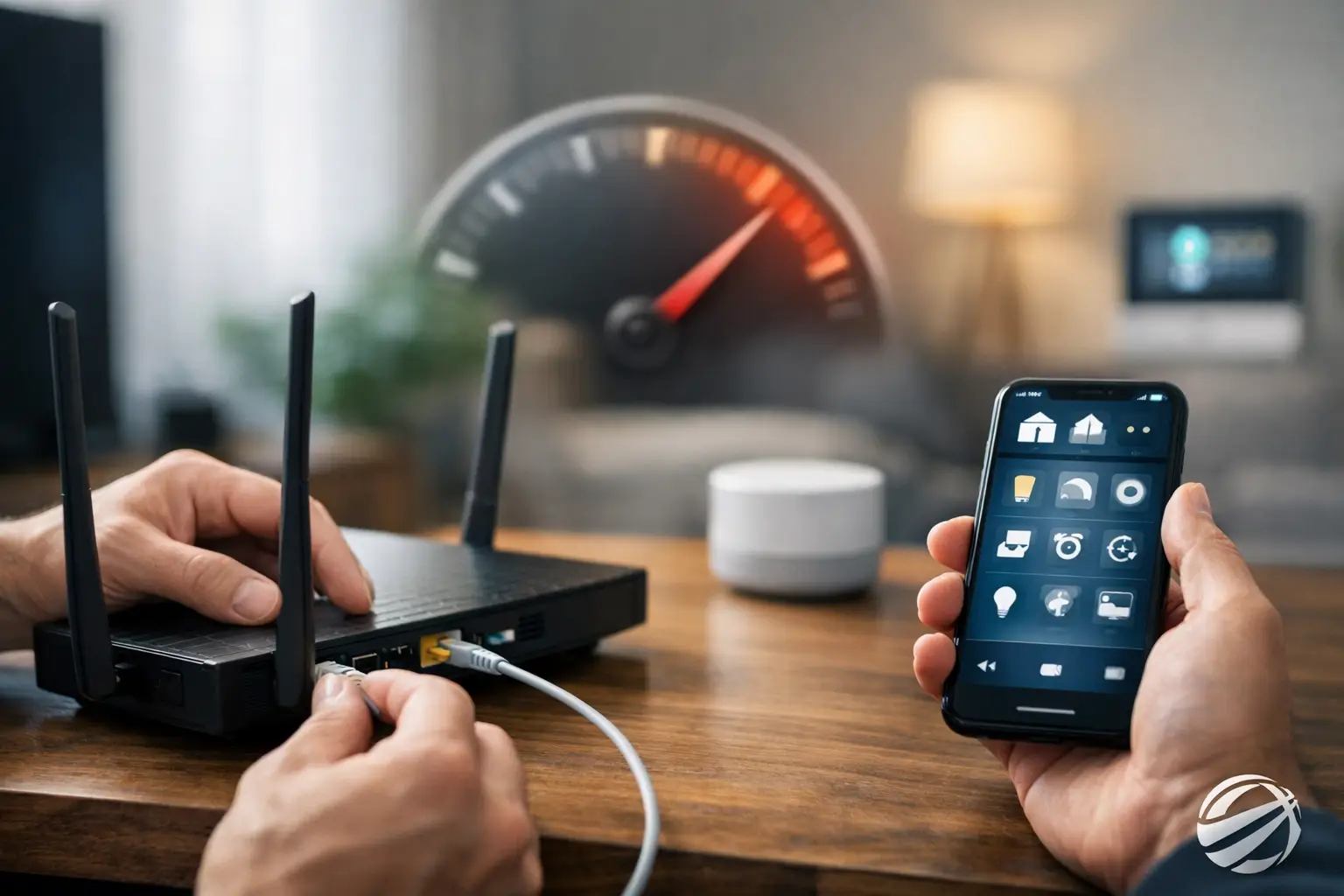
You notice it in the small moments first. A light takes three seconds to turn on. The thermostat updates after you have already left the room. A voice command lands, then hangs, then finally works. If you are wondering how to fix smart home lag, the good news is that most slowdowns have a clear cause and a practical fix.
Smart home systems are supposed to make daily life easier, not add friction to it. When devices respond slowly, the problem is usually not that everything is failing at once. It is more often a network issue, a device overload, a weak system design, or a mix of products that were never meant to work closely together. The right fix depends on where the delay is happening.
What smart home lag usually means
Smart home lag is any delay between your command and the system’s response. That could mean tapping a button in an app and waiting too long for lights to change, or giving a voice command and hearing the assistant think longer than it should. In some homes, the lag shows up only at certain times of day. In others, it affects one room, one platform, or one category of device.
That distinction matters. A slow camera feed points to a different issue than delayed lighting scenes. A thermostat that updates late may be dealing with cloud processing, while a light switch that misses commands may be struggling with weak signal strength. Before you start replacing equipment, it helps to narrow down the pattern.
How to fix smart home lag by finding the bottleneck
The fastest way to improve performance is to stop treating the system as one big mystery. Think in layers. The command starts with your phone, wall keypad, or voice assistant. It moves through your network or hub, then reaches the target device. Lag can happen at any point in that path.
Start with the simplest test. Try the same action in more than one way. If a light is slow in the app but fast at the switch, the issue may be the app, cloud service, or phone connection rather than the light itself. If it is slow no matter how you control it, the problem is more likely in the device communication or network design.
It also helps to compare one device with another. If every connected product slows down at once, look at your Wi-Fi and internet service first. If only a few devices lag, focus on where they are installed, what protocol they use, and whether they have a history of dropping offline.
Wi-Fi is often the first place to look
Many smart homes lean too heavily on basic Wi-Fi. That works for a small number of devices, but once you add cameras, speakers, TVs, thermostats, plugs, and mobile devices, the network can become crowded fast. A router that handles casual browsing well may struggle when dozens of connected products are all checking in at once.
Signal strength matters, but so does coverage quality. A device may show a connection and still perform poorly if the signal is weak or inconsistent. Homes with thick walls, larger floor plans, additions, or tricky layouts often have dead zones that create delays rather than complete disconnects.
If your lag is worst in certain rooms, that is a strong clue. Repositioning access points, upgrading network hardware, or moving to a professionally planned Wi-Fi system often makes a bigger difference than replacing smart devices. This is especially true in larger homes and retrofit projects where the original network was never built for whole-home technology.
Too many devices on one network can slow response
Not every smart product uses bandwidth the same way. A smart speaker or dimmer switch uses very little compared to a video doorbell, security camera, or streaming box. If your home has added connected devices over time without a clear network plan, the router may be carrying more than it should.
This does not always mean you need faster internet. Internet speed and internal network performance are different things. You can have a fast service plan and still deal with lag inside the home because of poor router performance, outdated equipment, or weak wireless coverage. That is why speed tests alone do not tell the whole story.
Hubs, bridges, and cloud reliance can create delay
Some systems respond quickly because the command stays local. Others take a longer route through the internet, a cloud service, or a third-party integration before returning to the device. That extra travel time can be small, but when multiple platforms are layered together, the delays add up.
This is a common issue in homes where products were added one by one from different brands. On paper, everything is compatible. In daily use, commands may bounce between apps, hubs, and automation platforms before anything happens. The result is a house that feels slower than it should.
If your system depends on several different apps and voice assistant routines to complete simple actions, there may be an opportunity to simplify. Fewer handoffs usually mean faster response. A more unified control approach can reduce lag and make the whole experience feel more natural.
Common fixes that actually help
When people search for how to fix smart home lag, they often jump straight to replacing devices. Sometimes that is necessary, but often the bigger win comes from cleaning up the foundation.
Restarting devices is a fair first step, especially for routers, hubs, and app-connected hardware. It is not a long-term strategy, but it can confirm whether the slowdown is caused by a device that has become unstable over time. If restarting helps briefly and then the lag returns, there is likely a deeper design issue to address.
Firmware and software updates can also help, though they are not magic. Updates may improve stability, patch bugs, or refine compatibility between devices. On the other hand, if a system gets worse after an update, that may point to an aging product that no longer plays well with newer platforms.
Placement matters more than most people expect. Wireless hubs tucked inside metal cabinets, routers hidden behind televisions, and devices installed at the edge of their signal range all create delays. A smart home should be built around performance, not just convenience during installation.
It is also worth checking for duplicate automations. Two apps trying to control the same lights or routines that overlap can create confusing delays. A scene may appear slow when the real issue is that one command is waiting for another to finish, or a second platform is reversing the first action.
When the issue is the device itself
Not all lag comes from the network. Some smart home products are simply slow. Lower-cost devices may connect fine but process commands poorly. Others rely so heavily on cloud servers that even a healthy network cannot make them feel instant.
This is where product quality and system design really show. Reliable devices do not just work on day one. They keep responding consistently after months of regular use, even as the rest of the home adds more connected technology. A good smart home should feel calm and predictable, not temperamental.
If one category of product keeps causing problems, replacing that weak link may be the right call. The key is doing it strategically. Swapping random pieces without looking at how they fit into the larger system can create a fresh round of compatibility issues.
Newer homes and older homes have different challenges
In new construction, lag often comes from underplanning. A beautiful home may have smart features installed, but not enough thought given to network layout, equipment location, or future device count. The house works at first, then slows as more systems are added.
In older homes, the challenge is usually adaptation. Materials, wall construction, and previous renovations can make wireless performance less predictable. Many retrofit projects also inherit a patchwork of devices from different years and brands. That does not mean the home cannot perform well. It just means the solution needs to be more deliberate.
For homeowners in Northeast Ohio, this comes up often in larger remodels and whole-home upgrades where connectivity has to work across varied floor plans, finished basements, detached spaces, or additions. The fix is rarely one product. It is usually better planning.
When professional help makes sense
If your smart home only lags once in a while, basic troubleshooting may be enough. But if delays are affecting lighting, entertainment, security, or comfort every day, the smarter move is to have the system evaluated as a whole.
A professional integrator can see patterns that are easy to miss from the user side. Maybe the Wi-Fi layout is wrong for the home. Maybe too many devices are stacked onto a consumer-grade router. Maybe the automations are fighting each other, or a few weak products are dragging down the experience for everything else.
That kind of evaluation is valuable because it focuses on the result you actually want: technology that responds when you ask, then gets out of the way. At Tri-County Technology, that is the standard people are usually after. Not more gadgets. Just a home that feels easier to live in.
The most effective smart homes are not the ones with the most devices. They are the ones that respond quickly, behave consistently, and support the routine of the people living there. If your system feels slow, that is not something you have to just tolerate. A few targeted changes can turn a frustrating setup into one that finally feels simple again.


Comments are closed