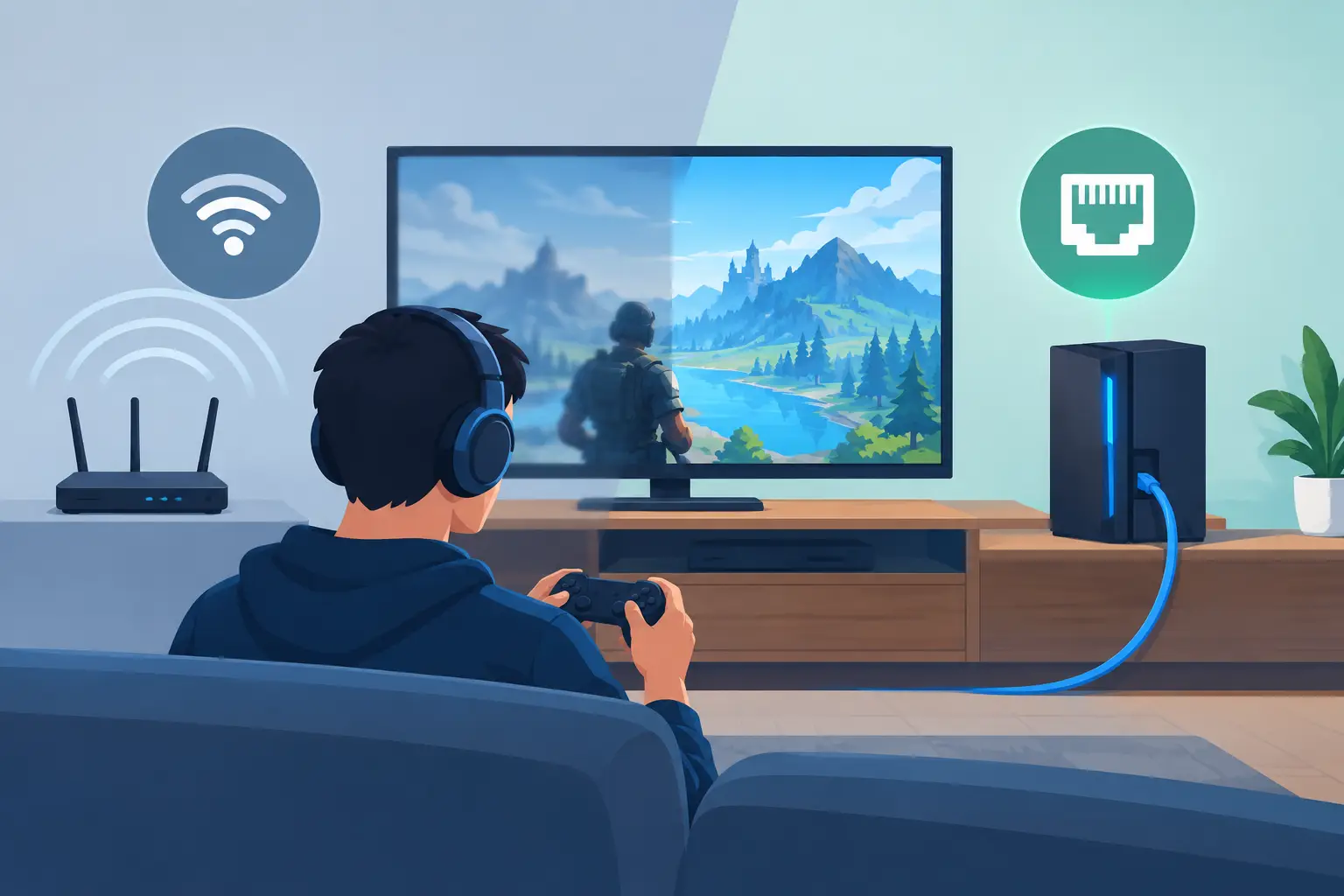
A match can be lost in a fraction of a second, but the cause is not always the console, PC, or game server. Does ethernet improve gaming? In many homes, yes. A wired Ethernet connection can make online play more consistent by reducing the wireless interference, signal swings, and dropouts that create frustrating lag at the worst possible moment.
That does not mean every game suddenly feels faster the instant a cable is connected. Your internet plan, the game server, other activity in the home, and the quality of your equipment still matter. Ethernet’s real advantage is dependable delivery between your gaming device and your home network. For competitive players and households with several connected devices, that consistency is often the difference people notice most.
Why Ethernet Can Improve Gaming
Online gaming sends a steady stream of small pieces of data between your device and a game server. The goal is not simply to have the highest download speed. What matters more is low latency, low jitter, and minimal packet loss.
Latency is the time it takes for data to travel from your device to the server and back. It is commonly called ping. A lower ping generally means your inputs and on-screen events reach the game server with less delay. Jitter is variation in that timing. A connection may show a decent average ping but still feel unreliable when the timing jumps around. Packet loss occurs when information fails to arrive, leading to stuttering, rubber-banding, delayed actions, or disconnections.
Ethernet helps because it gives the device a direct physical path to the router or network switch. Wi-Fi uses radio signals that must share airspace with neighboring networks, phones, wireless speakers, appliances, walls, floors, and the layout of the home itself. Modern Wi-Fi can be very capable, but its performance changes more easily as conditions around it change.
A properly installed Ethernet connection is less affected by those conditions. It usually provides steadier latency and fewer transmission retries than Wi-Fi. For fast-paced shooters, sports games, fighting games, racing titles, and cloud gaming, that stability can be more valuable than a headline internet-speed number.
Ethernet vs. Wi-Fi for Gaming at Home
Wi-Fi is not automatically bad for gaming. A newer console or PC connected to a well-designed Wi-Fi system may perform very well, especially when it is near an access point and the network is not under heavy demand. Casual single-player games and slower turn-based online games may show little practical difference.
The trade-off appears when the household gets busy. A family member may be streaming 4K video, someone may be on a video call, and several smart home devices may be active at once. Wi-Fi is designed to manage shared wireless access, but every added demand creates more opportunity for delay or variation.
Ethernet gives a gaming device its own stable connection back to the network. It does not remove all contention from the internet service coming into the home, yet it removes one unpredictable portion of the path. That is why a wired connection often feels calmer during peak evening use, even if a speed test reports similar download results on Wi-Fi.
For a gaming setup in a basement, theater room, office, or dedicated media space, a wall-mounted Ethernet jack is also cleaner than running a long cable across the floor. The connection is available when it is needed, without turning a finished room into a temporary setup.
What Ethernet Will Not Fix
A wired connection cannot solve every gaming problem. If your internet service has high latency, the game server is far away, or the game itself is having an outage, Ethernet will not eliminate that delay. It also cannot overcome a slow device, overloaded game hardware, or a poor-quality modem or router.
Some homes experience a form of network congestion called bufferbloat. This can happen when a connection becomes heavily loaded by uploads or downloads and the router allows data to queue for too long. In that situation, a good router with effective traffic management can make a meaningful difference. Ethernet helps establish a more reliable local connection, while the router helps manage what happens when everyone is online at once.
It is also worth checking the basics. A damaged cable, outdated network hardware, or a device connected at a lower speed than expected can limit performance. Wired does not automatically mean optimized. The components and installation still need to be appropriate for the home.
When a Wired Connection Makes the Biggest Difference
Ethernet is most worthwhile when gaming is a regular part of the household’s entertainment and the player cares about consistent response. It is especially useful for competitive online play, game streaming, large game downloads, and cloud gaming services that depend on a steady connection.
It can also be a practical choice when a gaming console sits beside a television, projector, or audio system. These spaces often use multiple connected devices at once. A wired network connection can support the console while preserving more wireless capacity for phones, tablets, and portable devices elsewhere in the home.
For a new build or renovation, planning Ethernet before walls are closed is one of the simplest ways to create flexibility for the future. A structured wiring plan can bring reliable network connections to offices, media rooms, bedrooms, and other places where technology may be added later. The goal is not to put a cable in every possible location. It is to place the right infrastructure where daily life will benefit from it.
In an existing home, a retrofit may still be straightforward depending on the room layout, attic or basement access, and available pathways. Professional installation keeps cabling discreet and avoids the clutter of exposed wires, adapters, and improvised connections.
Choosing the Right Ethernet Setup
For most households, Cat6 cabling is a sensible choice for new Ethernet runs. It supports gigabit networking with room for higher-performance uses over shorter distances. Cat5e can also support gigabit speeds and may be perfectly adequate in an existing installation. The best choice depends on the home’s layout, the length of the run, and the broader network plan.
The cable is only one part of the system. Your router, network switch, modem, and device ports should also support the speeds you expect to use. A gigabit Ethernet connection is more than enough for online gaming itself, since games use far less bandwidth than many people assume. Its value lies in stable communication and the ability to handle downloads and other household activity without creating unnecessary local limits.
If the router is located far from the gaming room, a small network switch can add several wired ports at the destination. That can be useful when a console, streaming device, television, and media component all benefit from reliable connectivity. A professionally planned system can place the equipment where it makes sense while keeping it organized and easy to service.
Avoid relying on powerline adapters as a first choice when gaming performance matters. They use a home’s electrical wiring, and results can vary significantly based on circuit layout, electrical noise, and the age of the home. They may be useful in certain situations, but a dedicated Ethernet run is generally the more dependable long-term solution.
A Better Gaming Experience Starts With the Whole Network
The best home network does not force everyone to compete for a fragile connection. It balances strong Wi-Fi coverage for mobile devices with wired connections for stationary equipment that benefits from consistency. That approach supports gaming without making the home feel complicated.
For homeowners, the practical question is not whether Ethernet is old-fashioned or whether Wi-Fi is modern. It is whether the connection fits the way the room is used. A gaming PC that stays in one office, a console in a media room, or a work-and-play setup that needs dependable performance are all good candidates for a wired connection.
When the wiring, Wi-Fi, and network equipment are designed as one system, technology stays in the background where it belongs. The result is less time troubleshooting a lag spike and more time enjoying the game, the movie, or a quiet evening at home.


Comments are closed