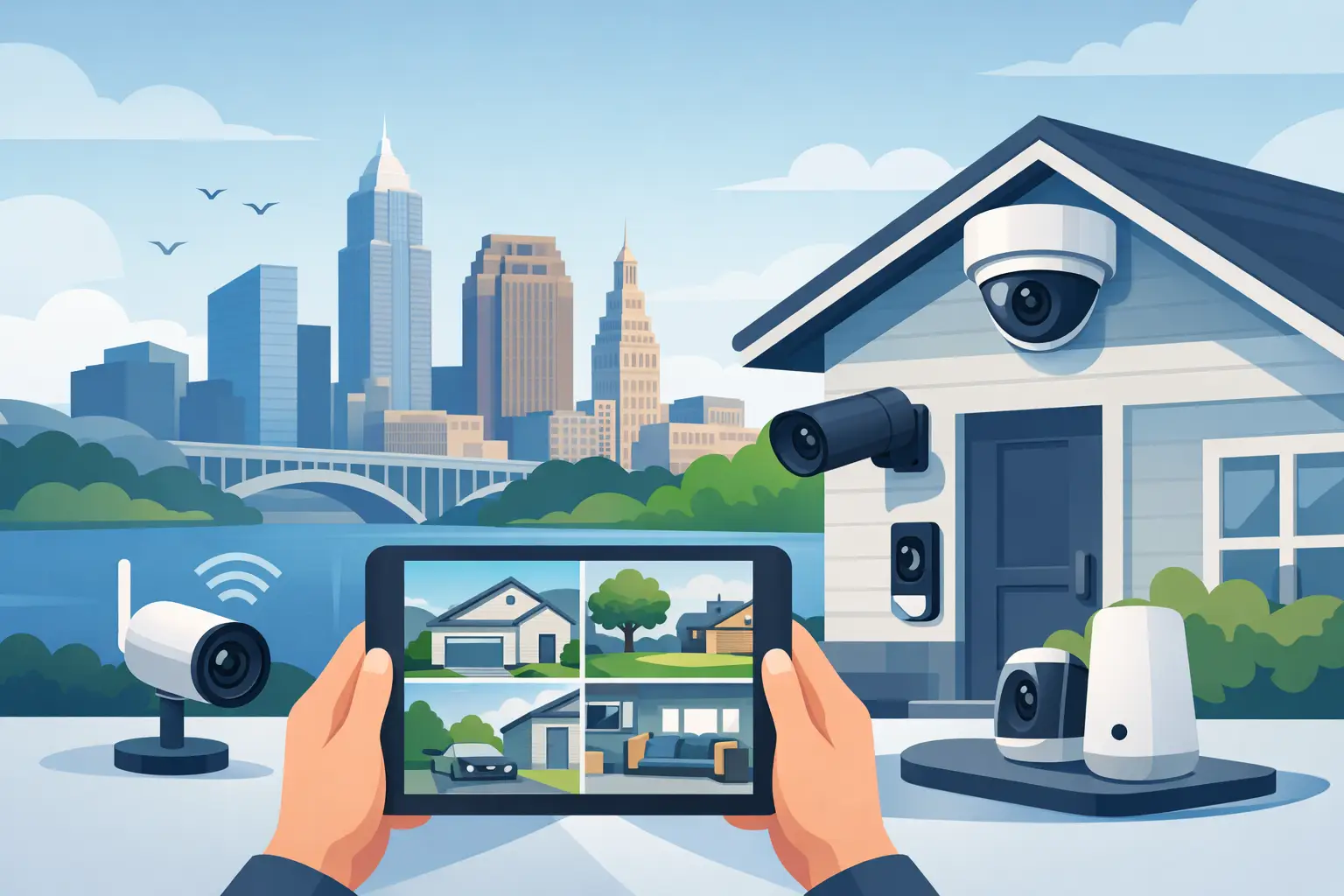
A camera mounted over the garage can tell you someone arrived. A well-designed system can show how they approached, where they went, and what happened next – without leaving you to sort through blurry clips, dead zones, and constant notifications. This Cleveland surveillance system guide focuses on the decisions that make everyday monitoring useful for Northeast Ohio homes and small businesses.
The best system is rarely the one with the longest feature list. It is the one that captures the right areas clearly, works reliably through changing weather, and feels simple enough to use when you actually need it. That starts with a plan, not a box of cameras.
Start With What You Need to See
Before choosing camera models, walk the property and think in terms of moments, not equipment. Where do people arrive? Which exterior areas are hard to see from inside? Is there a package drop location, a detached garage, a side gate, a driveway, or a rear patio that deserves a clearer view?
For a home, the front approach, driveway, and main exterior doors are common priorities. For a small business, the focus may include entry points, receiving areas, parking, and customer-facing spaces. The goal is not to put a camera everywhere. It is to cover the places where a clear record would provide reassurance or answer a question.
Camera placement should also account for how a person moves through the scene. A camera aimed straight down a long driveway may see a vehicle well but may not provide the best view of a face at the entry. A second angle can be more valuable than a higher-resolution camera placed in the wrong location. Coverage is about perspective as much as image quality.
Plan for Cleveland Weather and Changing Light
Northeast Ohio asks a lot of exterior equipment. Rain, lake-effect snow, wind, heat, freezing temperatures, and road salt can all affect performance over time. Outdoor cameras should be selected and installed for those conditions, with protected connections, proper mounting, and a clear field of view that will not be blocked by seasonal growth or drifting snow.
Light deserves equal attention. A camera facing directly into late-afternoon sun can produce glare and silhouettes. Porch lights, landscape lighting, and vehicle headlights can change how a scene appears after dark. Good design considers daytime sun angles, nighttime illumination, reflective surfaces, and the distance between the camera and its intended subject.
Night vision is helpful, but it is not magic. Identification-quality footage at night depends on distance, placement, available light, and camera settings. If recognizing a face at a specific doorway matters, design around that exact view rather than assuming any wide-angle camera will do the job.
Choose Wired Reliability or Wireless Flexibility
A dependable surveillance system begins with a dependable connection. Wired cameras are often the best fit for new construction, major renovations, and properties where long-term reliability is the priority. They can receive power and data through a single cable, avoid dependence on battery charging, and reduce strain on the home Wi-Fi network.
Wireless cameras can make sense where running cable is impractical or when coverage needs to be added to a finished space. They are flexible, but they depend on strong signal coverage and, in some cases, regular battery maintenance. A camera that frequently drops offline or needs attention at the wrong time is not delivering much peace of mind.
There is no universal winner. A thoughtful system may use wired cameras at primary exterior locations and wireless options where they truly solve a construction challenge. The important part is being honest about the trade-offs before installation.
Make Wi-Fi Part of the Camera Conversation
Many camera frustrations are really network frustrations. Video creates more demand than ordinary browsing, especially when several cameras stream or save high-resolution footage at the same time. Weak outdoor coverage, overloaded equipment, and poor device placement can lead to delayed alerts, choppy live views, or missing recordings.
A professional site review looks at more than the camera locations. It considers the strength and reach of the network, how the system will communicate, and whether the home already has the wiring needed for a cleaner installation. For larger homes, detached structures, or small commercial spaces, this planning can prevent the need for visible workarounds later.
Recording Should Match Your Routine
A camera is only as useful as the footage you can find. Decide whether you want continuous recording, event-based clips, or a combination of both. Continuous recording provides a fuller timeline and can help explain what happened before or after an alert. Event-based recording can reduce storage needs, but its usefulness depends on accurate motion detection and notification settings.
Local recording gives you more control over stored footage and can continue operating during some internet interruptions, depending on the system design. Cloud storage can make clips easy to review remotely and may simplify off-site backup. The right choice depends on how long you want to retain recordings, how often you expect to review them, and your comfort with ongoing service costs.
Avoid choosing storage based only on the largest number advertised. Higher resolution, more cameras, and continuous recording all use more space. A good design specifies retention expectations clearly, so there are no surprises when important footage has already been overwritten.
Set Alerts That Help Instead of Interrupt
Constant notifications train people to ignore notifications. The goal is to receive useful information, not a running report on every passing car, moving branch, or neighborhood cat.
Modern systems can often define activity zones and distinguish between people, vehicles, and general motion. These tools are most helpful when they are configured around the property. A driveway camera may need to ignore sidewalk traffic. A rear patio camera may need a tighter zone to avoid alerts from trees moving beyond the fence line.
Start conservatively. Use only the notifications you are likely to act on, then adjust the settings after a week or two of real-world use. The same approach applies to shared users. Give household members or staff the access they need, keep administration simple, and review permissions when circumstances change.
Respect Privacy While Improving Visibility
Surveillance cameras should observe your property and support reasonable monitoring needs, not create discomfort for neighbors, guests, or employees. Aim cameras carefully to avoid unnecessary views into neighboring homes or private spaces. Indoor cameras require even more judgment, particularly in personal areas where privacy expectations are high.
For a small business, be transparent about camera use where appropriate and establish clear internal expectations about who can review footage. Thoughtful placement and straightforward policies protect relationships as well as property.
Privacy also includes the system itself. Use unique, strong credentials, keep equipment updated, and avoid sharing account access casually. Remote viewing is convenient, but it should be managed with the same care as any other connected part of the home or workplace.
A Cleveland Surveillance System Guide for Installation
Clean installation matters because the camera system becomes part of the property, not a temporary gadget. Visible cords, poorly placed power adapters, and improvised mounting can distract from the home and create reliability problems later. Whenever practical, cables should be planned, concealed, labeled, and routed with future service in mind.
This is especially valuable during new builds and renovations. Running low-voltage wiring before walls are finished gives homeowners more options for camera locations, network equipment, displays, and future upgrades. In an existing home, experienced installers can often find practical routes that preserve the finished look of the space.
At Tri-County Technology, the focus is on designing connected systems that work quietly in the background. That means explaining the options in plain language, installing with care, and making sure you know how to use the system before the project is complete.
The right camera plan should leave you with fewer questions, not more apps and more maintenance. Start with the moments you want to see clearly, build the infrastructure to support them, and let the technology do its job without demanding constant attention.


Comments are closed