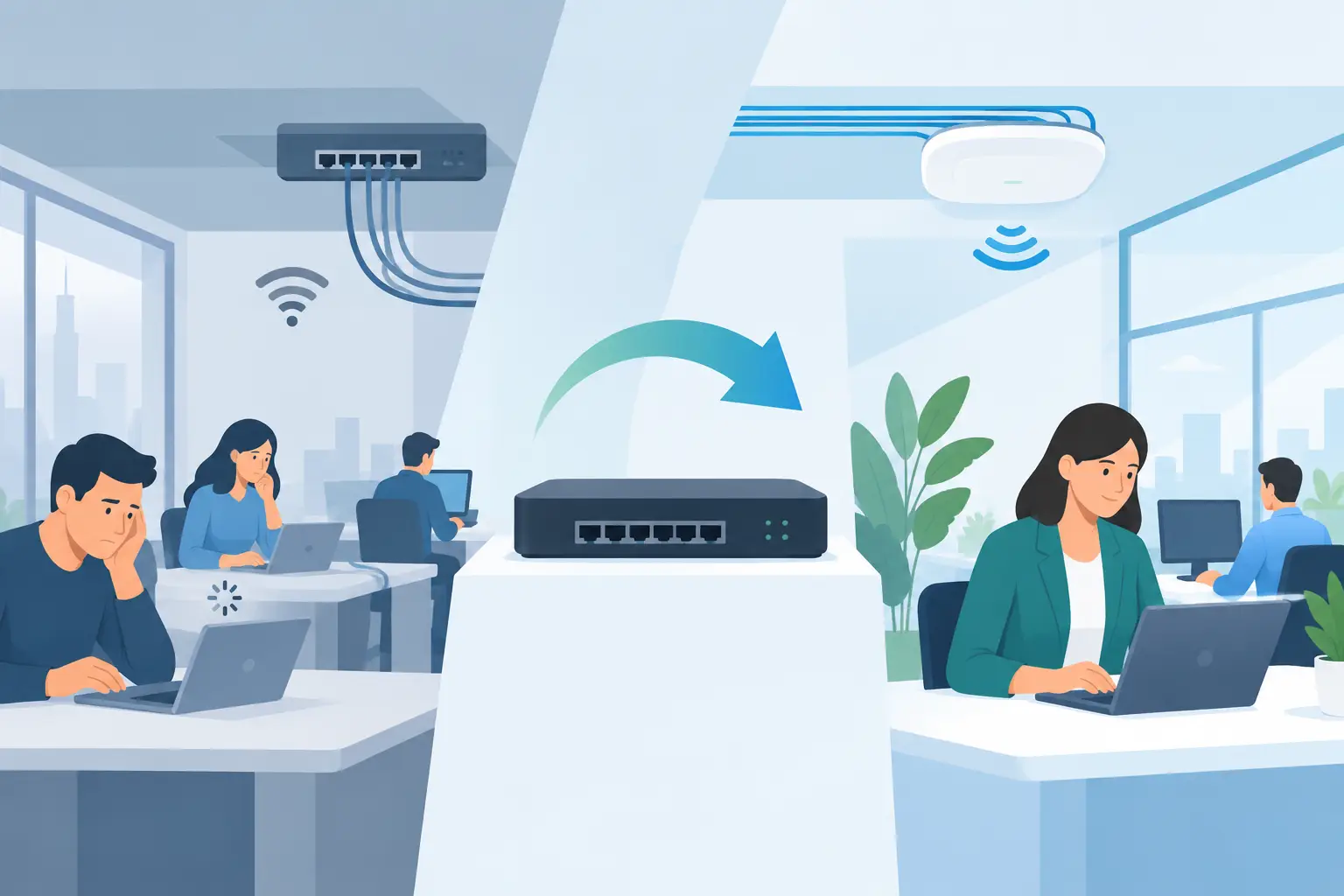
A slow connection is rarely just a slow connection. It is the video call that freezes when a client joins, the large file that will not send, the conference room display that drops out, or the employee who moves closer to a hallway just to get usable Wi-Fi. An office network upgrade solves more than an internet-speed problem. Done well, it gives people a dependable foundation for the work they need to do every day.
For a small business, the goal is not to fill the office with more equipment or introduce another complicated app. It is to create reliable coverage, thoughtful wiring, and a network that performs quietly in the background. That begins with understanding what is actually causing the frustration.
When an Office Network Upgrade Makes Sense
Most offices do not need an upgrade simply because their equipment is a few years old. They need one when the current system no longer matches the way the space is used. A team that once shared a few laptops may now depend on cloud software, video meetings, wireless printing, streaming displays, and phones throughout the day. The demand changes quickly, even in a modest-sized office.
Intermittent Wi-Fi is one clear sign. If the connection works well near the router but becomes unreliable in offices, meeting rooms, break areas, or outdoor workspaces, coverage is likely the issue. Adding a consumer-grade extender may seem like a quick fix, but it often creates a second weak point. Professionally placed wireless access points, connected by proper cabling, are usually a better answer.
Other signs are less obvious. A network may struggle only during busy periods, when multiple staff members join video calls at once, or after a new device has been added. Older switches can limit the speed available to wired workstations and wireless equipment. In some cases, the problem is not the network at all but an internet plan that no longer supports the office’s daily traffic. A good assessment separates these issues before anyone buys hardware.
Start With How the Office Actually Works
The best office network upgrade is designed around people, rooms, and routines rather than a generic equipment list. A professional walkthrough should look at where employees work, where guests gather, how conference rooms are used, and which devices require a wired connection.
For example, a bookkeeping office with a handful of fixed desktops has different needs than a growing design firm moving large media files. A medical practice may need dependable connectivity in every exam room, while a warehouse office may need coverage that reaches through dense walls and into loading areas. Floor plan, construction materials, square footage, and the number of connected devices all influence the design.
It also helps to think ahead. Are more employees expected next year? Will a renovation add offices or meeting spaces? Is the business planning to install additional displays, cameras, or audio equipment? Building in reasonable room for growth costs less than revisiting the same walls and ceilings when the network is already at capacity.
Wired Infrastructure Still Matters
Wi-Fi gets most of the attention because it is what people notice, but the wired backbone does much of the real work. Network cabling provides a consistent connection to desktop computers, conference room equipment, printers, wireless access points, and other fixed technology. It also keeps the visible workspace cleaner, with fewer temporary cables stretched across desks and floors.
In an older office, existing cabling may be poorly labeled, damaged, limited by age, or routed in ways that make future changes difficult. A structured wiring plan brings order to that infrastructure. Cables terminate in a central, organized location so equipment can be serviced, expanded, and understood without guesswork.
Not every device needs a wire. Laptops, tablets, and phones are meant to move. But stationary, high-demand equipment benefits from a direct connection, and well-placed cabling gives Wi-Fi access points the support they need to perform properly. The result is a network that feels more consistent, especially when the office is busy.
Placement Is More Important Than Quantity
One powerful wireless access point cannot always serve an entire office well. Walls, ceilings, metal framing, cabinetry, and mechanical systems can weaken a signal. Placing equipment in a back closet or at one far end of the building may leave the spaces people use most with poor coverage.
A thoughtful design places access points where they can serve the actual work areas. This may mean one unit in an open office and another near conference rooms or private offices. The right number depends on the building and expected use. More equipment is not automatically better. Proper placement, clean installation, and careful configuration make the difference.
Give Meeting Spaces the Attention They Deserve
Conference rooms tend to expose network problems first. A room can have a beautiful display and a capable video conferencing system, yet still deliver a frustrating experience if its connection is inconsistent. Calls can become choppy, screen sharing can lag, and participants may spend the first ten minutes of a meeting trying to reconnect.
A network plan should account for the room as a complete environment. That includes dependable Wi-Fi or a wired connection where appropriate, organized cable routing, and equipment located where it can be supported without disrupting the room’s appearance. If staff bring their own devices to meetings, reliable wireless performance becomes even more valuable.
This is also where a professionally integrated system feels different from a collection of individual purchases. The technology should be easy for the next person to use, not only for the employee who originally set it up.
Avoid the Common Quick Fixes
When connectivity becomes frustrating, it is tempting to replace only the router and hope for the best. That can help in a very small office, but it often leaves the underlying limitations in place. The same is true of adding several inexpensive extenders, moving equipment at random, or relying on an internet provider’s standard gateway for a larger workspace.
Those choices can create uneven coverage, competing wireless signals, and an installation that becomes harder to troubleshoot over time. They may also leave important equipment sitting on desks, shelves, or in areas where heat and accidental unplugging become recurring problems.
A better approach is to evaluate the whole system: the incoming internet service, router, switches, cabling, wireless coverage, and connected equipment. Not every project requires a full replacement. Sometimes an existing system has a solid foundation and only needs additional access points, updated switching, better cable management, or a more suitable location for network equipment. The right scope depends on the condition of what is already there.
Plan for Reliability, Not Just Speed
Speed matters, but it is not the only measure of a good network. An office can have a fast internet plan and still feel unreliable when coverage is uneven or equipment is overloaded. Consistent performance is what makes work easier: video calls remain clear, shared files open without delay, and staff can move between rooms without thinking about the connection.
Reliability also comes from a clean, documented installation. Clearly labeled cables and organized equipment save time when changes are needed. A network cabinet or designated equipment area keeps technology protected from daily clutter while making service more straightforward. These details may not be visible to employees or visitors, but they shape how well the office operates.
For businesses in Northeast Ohio, seasonal construction, older commercial buildings, and mixed-use spaces can add practical challenges. A site visit helps identify where existing walls, ceilings, and pathways allow for clean cable runs without disrupting the finished look of the office.
Choose Support That Fits the Business
An office network is not a set-it-and-forget-it purchase. Staff changes, new software, renovations, and additional devices can all change the demands on the system. Working with an experienced integrator gives business owners a clear point of contact when something needs attention or when the office is ready to grow.
Tri-County Technology approaches workplace connectivity with the same focus used in connected homes: technology should feel simple, intuitive, and dependable. The team can assess an existing setup, design a practical improvement plan, and install the components in a way that supports the look and function of the space.
A well-planned network does not need to call attention to itself. It should simply allow the workday to move forward with fewer interruptions, cleaner spaces, and confidence that the connection will be there when it matters.


No responses yet