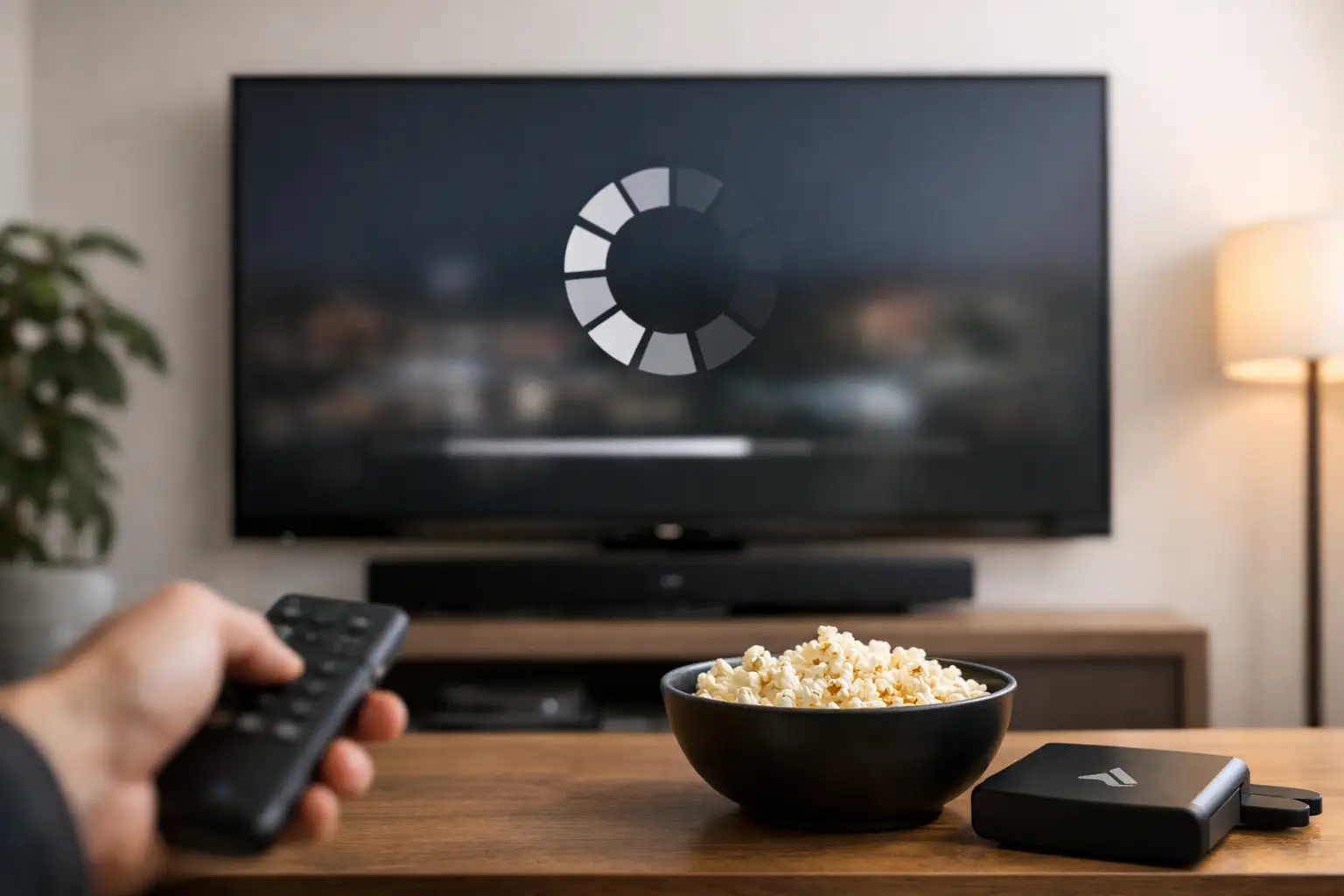
You sit down to watch one show, and instead of a clean picture, you get the spinning circle, a frozen scene, or video that drops to blurry quality every few minutes. If you keep asking, “why is my smart TV buffering,” the TV itself is only part of the story. In most homes, buffering is a signal that something in the full chain – internet service, Wi-Fi coverage, device settings, or network traffic – is not keeping up.
That is why this problem can feel inconsistent. One night everything works fine. The next night, a movie pauses every few minutes even though your phone and laptop seem normal. Streaming depends on steady performance, not just advertised speeds, and small weak points in your setup can show up first on the biggest screen in the house.
Why is my smart TV buffering even with good internet?
This is the question that frustrates most homeowners. You may be paying for fast internet, your provider may say the connection looks fine, and speed tests on a phone may look impressive. But buffering can still happen when the signal reaching the TV is weak, unstable, or competing with too many other devices.
Internet speed is only one piece of the experience. Streaming video needs consistency. If your Wi-Fi signal drops for a moment, if the router is overloaded, or if your TV is far from the access point, the app may pause to catch up. That pause is buffering.
It also depends on what you are streaming. A live sports broadcast, a 4K movie, and a basic news clip do not place the same demand on your network. The service you are using matters too. Sometimes the issue is inside the app or on the provider’s side, not inside your home.
The most common reasons a smart TV buffers
The most common cause is weak Wi-Fi at the TV location. Many living rooms and bedrooms are far from the router, separated by plaster, brick, ductwork, fireplaces, or multiple floors. A phone may still show a couple of bars, but streaming on a TV requires more stable performance than casual browsing.
Another common issue is network congestion. If someone is on a video call, another person is gaming, security cameras are uploading footage, and several devices are syncing in the background, your available bandwidth gets divided up. Even in a well-connected home, a busy network can create interruptions.
Your router may also be the problem. Older routers often struggle with modern streaming demands, especially in homes with dozens of connected devices. A router can technically work while still performing poorly. If it has not been updated or replaced in years, it may be creating the bottleneck.
Then there is the TV itself. Smart TVs run apps, process video, and rely on software updates just like any other connected device. If the TV’s operating system is outdated, its memory is overloaded, or an app has become buggy, buffering can show up even when the network is decent.
How to tell whether the problem is Wi-Fi, internet, or the TV
A little testing can save a lot of guessing. Start by noticing patterns. If buffering happens only on one TV, the issue is probably local to that room, that device, or that app. If every TV in the home buffers at the same time, the issue is more likely your internet service or main network equipment.
Try a different streaming app. If one app buffers and another plays normally, the app itself may be the issue. If every service buffers, look more closely at your network.
You can also test the same show on another device in the same room. If your tablet or phone struggles there too, the room likely has weak Wi-Fi coverage. If those devices work fine but the TV buffers, the TV may need an update, a restart, or a better connection method.
A wired test is often the clearest answer. If your TV has an Ethernet port and you temporarily connect it directly to the router or network jack, you can compare performance right away. If buffering disappears on a wired connection, the problem is almost certainly Wi-Fi, not the streaming service itself.
Fixes that often solve buffering fast
Start simple. Restart the TV, the router, and the modem. It sounds basic because it is, but temporary glitches, memory buildup, and stalled network processes can all clear with a full restart.
Next, check for software updates on the TV and inside the streaming apps. Updates often improve compatibility, fix bugs, and stabilize playback. If one app keeps acting up, signing out and back in or reinstalling the app can help.
If your TV is on Wi-Fi, look at router placement. Routers hidden in cabinets, tucked in basements, or placed behind dense walls rarely deliver their best performance. Moving the router to a more open and central location can improve the connection more than many people expect.
You should also reduce unnecessary network load where possible. Large downloads, cloud backups, and multiple 4K streams at once can affect performance. This is not always the full answer, but it can confirm whether congestion is part of the problem.
Lowering the stream quality can also help as a test. If 4K content buffers but HD plays normally, your setup may be right on the edge of what your signal can support. That does not always mean you need more internet speed. It may mean you need better Wi-Fi design.
Why buffering often points to Wi-Fi coverage problems
In many homes, the internet coming into the house is not the real issue. The issue is how that signal gets distributed across the rooms where people actually use it. This is especially true in larger homes, remodeled homes, and homes where the router sits wherever the provider installed it instead of where coverage makes the most sense.
A single router does not perform equally well in every floor plan. Long hallways, dense building materials, and distance all weaken the signal. The TV over the fireplace in the family room may be one of the hardest devices in the house to serve well, even if everything looks tidy on paper.
This is where homeowners sometimes buy extenders one after another and still get mixed results. Extenders can help in some cases, but they can also create added complexity, inconsistent handoffs, and reduced performance if they are not placed correctly. A better answer is often a properly designed Wi-Fi system with access points placed where the home actually needs coverage.
When the problem is not inside your home
There are times when buffering has little to do with your setup. Your internet provider may be having a service issue in the area. A streaming platform may be overloaded during a major live event. Even weather or neighborhood infrastructure issues can affect performance.
The key is to avoid replacing equipment too quickly without identifying the cause. If buffering starts suddenly and affects multiple services and devices, it may be worth checking whether your provider is experiencing an outage or service degradation first.
That said, temporary outside issues often expose existing weak spots inside the home. A network that usually performs just well enough may start failing when conditions are less than ideal. That is why a professionally tuned home network tends to feel more dependable day to day.
Why is my smart TV buffering in one room but nowhere else?
When buffering happens in just one room, the answer is usually distance, interference, or obstacles. TVs are often installed in places chosen for design and comfort, not signal strength. Over a fireplace, on an exterior wall, inside built-ins, or at the far end of the house can all be harder locations for Wi-Fi.
Nearby electronics can play a role too. Soundbars, game consoles, streaming boxes, and even neighboring wireless networks can add interference. The problem may not be dramatic enough to knock the TV offline, but it can be enough to interrupt steady video streaming.
In homes across Northeast Ohio, we often see this in spaces added during renovations or in older homes with dense materials that block wireless signal more than expected. The room looks finished and comfortable, but the network was never redesigned to match how the space is actually used.
When it makes sense to get professional help
If buffering is occasional, simple troubleshooting may be enough. But if you are resetting devices regularly, avoiding certain rooms, or paying for high-speed internet that still does not feel reliable, the issue may be in the design of the network itself.
A professional evaluation can identify dead zones, poor equipment placement, outdated hardware, and traffic bottlenecks without turning your home into a science project. In many cases, the goal is not more complexity. It is a cleaner, more stable setup that works quietly in the background.
That approach matters because entertainment systems are supposed to feel easy. Whether you are watching a movie with family, catching a game, or streaming music through the house, the technology should support the moment rather than interrupt it.
If your smart TV keeps buffering, the best fix is the one that solves the real cause, not just the symptom. Sometimes that is a quick restart. Sometimes it is a stronger Wi-Fi design. Either way, once the network is working the way it should, the spinning circle stops being part of the evening.


Comments are closed