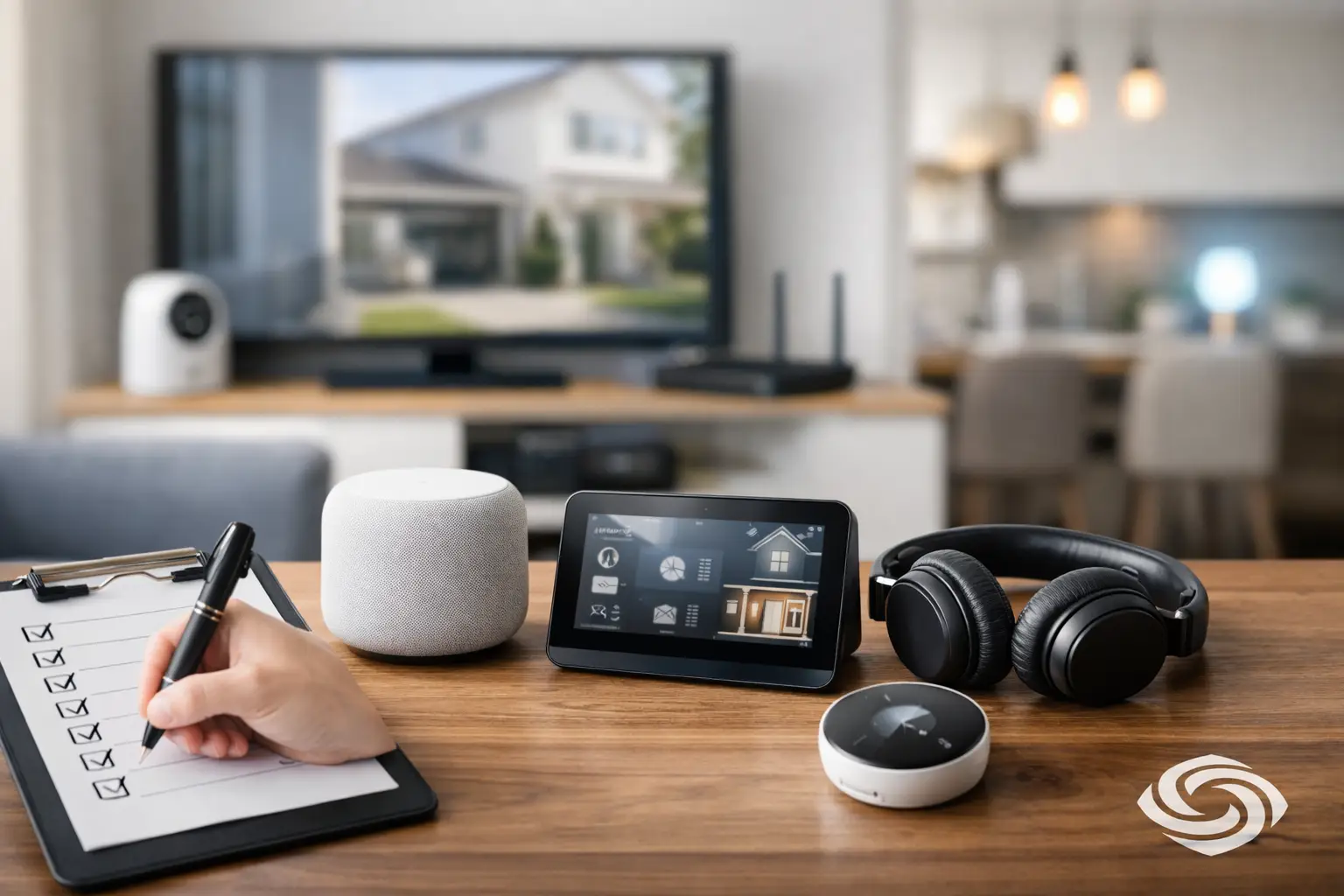
A smart thermostat on its own can be helpful. So can a video doorbell, better Wi-Fi, or a living room TV upgrade. The trouble starts when those pieces are added one at a time without a plan. A good home technology upgrade checklist helps you look at the house as a system, not a pile of gadgets, so the result feels simpler, more reliable, and easier to live with.
That matters whether you are building a new home, remodeling a few rooms, or trying to fix technology that never quite worked right. The best upgrades are the ones you do not have to think about much. They respond quickly, look clean, and support daily routines without adding frustration.
Start the home technology upgrade checklist with daily life
Before comparing brands or picking devices, look at how your household actually uses the home. That sounds basic, but it is where many projects go off track. A family that wants stronger security at the front entry needs a different plan than a household focused on backyard entertainment, home office reliability, or simple bedtime lighting scenes.
Think about the moments that matter most. Maybe you want the garage, front door, and exterior cameras visible from one app. Maybe you want better music in the kitchen and patio. Maybe your biggest issue is dead Wi-Fi zones upstairs. Those priorities shape every decision that follows, including wiring, equipment placement, control options, and budget.
It also helps to decide what “easy” means for your household. For some people, easy means one touchpanel or one app. For others, it means wall keypads, voice control, or systems that run on schedules with almost no manual input. There is no universal answer. The right setup depends on how you want to live.
Check your foundation before adding more devices
Most disappointing tech upgrades are not caused by bad intentions. They are caused by weak infrastructure. If the network is inconsistent, the wiring is limited, or the TV location was chosen without power and cable planning, even good products can feel unreliable.
Start with connectivity. If your current Wi-Fi struggles with video calls, streaming, or smart devices dropping offline, that issue should be solved before adding more connected products. A larger house, older construction, or an addition with thick walls often needs more than a basic retail router. Thoughtful Wi-Fi design, proper access point placement, and hardwired connections where possible make a major difference.
Structured wiring matters too, especially in new builds and major renovations. Running cable during construction is far easier and less expensive than opening finished walls later. Even if you are not installing every feature right away, prewiring for cameras, TVs, audio zones, and network locations gives you flexibility. It is one of the smartest ways to future-proof a home without overcommitting.
Power planning belongs in this stage as well. Mounted displays, motorized shades, network gear, and surveillance equipment all need clean, intentional power access. If power placement is an afterthought, the room often ends up with visible cords, awkward equipment locations, or performance issues that could have been avoided.
Prioritize the upgrades that improve comfort and reliability first
A practical home technology upgrade checklist should put the highest-value systems near the top. In most homes, that means starting with the pieces people use every day and notice right away.
Wi-Fi and network performance
If the network is weak, everything downstream suffers. Security cameras lag, music drops out, apps fail to connect, and smart devices become annoying instead of helpful. Strong whole-home coverage is often the first upgrade worth making because it supports nearly every other category.
Security and surveillance
For many homeowners, this is the clearest lifestyle upgrade. A professionally planned security and camera system can improve peace of mind without making the home feel complicated. The key is choosing coverage areas carefully and making sure alerts, recordings, and remote access are set up in a way that feels useful rather than noisy.
There is a trade-off here. More cameras and notifications are not always better. Too many alerts can cause people to ignore the system. Good planning focuses on visibility where it matters most, such as entry points, driveways, and key exterior areas.
Lighting control
Lighting changes how a home feels. It can make mornings smoother, evenings more comfortable, and everyday routines easier. The right system can let you adjust multiple lights at once, create scenes for different activities, and reduce the little friction points that come from walking room to room flipping switches.
This does not always mean controlling every light in the house. Sometimes a few key areas – like the main living space, kitchen, primary bedroom, and exterior lighting – create the biggest return.
Entertainment spaces
TV, projection, and audio upgrades are often where homeowners see the most visible transformation. But this is another category where planning matters more than product hype. Screen size, viewing distance, room lighting, speaker placement, and cable management all affect the final experience.
A clean install usually matters just as much as the equipment itself. When displays are mounted at the right height, wires are hidden, and controls are simple, the room feels finished instead of patched together.
Think room by room, not just device by device
One of the easiest ways to build a better plan is to walk through the property and think about each space in context. The front entry has different needs than a media room. A covered patio is different from a bedroom. The goal is to match the technology to the function of the room.
At the entry, that may mean a video doorbell, smart lock, better lighting, and camera coverage. In the family room, it may mean a mounted TV, distributed audio, and simplified control. In a home office, stable wired connectivity may be more important than anything flashy.
Outdoor areas deserve special attention. Homeowners often want music, TV viewing, Wi-Fi, and lighting outside, but those spaces require equipment that can handle the environment and remain dependable over time. Planning for weather, placement, and coverage is what separates a polished outdoor system from one that constantly needs attention.
Decide what should be automated and what should stay simple
Automation works best when it removes repetitive tasks. It works poorly when it adds layers of control where none were needed. That is why a thoughtful checklist should include a simple question for every upgrade: should this happen automatically, or should it stay manual?
Exterior lights on a schedule usually make sense. A bedtime scene that turns off main-floor lighting can be very useful. Shades that adjust based on time of day may improve comfort and privacy. But not every room needs advanced automation, and not every homeowner wants every function tied into one routine.
There is real value in restraint. A smaller number of well-chosen automations usually feels better than an overbuilt system filled with features no one uses after the first month.
Make control easy for everyone in the home
One of the biggest signs of a successful upgrade is that guests, kids, and less tech-focused family members can still use it without help. If a system only works well for the person who installed the app, it is not truly working for the household.
That is why control should be part of the checklist, not an afterthought. Consider where wall controls make sense, where app access is helpful, and where a handheld remote or simple button press is the better choice. Convenience should feel natural. It should not require memorizing a set of steps.
This is also where professional design makes a real difference. Clean interfaces, consistent naming, and thoughtful setup prevent the kind of confusion that makes people give up on good technology.
Budget for the full project, not just the hardware
Many homeowners underestimate the difference between buying equipment and completing a successful installation. Hardware is only one part of the total investment. Design, wiring, mounting, programming, calibration, setup, and long-term support all affect how well the system performs.
A lower upfront price can be tempting, especially when comparing online devices. But if those products do not integrate well, need frequent resets, or leave visible clutter behind, the long-term value may not be there. A more intentional system often costs more at the start and less in frustration over time.
If budget is a concern, phasing can be a smart approach. You might start with network improvements and prewiring, then add surveillance, lighting, or entertainment in stages. That keeps the plan cohesive while spreading out the investment.
Use this final home technology upgrade checklist before moving forward
Before any installation begins, make sure you can answer a few practical questions clearly. What are the top three outcomes you want from the upgrade? Which rooms matter most right now? Is your network ready? What should be prewired for later? How do you want to control the system each day? And who will support it if something needs adjustment after installation?
Those questions sound simple, but they are often what separate a smooth project from an expensive collection of mismatched parts. For homeowners in Northeast Ohio, where remodels, additions, and whole-home upgrades often need to balance performance with existing construction, that upfront clarity is especially valuable.
The best technology does not ask for constant attention. It gives you a home that feels more comfortable, more secure, and easier to manage from morning to night. Start with the right checklist, and every upgrade after that has a much better chance of feeling like it belongs.


Comments are closed