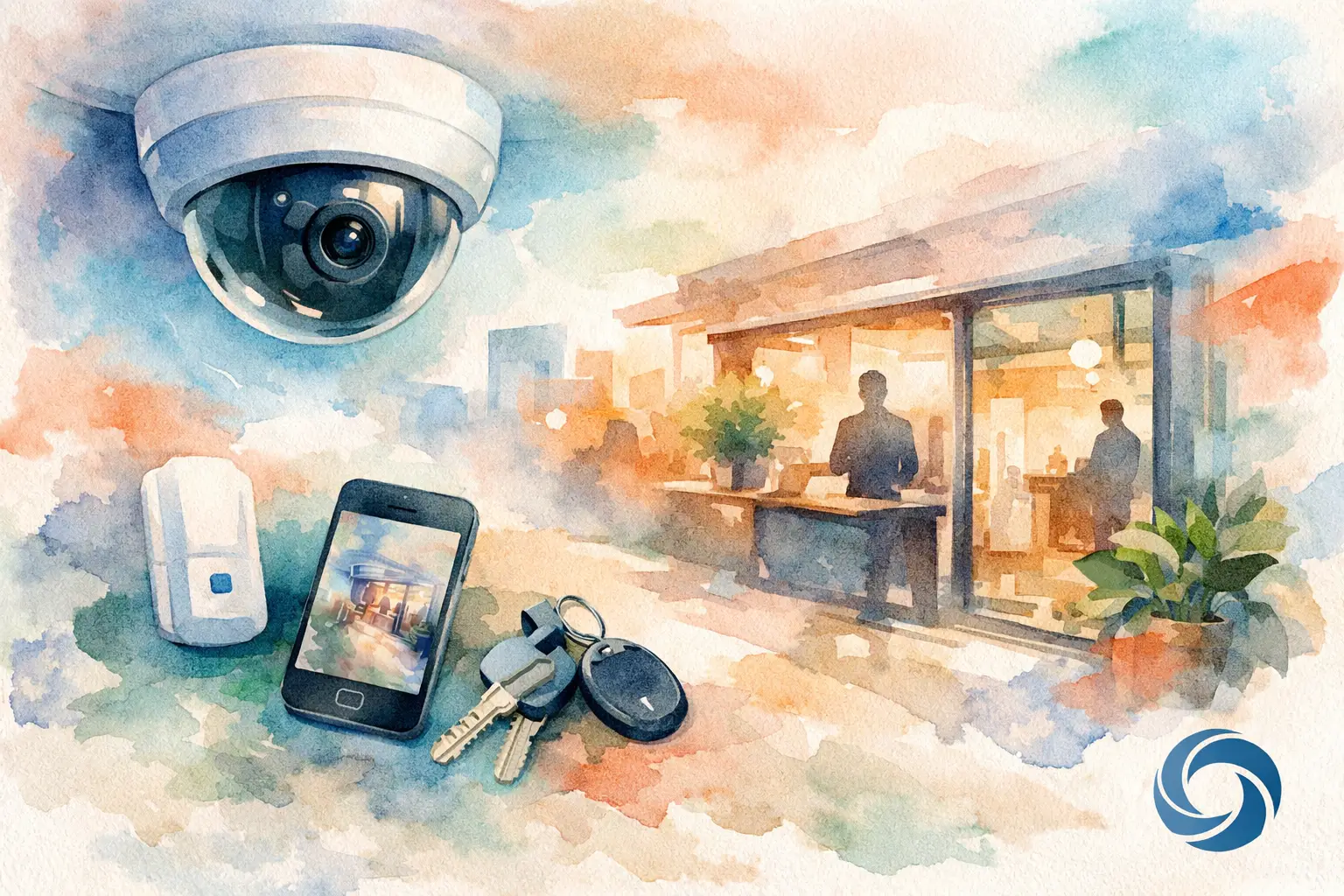
A camera mounted above the front door is not a complete security plan. It may capture who arrives, but it can miss the side entrance, loading area, register, or the moment a delivery is left in the wrong place. A thoughtful small business surveillance guide starts with the daily reality of your property: where people enter, where valuable items move, and where an incident is most likely to happen.
For a small office, retail store, workshop, restaurant, or professional practice, the goal is not to make the building feel watched. It is to create quiet confidence. The right system gives you a clear view when you need one, keeps reliable records when you are away, and stays simple enough that your team can use it without frustration.
Start With the Questions Cameras Should Answer
Before choosing camera models or storage plans, walk through the space as if you were reviewing an incident after it happened. What would you need to see clearly? A wide view of a lobby may confirm that someone entered, while a closer view at the point of sale may be needed to identify a face or verify a transaction.
Most businesses need coverage around primary entrances and exits, parking areas, reception or checkout zones, delivery locations, and any room where inventory, equipment, or sensitive materials are stored. The correct plan depends on the operation. A boutique may prioritize sales-floor visibility and rear deliveries. A contractor’s shop may need better views of equipment storage and vehicle areas. An office may focus on exterior doors, reception, and after-hours activity.
Think about normal movement as well as unusual activity. Cameras should help you confirm that a package arrived, see when a service provider came through, or check whether the building was secured at closing. Those everyday uses often provide as much value as the footage from a rare security event.
Small Business Surveillance Guide: Coverage Before Hardware
A common mistake is buying a few cameras first and deciding where they belong later. That approach can leave blind spots, awkward viewing angles, and cameras that record plenty of background but very little useful detail. Coverage planning should come before hardware selection.
A professional site review considers camera height, field of view, lighting conditions, building materials, cable routes, and the distance between the camera and the subject you want to identify. A camera aimed toward bright afternoon sun, for example, may need different placement or stronger low-light capability than one installed under a covered entrance.
Exterior cameras need to handle Ohio weather, including rain, snow, wind, and changing temperatures. They also need a stable mounting location that does not shake when doors close or vehicles pass. Indoors, the challenge is often visual balance. A well-placed camera can cover a useful area without dominating the ceiling or creating unnecessary clutter.
It also helps to distinguish between overview and detail. An overview camera shows the full room or parking area. A detail camera is positioned to capture a face, transaction point, doorway, or equipment area more closely. One type does not replace the other. A practical design may use both where it matters most.
Choose Recording That Fits Your Business
Clear video only helps if it is available when you need it. Recording strategy is one of the most important decisions in a surveillance system, and it should be based on your actual needs rather than the largest storage number on a product box.
Continuous recording creates a complete timeline, which can be useful in active areas such as a storefront, reception desk, or exterior entrance. Motion-based recording saves storage space and makes it easier to find activity, but it must be configured carefully. Poor motion settings can create a flood of alerts from passing cars, weather, shadows, or nearby foot traffic. Settings that are too restrictive can miss the event you needed to capture.
Retention time matters too. Ask how long footage should remain available before it is overwritten. For some businesses, a few weeks is sufficient. Others may need longer retention because incidents are not always discovered immediately. The right answer depends on camera count, recording resolution, activity levels, and storage capacity.
Local recording equipment can provide dependable on-site storage and fast playback. Cloud recording can add convenience, off-site protection, or easier remote access, but it may involve ongoing fees and depends on available internet bandwidth. Many owners benefit from a design that balances reliable local recording with the remote features they genuinely plan to use.
Do Not Let Wi-Fi Decide Your Security System
Wireless cameras can be useful in the right location, especially when running cable is impractical. But a business surveillance system should not rely on weak or crowded Wi-Fi simply because wireless installation appears easier. Dropped connections, limited coverage, and competing network traffic can affect video quality and reliability.
Whenever possible, cameras should be connected through structured low-voltage wiring. A wired connection provides consistent communication and can often deliver power through the same cable, reducing the need for nearby outlets and exposed power supplies. The result is cleaner installation and fewer points of failure.
A strong network still matters. Cameras create ongoing traffic, especially with higher-resolution video and multiple live views. If your business already struggles with slow Wi-Fi, unreliable video calls, or dead spots, adding cameras without evaluating the network can make the problem worse. A properly planned system considers camera traffic alongside staff devices, customer Wi-Fi, point-of-sale equipment, and other connected tools.
Make Remote Viewing Useful, Not Overwhelming
Being able to check your business from a phone is valuable when it is simple and secure. You may want to verify that the doors were closed after hours, see whether a delivery arrived, or review a notification after an alarm or unusual activity. You should not have to sort through dozens of meaningless alerts to find the one that matters.
Set notifications around meaningful events and locations. An alert for movement at the rear door after closing may be useful. An alert every time a car passes the front window during business hours probably is not. The best settings reflect your schedule, your property layout, and the type of activity that should prompt a closer look.
It is also wise to decide who needs viewing access. Owners, managers, and designated staff may each need different levels of visibility. Keep account credentials protected, use strong passwords, and update permissions whenever staffing changes. Convenience should never come at the expense of basic account security.
Respect Privacy and Set Clear Expectations
Surveillance should support a safe, well-run workplace, not create confusion for employees or visitors. Camera placement should be appropriate to the setting and consistent with privacy expectations. Avoid private areas such as restrooms, changing rooms, and other spaces where people reasonably expect privacy.
Audio recording deserves special care because laws and consent requirements can vary. Before using audio features, speak with qualified legal counsel about the rules that apply to your business and location. Visible notice may also be appropriate depending on how your system is used.
For employees, clear communication is usually better than uncertainty. Explain the purpose of the system, who can access footage, and how recordings may be used. When cameras are part of a sensible safety and operations plan, they are easier for everyone to understand.
Plan for the System You Will Need Later
Small businesses change. A second entrance may open, parking may expand, inventory may move, or a renovation may reshape the floor plan. Choosing a system with room to grow can prevent a costly replacement later.
That does not mean overbuilding from day one. It means selecting recording equipment, network capacity, and cable pathways that can support sensible additions. During a new build or renovation, installing low-voltage wiring before walls are closed is especially valuable. It keeps the finished space cleaner and gives future upgrades a straightforward path.
For existing buildings, thoughtful retrofit work can still produce an elegant result. The goal is to place equipment and wiring with care, protect the building’s appearance, and leave the owner with a system that feels dependable rather than complicated.
Professional Design Brings the Pieces Together
Camera features matter, but they are only one part of the outcome. A high-quality camera in the wrong location can be less useful than a modest camera installed with the right angle, lighting, network connection, and recording settings. Professional installation brings those decisions together into a system that works as one.
Tri-County Technology helps Northeast Ohio small businesses design surveillance systems around the way their properties actually operate. That may mean a focused camera plan for a small office, dependable exterior coverage for a service business, or a broader design that supports a new commercial space from the start.
The best surveillance system is not the one with the longest feature list. It is the one that gives you a clear answer when you need it, stays out of the way when you do not, and lets you leave for the day with a little more peace of mind.


Comments are closed