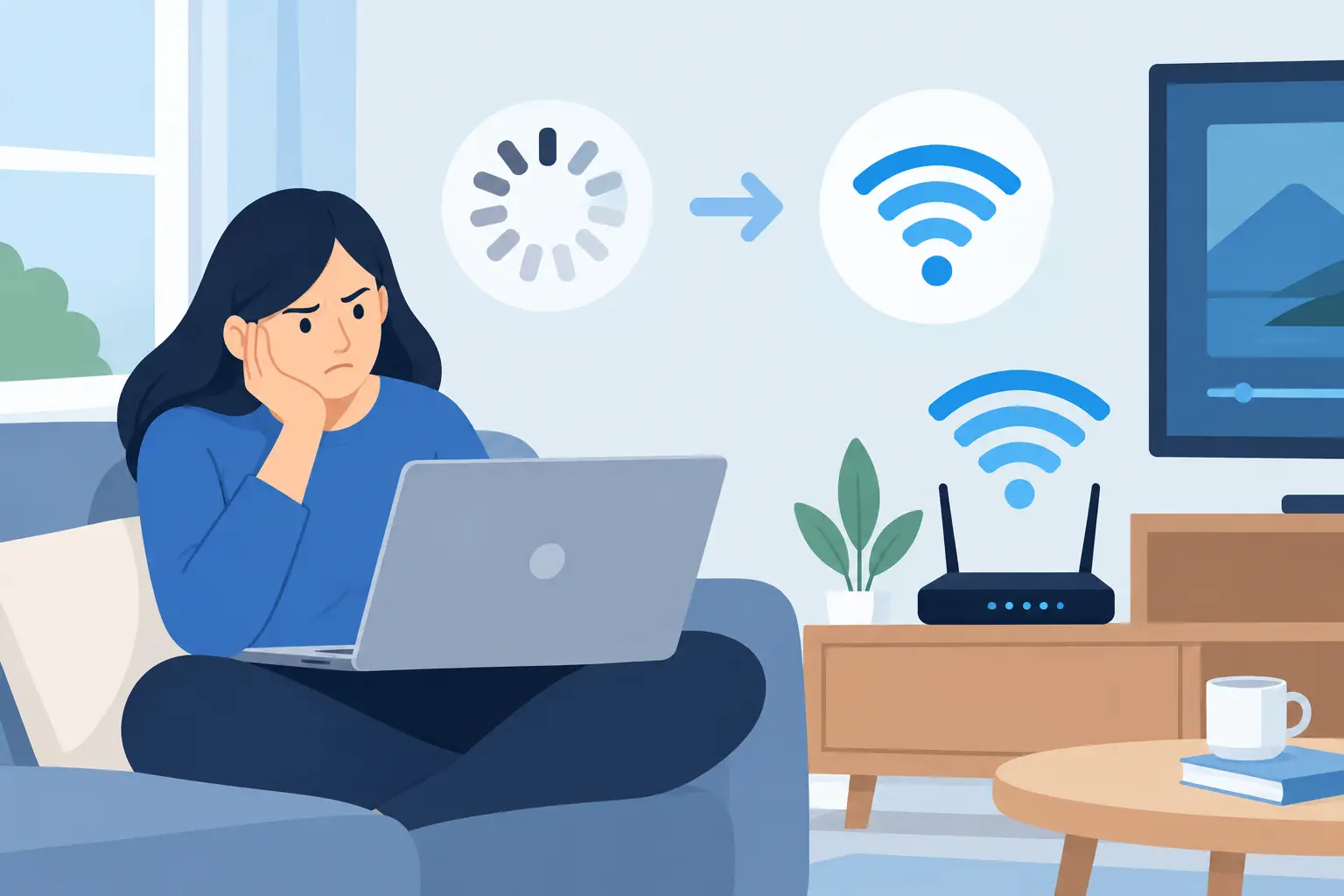
A movie pauses just as the story gets good. A video call freezes while someone is speaking. Music cuts out when another person starts a game upstairs. If you have asked why WiFi buffers, the answer is rarely as simple as “the internet is slow.” Buffering can begin with your internet service, but it can also come from how WiFi moves through your home, where equipment is placed, or how many connected devices are competing at once.
The good news is that most buffering problems can be identified and improved. A well-designed home network should fade into the background, supporting streaming, work, entertainment, and everyday routines without asking for constant attention.
What Buffering Actually Means
Buffering is a short waiting period while a device receives enough data to keep playing a video, song, or live stream. Streaming services download a small amount of content ahead of what you are watching. That stored content is the buffer.
When data arrives steadily, you never notice it. When the connection cannot deliver data quickly or consistently enough, the stored content runs out. The app pauses playback to catch up.
This distinction matters because speed is only one part of the experience. A home can have a fast internet plan and still deal with interruptions if the WiFi signal is weak, unstable, crowded, or poorly distributed. A connection that briefly drops, delays data, or loses packets can disrupt live video even if a speed test looks impressive.
Why WiFi Buffers in Certain Rooms
WiFi is radio communication, not a wire running directly to every device. Its signal has to travel through open air and around the materials that make up your home. Distance is part of the equation, but walls, floors, cabinets, appliances, and plumbing can matter just as much.
Dense materials such as brick, concrete, tile, plaster, and metal can weaken or block a wireless signal. Even a large television, fireplace, or kitchen appliances positioned between a router and a device may affect performance. A router that works well in the living room may not provide dependable coverage in a bedroom over the garage, a finished basement, or an outdoor entertaining area.
The 5 GHz and 6 GHz WiFi bands can offer higher capacity and speed at close range, but their signals generally do not travel as far through obstacles as 2.4 GHz. That does not make one band universally better. The right choice depends on where devices are located, what they need to do, and how the network has been designed.
The Router May Be in the Wrong Place
Many homes place the router where the cable or fiber provider installed service, often in a basement, utility closet, corner office, or behind furniture. That location may be convenient for the incoming line, but it is seldom ideal for broadcasting WiFi throughout the house.
A router enclosed in a cabinet, placed low to the floor, or surrounded by electronics has to work harder to reach the rest of the home. Moving it to a more central, open location can help in some homes. In larger homes or homes with challenging construction, one centrally placed router may still be the wrong solution.
Your Device May Be Hanging Onto a Weak Signal
Phones, tablets, streaming players, and laptops decide when to switch between WiFi access points. Sometimes they hold on to a distant signal longer than they should. The device appears connected, but performance is poor because it is communicating with an access point across too much distance or too many walls.
This is common in homes with basic range extenders. Extenders can be useful in a limited situation, but they often repeat an already weakened signal. Depending on placement and setup, they may also reduce available capacity for the devices using them.
Internet Speed Is Not the Whole Story
Your internet plan sets the maximum amount of data entering and leaving the home. If the plan does not provide enough bandwidth for your household’s real activity, buffering is more likely during busy periods.
A single high-definition stream may not need much bandwidth on its own. Add several televisions, video meetings, cloud backups, game downloads, smart devices, and phones scrolling video, and demand rises quickly. Ultra-high-definition streaming needs more capacity, especially when several people are watching at once.
Still, a higher-speed plan does not automatically solve every problem. It cannot fix weak coverage on the far side of the home. It also cannot correct an overloaded router or an aging streaming device. Think of internet service as the supply coming into the house and WiFi as the distribution system inside it. Both need to support the way the home is used.
Latency, Jitter, and Packet Loss Can Interrupt Playback
Download speed measures how much data can move in a given amount of time. It does not fully capture consistency. Latency is the delay between a request and response. Jitter is how much that delay changes from moment to moment. Packet loss occurs when small pieces of data do not arrive as expected.
These issues are especially noticeable on video calls, live sports, online gaming, and live television. A movie app can often hide small delays by downloading ahead. A live conversation has much less room to wait.
If buffering happens at the same time every evening, the issue may be heavy use in the household or congestion with the internet provider. If it affects only one room, one device, or one television, the cause is more likely inside the home.
Other Networks and Everyday Electronics Create Interference
WiFi shares radio space with neighboring networks and certain household equipment. In close neighborhoods, apartments, and dense developments, dozens of nearby networks may be using similar channels. That does not mean your network is broken, but crowded airwaves can reduce performance.
Microwaves, Bluetooth devices, baby monitors, cordless equipment, and older wireless products can also affect the 2.4 GHz band. Modern network equipment can select channels and bands more intelligently than older hardware, but automatic settings are not always enough for every floor plan.
A professional evaluation looks beyond the advertised speed of a router. It considers signal levels, channel use, interference, device behavior, construction materials, and the locations where people actually use technology.
Start With a Simple Buffering Check
Before replacing equipment, look for patterns. Try streaming close to the router and then in the room where buffering happens. If performance is good nearby but poor farther away, coverage is the likely issue. If every device struggles everywhere, test the connection directly at the main network equipment if possible. That can help separate an internet-service problem from a WiFi problem.
Also consider whether the problem is limited to one app or device. Restarting a streaming player, television, modem, and router can clear a temporary issue. Updating the device and its apps may help as well. But if the same interruptions return regularly, repeated restarts are a workaround, not a solution.
Pay attention to timing. Does buffering start when children arrive home, when a work computer begins backing up files, or when multiple televisions are active? That pattern provides useful clues about capacity and network management.
Practical Fixes That Make a Real Difference
For a small home with a single trouble spot, repositioning the router or upgrading outdated equipment may be enough. Place wireless equipment in an open area rather than inside a cabinet or behind a television. Keep it away from large metal objects and avoid placing it at one extreme end of the house when possible.
For larger homes, additions, finished basements, detached spaces, or homes built with dense materials, a multi-access-point WiFi system is often the better answer. Properly placed access points create consistent coverage where it is needed instead of trying to force one router to serve every corner.
Whenever practical, fixed devices with high data needs benefit from a wired connection. Televisions, streaming equipment, desktop computers, and game consoles can perform more consistently when connected with structured wiring. Wired connections also free up WiFi capacity for mobile devices that truly need it.
Network settings matter, too. Quality network equipment can prioritize time-sensitive traffic, manage connected devices more effectively, and move capable devices to less crowded bands. These adjustments should support the household rather than add another complicated system to manage.
When Professional WiFi Design Is Worth It
A professionally designed network is particularly valuable during new construction and renovation, when wiring and access-point locations can be planned before walls are closed. It is also useful in existing homes where adding one more extender has not fixed the problem.
The goal is not to fill the house with visible hardware. It is to create dependable coverage, clean installation, and capacity that matches the way people live. That may include wired backhaul connections between access points, thoughtfully placed equipment, and a network sized for current use with room for future devices.
For homeowners and builders in Northeast Ohio, Tri-County Technology can evaluate underperforming WiFi and design connectivity that supports the home instead of interrupting it. The right approach is based on the floor plan, construction, device load, and daily habits, not a one-size-fits-all box from a store shelf.
Buffering is frustrating because it interrupts the moments technology is supposed to support. A clear diagnosis and a thoughtful network plan can make those pauses far less likely, leaving your home ready for the way you actually use it.


No responses yet