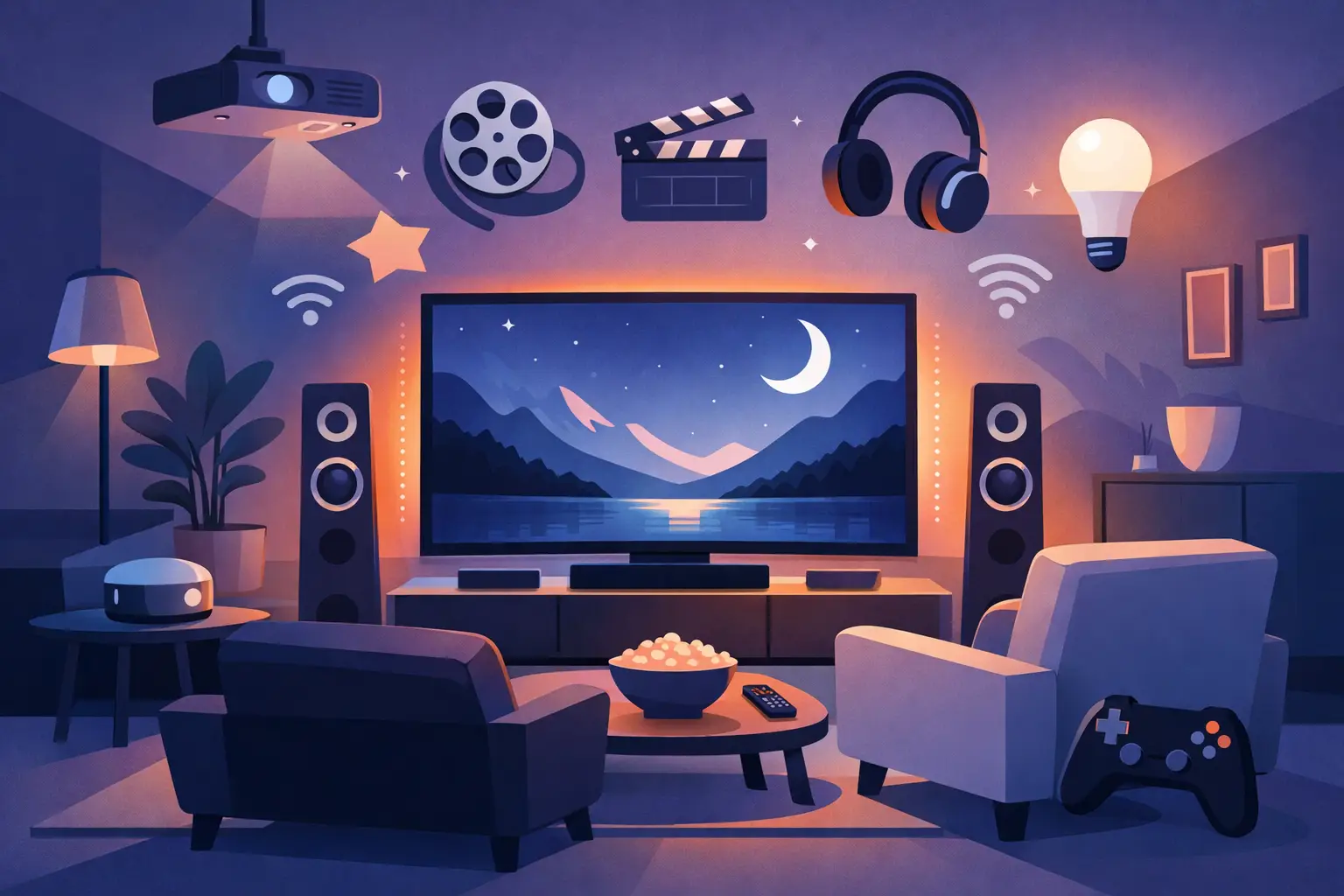
A media room should not require a stack of remotes, a volume battle with the rest of the house, or furniture arranged around equipment. The best media room upgrades make the room easier to use while improving the moments people actually remember: a family movie night, a big game, a weekend of gaming, or quiet streaming after the house settles down.
For many homeowners, the right investment is not simply a larger TV or louder speakers. It is a thoughtfully designed system where the display, sound, lighting, network, controls, and room layout work together. That approach creates a polished entertainment space without adding daily complexity.
Best Media Room Upgrades Begin With the Picture
A display is the visual center of the room, but choosing one starts with how the space is used. A large television is often the practical choice for rooms with windows, casual daytime viewing, and flexible furniture layouts. Modern TVs provide excellent brightness, strong color, and straightforward operation in a compact package.
A projector and screen can create a more cinematic scale, especially in a dedicated room where lighting can be controlled. The trade-off is that projector placement, screen selection, wiring, and room light all matter more. A projector that looks impressive in a dark showroom may struggle in a bright, open basement or multipurpose living area.
Screen size should suit the viewing distance instead of simply filling the largest wall. An oversized display can make close seating uncomfortable, while a screen that is too small leaves the room feeling underwhelming. Professional planning accounts for seating locations, wall dimensions, window light, ceiling height, and the equipment that must be placed out of sight.
The installation matters just as much as the display. A clean wall mount, properly positioned connections, and concealed cabling protect the room from visual clutter. For a projector, a carefully aligned mount and preplanned wiring keep the ceiling tidy and make future service far less disruptive.
Upgrade Sound Before Chasing More Volume
Poor audio is one of the fastest ways to make a high-quality picture feel disappointing. Built-in TV speakers are fine for background news, but they rarely deliver clear dialogue, convincing effects, or the warmth that makes music enjoyable. A properly designed sound system brings voices forward, gives action scenes appropriate impact, and makes low-volume viewing much more satisfying.
The best option depends on the room and the homeowner’s expectations. A soundbar can be a worthwhile improvement in a compact room or a simple TV setup. In a dedicated media room, separate speakers and a surround sound design usually offer a more immersive result. The goal is not to make every scene loud. It is to create balanced, detailed sound at comfortable levels.
Speaker placement deserves careful attention. Speakers tucked into corners, blocked by furniture, or installed without considering seating positions can leave some listeners with clear sound and others with a muddy mix. Acoustic treatments may also help in rooms with hard floors, large windows, or exposed walls that create noticeable echo. They do not have to make a room look like a recording studio. Well-chosen panels, rugs, drapery, and furnishings can improve comfort while supporting the room’s design.
Keep Equipment Out of the Room When Possible
A receiver, streaming devices, game consoles, and other components do not need to dominate the front of the room. Centralizing equipment in a nearby cabinet or dedicated equipment location keeps the media room clean and reduces fan noise. It also makes cable management, upgrades, and troubleshooting more manageable.
This requires thoughtful low-voltage wiring. Running the right cables during a renovation or new build is significantly easier than opening finished walls later. Even in an existing home, there are often clean retrofit paths that preserve the appearance of the space.
Make Control Feel Simple, Not Technical
A sophisticated media room can still be easy for every member of the household to use. One well-programmed remote, a wall keypad, or a tablet interface can handle the common actions: turn on the room, choose a source, adjust volume, and set the lights for viewing. The experience should feel natural enough that guests do not need an explanation before they can watch something.
This is where integrated design provides real value. Rather than asking people to switch inputs on one device, wake another device, choose the correct audio setting, and find a separate lighting control, the room can be configured around a few familiar choices. Pressing “Movie” might turn on the display, select the streaming source, set the sound system, and lower the lights to a comfortable level.
Automation should support daily routines rather than create unnecessary features. Some households want a single-button experience. Others prefer more manual control for gaming, sports, or different family members. A good system is designed around those preferences, with clear controls and dependable performance.
Improve Lighting and Window Treatments
Media rooms need flexible light, not darkness all day. Bright light is useful for cleaning, conversation, and children playing in the room. During a movie, however, glare on a TV or washed-out projector images can ruin the experience. Dimmable lighting and motorized window treatments give the room a practical answer to both needs.
Layered lighting works especially well. Recessed fixtures can provide general illumination, while wall sconces, step lights, or accent lighting add atmosphere without reflecting directly on the screen. With properly selected dimmers and scenes, the transition from everyday room to viewing room feels calm and intentional.
Motorized shades are particularly useful in media spaces with large windows or changing afternoon sun. They can reduce glare at the touch of a button and help maintain a consistent picture throughout the day. The right fabric and opacity depend on whether the room is built around a television, a projector, or both.
Do Not Overlook Wi-Fi and Wired Connectivity
Streaming quality, gaming responsiveness, and smart controls all rely on the home network. When a video pauses, a game lags, or a control device loses connection, the entire room feels less dependable. A media room upgrade is an ideal time to evaluate Wi-Fi coverage and wired network options.
Whenever possible, fixed devices such as TVs, streaming players, receivers, and game consoles benefit from wired connections. Wired networking provides consistency and frees wireless capacity for phones, tablets, and mobile devices. Strong Wi-Fi still matters, particularly for portable controls and casual use, but a well-planned network prevents the entertainment room from competing with the rest of the household for bandwidth.
For larger homes and new construction, structured wiring creates a better foundation for both current equipment and future changes. It gives installers sensible paths for data, audio, video, and control connections, rather than leaving expensive equipment dependent on temporary cords and improvised adapters.
Choose Seating and Layout With Real Use in Mind
The room layout influences comfort as much as any electronic component. Start with the primary viewing seats, then plan the display height, speaker locations, and pathways around them. A screen mounted too high can cause neck strain over a long movie. Seating pushed too close together may make it hard to enter and exit without disrupting everyone else.
Recliners, sectionals, and theater-style seating all have a place, but the right choice depends on the room. Theater seats offer individual comfort and a more dedicated feel. A sectional may better suit a family room that also hosts conversation and everyday lounging. Leave enough space for footrests, side tables, and walkways before committing to a layout.
Storage is also useful. A discreet cabinet for controllers, blankets, headphones, and game accessories helps the room stay ready without looking staged. Small details like charging locations and cup holders can make the space more enjoyable, provided they do not interfere with speaker placement or seating sightlines.
Plan for the Room You Will Use Five Years From Now
Technology changes, but a well-designed media room should not need to be rebuilt every time a source device is replaced. Choosing accessible equipment locations, quality cabling, flexible conduit paths, and an organized rack or cabinet makes future updates easier. It also helps technicians diagnose an issue without disturbing the finished room.
Not every upgrade needs to happen at once. A homeowner may begin with better sound and lighting, then add motorized shades or a projector later. The key is creating a plan that allows the system to grow without forcing costly rework. For builders and remodelers, coordinating the media room early with a qualified integrator helps avoid missed wiring opportunities and last-minute compromises.
The best media room is the one people use without thinking about the technology behind it. Start with the frustrations you experience now – glare, unclear dialogue, tangled cords, unreliable streaming, or too many remotes – and build a room that quietly removes them. That is how a good viewing space becomes a favorite part of the home.


Comments are closed