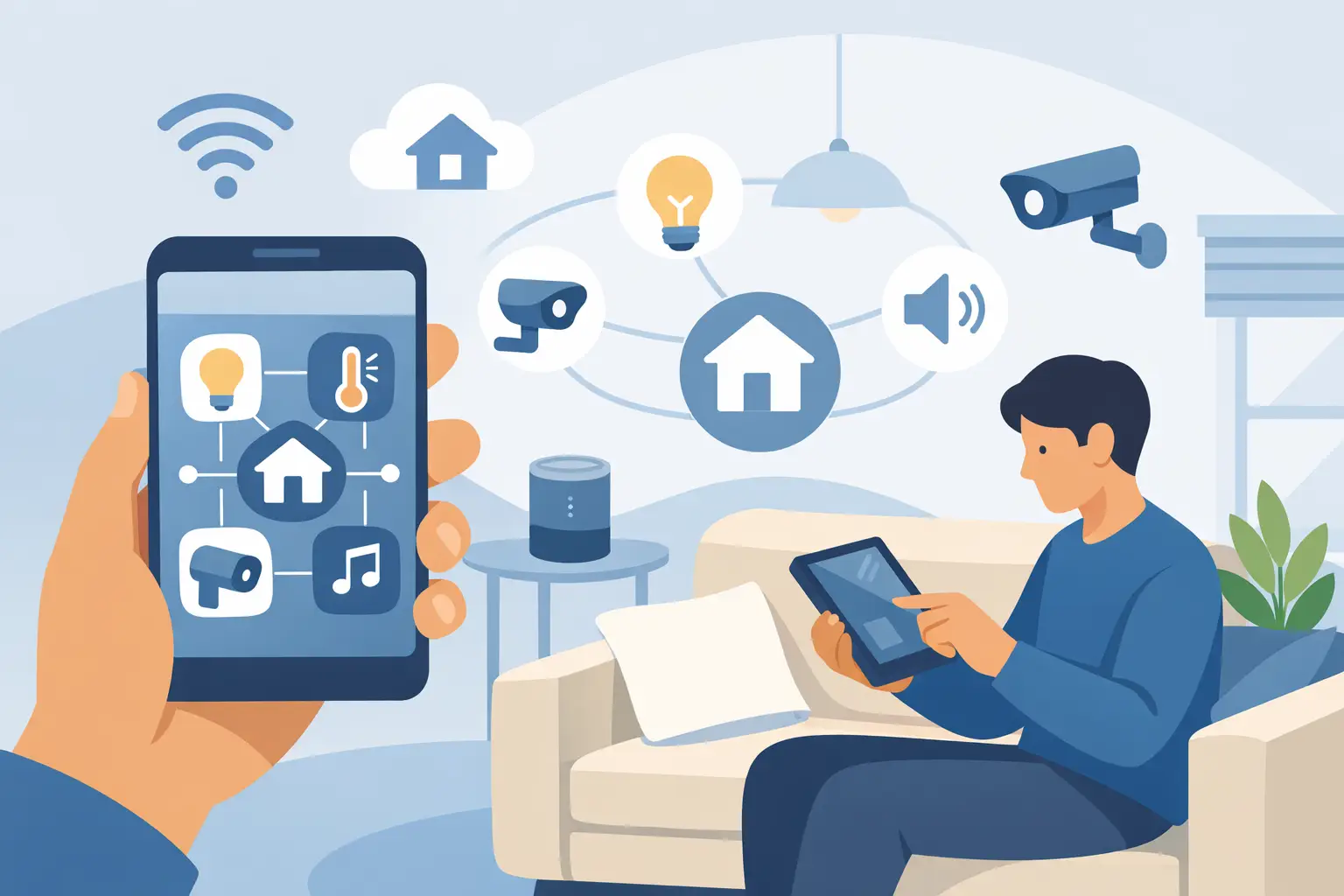
A smart home should not require a tour of six apps, a stack of remotes, and a family group chat to figure out why the lights did not respond. The real answer to how to simplify smart home controls is not adding more gadgets. It is choosing a clear control plan that matches the way your household actually lives.
For most homeowners, the goal is simple: walk into a room, enjoy the right light, temperature, entertainment, and shade settings, then move on with your day. The technology should feel predictable and easy to use whether you are holding a phone, using a wall keypad, or simply following a routine that happens automatically.
Start With One Primary Way to Control the Home
The fastest way to create confusion is to give every device its own app and expect everyone to remember which one does what. A better approach is to select one primary control experience for the home, then make other options support it.
That primary experience might be a professionally designed touchscreen, a familiar wall control, or a single app that brings major systems together. The best choice depends on the home and the people using it. A homeowner who prefers physical buttons should not be forced to rely on a phone. A busy family may appreciate simple room-based controls, while a frequent traveler may place more value on dependable remote access.
The point is not to eliminate every app. Some manufacturer apps remain useful for settings and occasional maintenance. The point is to avoid making those apps part of the daily routine.
Keep everyday actions consistent
Controls should work the same way from room to room whenever possible. If the top button turns lights on in the kitchen, it should not start music in the family room. If a button labeled “Goodnight” lowers shades and adjusts the home for the evening, it should create a consistent result every time.
Clear labels matter, too. “Kitchen,” “Movie,” and “Goodnight” are more useful than labels that require someone to remember a custom icon or technical name. A well-designed system reduces decisions instead of adding them.
How to Simplify Smart Home Controls With Routines
Individual device control is helpful, but routines are where a connected home begins to feel calm and useful. A routine combines several actions around a moment that happens often: arriving home, starting the morning, watching a movie, or settling in for the night.
Think about the moments that repeat in your household. In the morning, you may want shades to rise, selected lights to come on softly, and music to play in the kitchen. For a movie, the room may need lights dimmed, shades lowered, and the TV and sound system ready without hunting for inputs. At night, you may want downstairs lights off, common-area shades adjusted, and climate settings changed for sleep.
These are not flashy demonstrations. They are small improvements that remove friction from routines you already have.
Do not automate every possible action
More automation is not always better. A home that changes settings unexpectedly can feel less comfortable than one with a few dependable routines. For example, automatic shade changes may be welcome in rooms with strong afternoon sun but frustrating in a home office where a resident wants more control over daylight.
Start with the routines that have a clear purpose. Let the household use them for a few weeks, then make adjustments. The best systems are refined around real behavior, not programmed once and left untouched.
Put Controls Where Decisions Happen
A wall control beside the bed can be more useful than a phone left charging in the kitchen. A simple control near the main living area can prevent the familiar search for remotes when it is time to watch something. Location is one of the most overlooked parts of smart home design.
When planning control points, consider where people naturally make decisions. Near entryways, homeowners often want a quick way to set lighting for arrival or departure. By the bedside, they may want to turn off selected lights and adjust shades without getting up. In a media room, the controls should be close to the seating area and easy for guests to understand.
Physical controls also give every member of the household a dependable option. Guests, children, and relatives do not need account access or an explanation of the app. They can use a clearly labeled button and move on.
Reduce Remote and App Clutter
Entertainment systems are a common source of control overload. A TV, streaming device, sound system, cable box, and projector can quickly create a coffee table full of remotes. If each component has to be turned on and selected in the correct order, even a high-quality system can feel difficult to use.
A unified entertainment control can turn a multi-step process into one action. Select “Watch TV,” for example, and the correct equipment powers on, the display selects the right input, and audio is ready at a comfortable level. The result is less about advanced technology and more about enjoying a show without troubleshooting before it begins.
The same principle applies to whole-home audio. Rather than opening separate apps for different rooms, choose an interface that makes it easy to select a room, choose music, and adjust volume. If the system is too complicated for someone to use without help, it is not truly serving the home.
Build the Foundation Before Adding More Devices
Many control problems are actually connectivity problems. When Wi-Fi coverage is inconsistent, devices may appear offline, commands may be delayed, and automations may fail at the exact moment they are needed. Adding another app or smart speaker will not fix an unreliable network.
A well-planned Wi-Fi and structured wiring foundation makes the rest of the system more dependable. It provides stronger coverage where people use devices, supports streaming and video calls, and creates a stable connection for smart home equipment throughout the property.
This matters especially in larger homes, older homes with challenging construction, and new builds where wiring decisions can be made before walls are closed. Planning early can also keep equipment out of sight, reducing visible clutter while making future upgrades easier.
Favor compatible equipment over isolated features
A low-cost device may look appealing when viewed on its own, but it can create a long-term headache if it only works through a separate app or does not communicate well with the rest of the home. Compatibility should be part of the buying decision from the start.
That does not mean every product must come from one manufacturer. It means devices should be selected as parts of a complete system, with a clear plan for how they will be controlled, supported, and updated over time.
Design for Everyone Who Uses the Space
The right smart home setup is not defined by the person who enjoys technology most. It should work for the person who wants to press one button and be done. That means designing around comfort, habits, and clear expectations.
Before choosing controls, ask practical questions. Who uses each room? Are there children, guests, or aging family members who need straightforward physical controls? Does the household prefer hands-free commands, or would that be distracting? Is remote access useful for travel, second homes, or checking on a property?
There is no single answer for every home. A compact condo may need only a few well-chosen routines and strong Wi-Fi. A larger custom home may benefit from room-by-room controls, integrated entertainment, motorized window treatments, and a carefully planned equipment location. In both cases, simplicity comes from intentional design, not from the number of connected devices.
Plan for Support and Small Adjustments
A connected home is not a set-it-and-forget-it purchase. Families change routines, streaming services change, and equipment occasionally needs an update. The difference between a frustrating system and an easy one is often having a clear path for support.
Professional installation helps avoid the common problems that come from piecing together equipment over time: inconsistent naming, crowded Wi-Fi, hidden compatibility issues, and controls that make sense only to the person who installed them. It also gives homeowners a knowledgeable partner when they want to refine a routine, add a room, or resolve an issue.
For homeowners building or renovating in Northeast Ohio, Tri-County Technology can help turn separate technologies into a practical system that feels natural from day one. The goal is not to make the home feel more technical. It is to make everyday moments easier, quieter, and more comfortable.
A simple smart home is one you stop thinking about. When lighting, entertainment, shades, connectivity, and comfort settings respond the way you expect, the technology has done its job and left more room for living.


Comments are closed